Collecting feedback is the backbone of smarter decisions—whether you’re refining a product, improving customer experience, or measuring employee satisfaction. Today’s online survey tools make it incredibly easy to design, distribute, and analyze surveys without needing technical expertise. With intuitive builders, powerful analytics, and seamless integrations, businesses of all sizes can turn opinions into actionable insights.
TL;DR: Online survey tools simplify feedback collection with ready-made templates, automation, and real-time analytics. Platforms like Google Forms, SurveyMonkey, Typeform, Microsoft Forms, Jotform, and Zoho Survey each offer unique advantages depending on your needs. Whether you prioritize customization, integration, affordability, or user engagement, there’s a tool tailored for you. Choosing the right platform can significantly improve response rates and data accuracy.
Below, we explore six powerful online survey tools that make collecting feedback simple, efficient, and impactful.
1. Google Forms
Best for: Simplicity and collaboration

Google Forms is one of the most accessible survey tools available. Completely free and integrated into the Google ecosystem, it’s a favorite for educators, startups, and small teams.
Key features:
- Drag-and-drop question builder
- Real-time collaboration
- Automatic response collection in Google Sheets
- Multiple question types (MCQ, short answer, dropdowns, scales)
- Basic charts and visual summaries
Why it stands out: Anyone with a Google account can use it immediately—no steep learning curve. It also allows multiple team members to edit simultaneously, making it ideal for collaborative projects.
Limitations: Customization and advanced analytics are limited compared to premium tools. Branding options are minimal.
If you’re looking for a no-cost, reliable way to gather feedback quickly, Google Forms remains a top choice.
2. SurveyMonkey
Best for: Advanced survey logic and analytics
SurveyMonkey is one of the most recognizable names in the survey space. Designed for both small businesses and enterprises, it offers a wide range of professional-grade features.
Key features:
- Advanced skip logic and branching
- Custom branding
- Pre-built survey templates
- Detailed analytics dashboard
- Integration with tools like Slack and Salesforce
Why it stands out: Its sophisticated logic options allow you to create dynamic surveys that adapt based on user responses—boosting engagement and improving data quality.
Limitations: The free version is limited in responses and features. Premium plans can be costly for individuals.
For organizations that need in-depth insights and scalable survey infrastructure, SurveyMonkey is a powerful solution.
3. Typeform
Best for: Conversational and visually engaging surveys
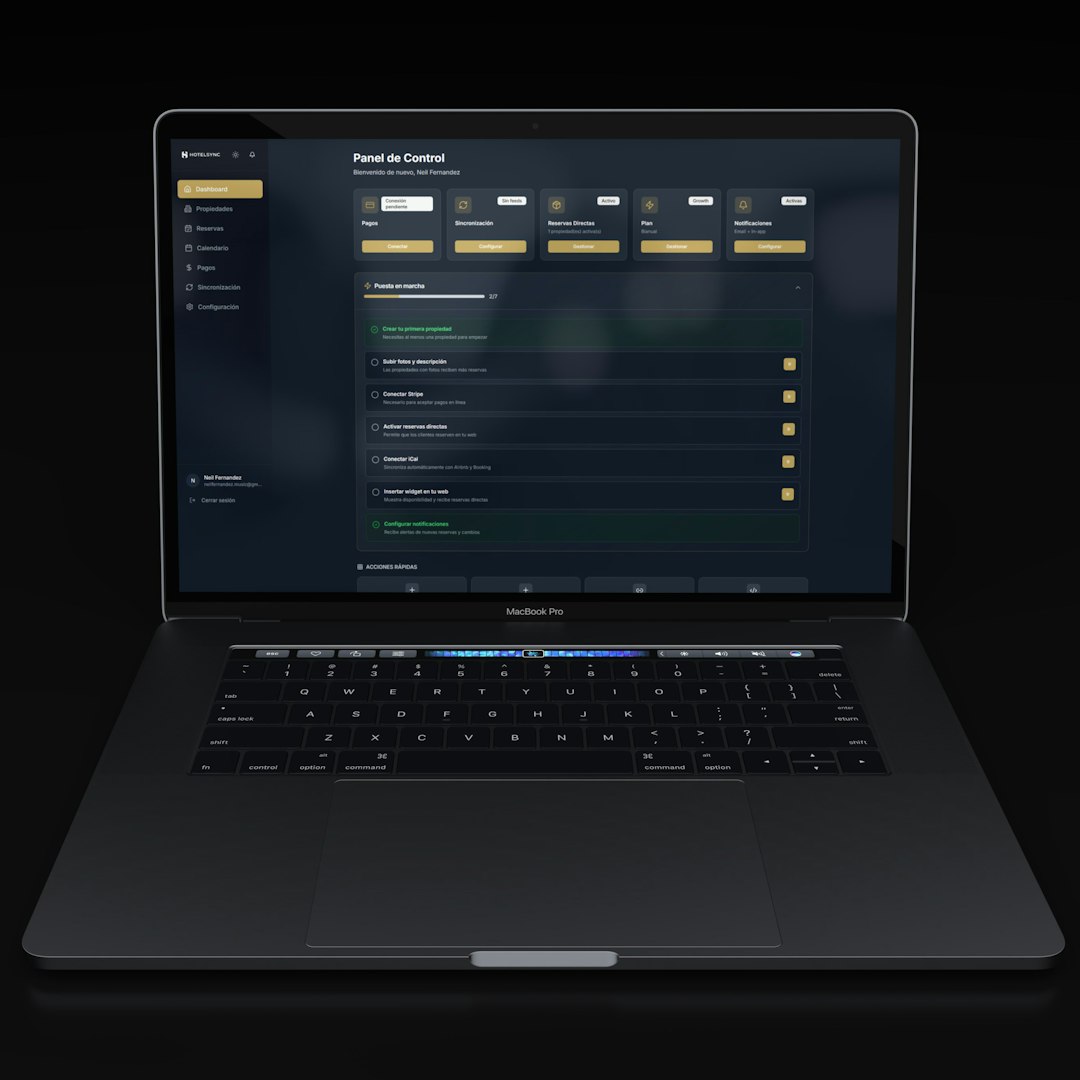
If user experience is your top priority, Typeform shines. Unlike traditional survey layouts, Typeform presents questions one at a time, creating a more conversational flow.
Key features:
- Beautiful, modern survey design
- One-question-at-a-time format
- Custom branding and themes
- Logic jumps and personalization
- Integration with marketing tools and CRMs
Why it stands out: Its sleek design significantly boosts completion rates by making surveys feel less overwhelming.
Limitations: The free version is very limited in responses and features. It may not be ideal for highly complex research-based surveys.
Typeform is ideal for customer feedback, lead generation, and brand-driven experiences.
4. Microsoft Forms
Best for: Microsoft 365 users
Microsoft Forms integrates seamlessly with the Microsoft 365 ecosystem, including Excel, Teams, and SharePoint. It’s particularly popular among corporate environments and educational institutions.
Key features:
- Real-time results tracking
- Automatic Excel exports
- Branching logic
- Collaboration within Teams
- Quiz and grading functionality
Why it stands out: Its tight integration with Microsoft productivity tools makes workflow automation simple.
Limitations: Customization and template variety are somewhat limited compared to competitors.
If your organization already uses Microsoft tools daily, this option ensures a smooth and familiar experience.
5. Jotform
Best for: Customization and versatility
Jotform goes beyond traditional surveys by offering highly customizable form-building capabilities. It supports complex workflows, payment integrations, and extensive app integrations.
Key features:
- Drag-and-drop form editor
- 10,000+ templates
- Conditional logic
- Payment processing integrations
- HIPAA-compliant options (in higher plans)
Why it stands out: It’s incredibly flexible—you can build anything from simple feedback forms to registration systems and order forms.
Limitations: The interface can feel overwhelming due to the number of features available.
Jotform is ideal for businesses that want highly tailored forms beyond standard feedback surveys.
6. Zoho Survey
Best for: CRM integration and affordability
Zoho Survey integrates effortlessly with the broader Zoho suite, making it a natural choice for companies already within the Zoho ecosystem.
Key features:
- Custom themes and branding
- Skip logic and piping
- Multilingual surveys
- Real-time reporting
- Integration with Zoho CRM
Why it stands out: Its seamless CRM integration allows you to link feedback directly to customer profiles.
Limitations: Some advanced analytics features require higher-tier plans.
Zoho Survey offers excellent value for growing businesses seeking deeper customer insights.
Comparison Chart of Online Survey Tools
| Tool | Best For | Free Plan | Customization | Advanced Logic | Integrations |
|---|---|---|---|---|---|
| Google Forms | Simple, free surveys | Yes | Basic | Limited | Google Workspace |
| SurveyMonkey | Enterprise insights | Limited | Moderate | Advanced | Wide range |
| Typeform | Engaging design | Limited | High | Moderate | Marketing tools |
| Microsoft Forms | Microsoft users | Yes | Basic | Moderate | Microsoft 365 |
| Jotform | Highly customized forms | Yes | Very High | Advanced | Extensive |
| Zoho Survey | CRM integration | Yes | High | Advanced | Zoho ecosystem |
How to Choose the Right Survey Tool
When selecting an online survey platform, consider the following:
- Your primary goal: Customer insights, employee engagement, research, or lead generation?
- Budget: Free tools work well for small projects, but advanced analytics may require paid plans.
- Design needs: Do aesthetics and branding matter for your audience?
- Integration requirements: CRM, email marketing, or analytics tools?
- Scale: Small internal survey or enterprise-wide deployment?
The right tool isn’t necessarily the most feature-rich—it’s the one that aligns best with your objectives and workflow.
Final Thoughts
Collecting feedback doesn’t have to be complicated. With modern online survey tools, you can build intuitive surveys in minutes, distribute them across multiple channels, and analyze responses in real time. Whether you need basic data collection or sophisticated research insights, there’s a platform designed to fit your needs.
Ultimately, the effectiveness of your survey depends not only on the tool you choose but also on how you design your questions and act on the insights gained. Choose a platform that simplifies the process, enhances respondent experience, and provides actionable analytics—and you’ll turn feedback into a strategic advantage.