Graphic design is no longer limited to professionals with expensive software and high-powered computers. Today, students and new creators have access to powerful, free tools that make it easy to design posters, social media graphics, presentations, branding materials, and more. Whether working on a class project, building a personal brand, or launching a small creative venture, beginners can achieve impressive results without spending a single dollar.
TLDR: Students and new creators do not need expensive software to produce high-quality designs. Canva, GIMP, and Adobe Express are three powerful free graphic design apps that offer beginner-friendly features, flexibility, and professional results. Canva is ideal for quick layouts and templates, GIMP offers advanced image editing, and Adobe Express balances ease of use with creative control. Each tool serves different needs, making them perfect starting points for aspiring designers.
Below is a closer look at three of the best free graphic design apps available today, along with their strengths, limitations, and ideal use cases.
1. Canva
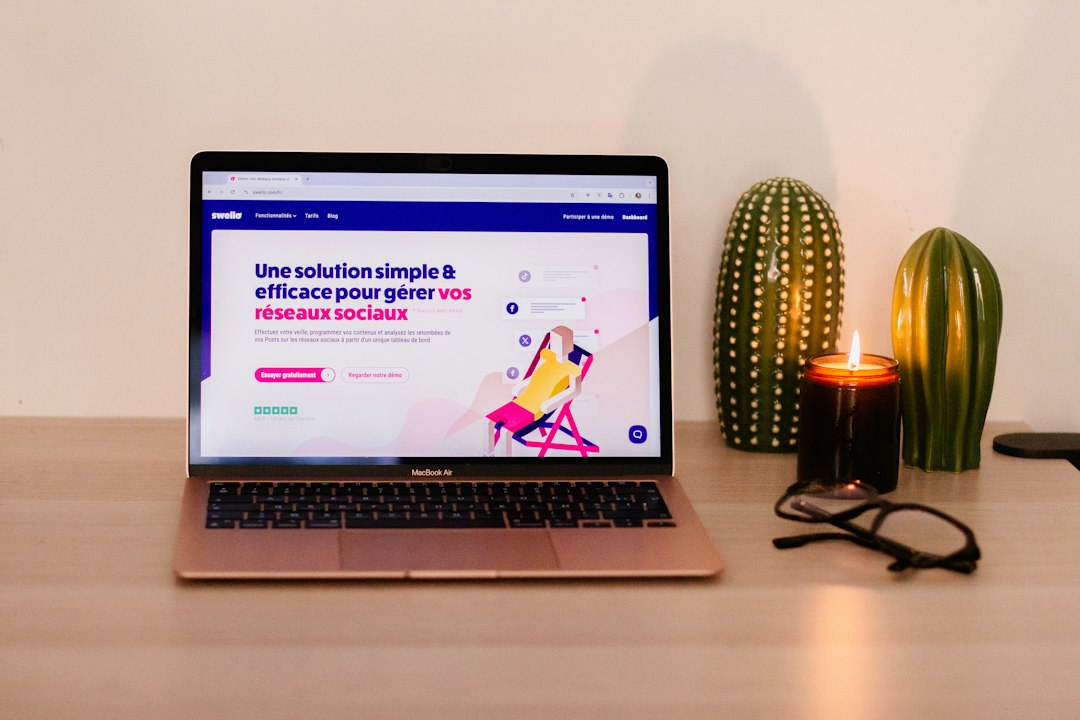
Canva has become one of the most popular graphic design platforms in the world, especially among students and beginners. Its web-based interface allows users to start designing immediately without downloading complex software.
Why Canva Stands Out
- Drag-and-drop simplicity: Users can easily move elements, resize text, and customize layouts.
- Thousands of free templates: Ideal for resumes, presentations, social media posts, posters, and flyers.
- Built-in assets: Access to free photos, illustrations, icons, and fonts.
- Cloud-based: Projects save automatically and are accessible from any device.
Best For
Canva is perfect for:
- Social media graphics
- School presentations
- Event posters
- Simple branding kits
- Infographics
Limitations
While powerful, Canva does have limits. Advanced photo manipulation and detailed vector editing are not its strengths. Some premium templates and assets require a paid subscription, although students can still accomplish a great deal with the free version.
Overall, Canva is ideal for those who want professional-looking results quickly without steep learning curves.
2. GIMP (GNU Image Manipulation Program)
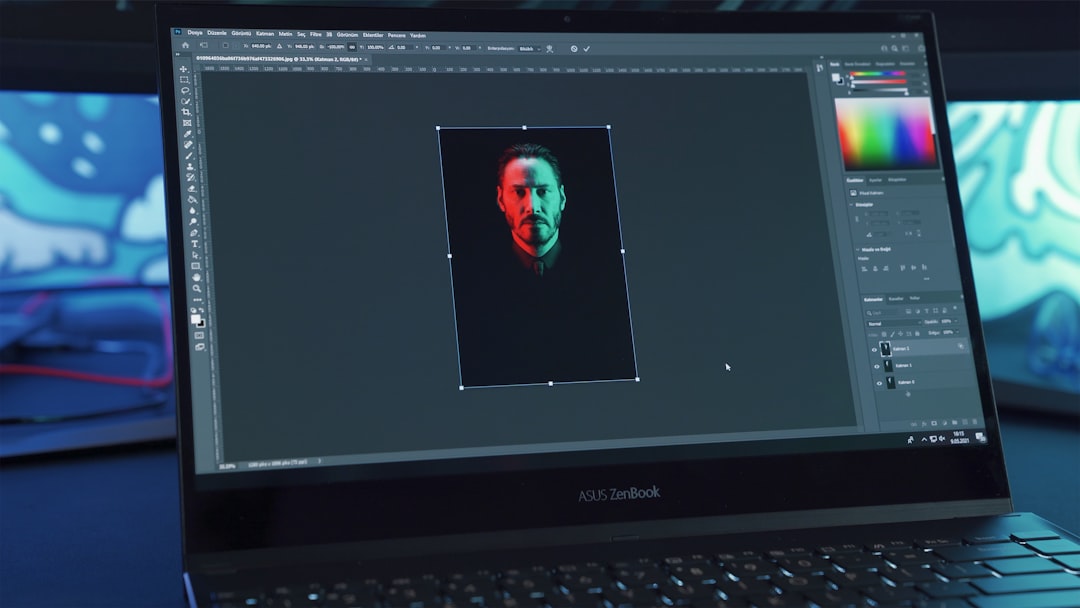
For students who want more control and advanced editing tools, GIMP is a robust open-source alternative to premium software such as Photoshop. It is downloadable and completely free.
Why GIMP Stands Out
- Advanced image editing: Includes layers, masks, blending modes, and filters.
- Customizable interface: Users can rearrange panels to suit their workflow.
- Plugin support: Expand functionality with community-created add-ons.
- High-performance tools: Suitable for detailed photo retouching and digital art.
Best For
- Photo manipulation
- Digital illustration
- Image retouching
- Texture design
- Advanced graphic experimentation
Limitations
GIMP has a steeper learning curve than Canva or Adobe Express. Beginners may initially find the interface overwhelming. Additionally, because it is desktop-based, projects are saved locally unless manually backed up to the cloud.
However, for students pursuing graphic design more seriously, photography, or digital art, GIMP offers powerful capabilities that rival paid programs.
3. Adobe Express
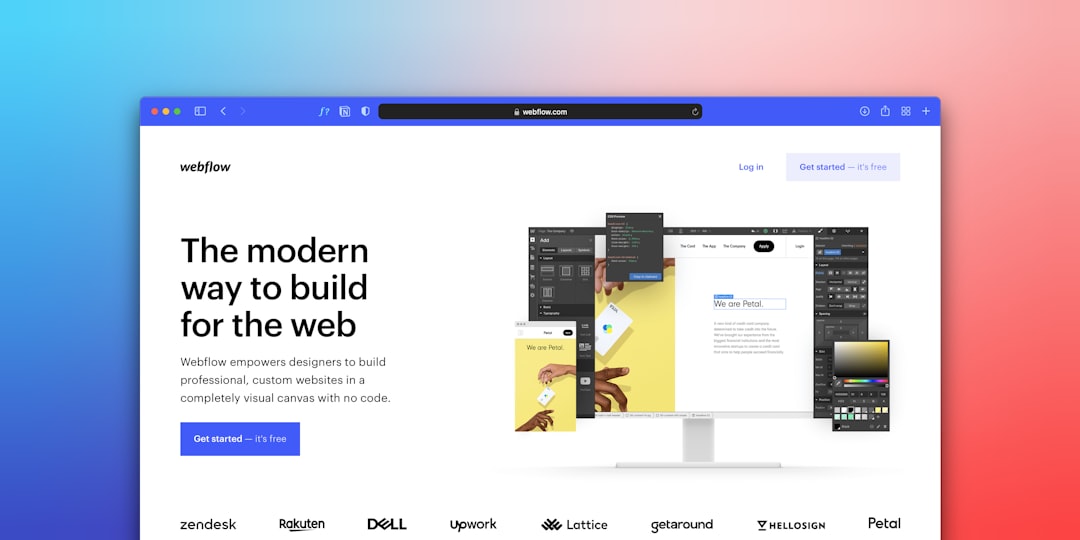
Adobe Express bridges the gap between beginner-friendly platforms and professional-grade tools. Developed by Adobe, it offers a streamlined design experience accessible through web and mobile apps.
Why Adobe Express Stands Out
- Clean and intuitive interface: Simple enough for beginners.
- Branding tools: Users can create logos, color palettes, and brand kits.
- Quick actions: Background removal, resizing, and file conversion tools.
- Integration with Adobe ecosystem: Easy transition to more advanced Adobe tools later.
Best For
- Personal branding
- Content creation
- Marketing materials
- Quick photo edits
- Short video graphics
Limitations
The free version includes limited storage and some premium assets are restricted. While more flexible than Canva in certain areas, it does not offer the deep editing power found in GIMP.
Adobe Express is especially valuable for creators who anticipate moving into professional Adobe tools later, as it provides a gentle introduction to the ecosystem.
Comparison Chart
| Feature | Canva | GIMP | Adobe Express |
|---|---|---|---|
| Price | Free version available | Completely free | Free version available |
| Ease of Use | Very beginner-friendly | Moderate to advanced | Beginner-friendly |
| Best For | Templates and quick designs | Advanced photo editing | Branding and marketing content |
| Platform | Web and mobile | Desktop | Web and mobile |
| Learning Curve | Low | Higher | Low to moderate |
| Cloud Storage | Yes | No (local storage) | Yes |
How Students and New Creators Can Choose the Right App
Selecting the right app depends largely on goals and experience level. Students creating weekly class presentations may find Canva perfectly sufficient. Photography enthusiasts who want to retouch images in detail will benefit from GIMP. Meanwhile, aspirational entrepreneurs building online brands may appreciate Adobe Express for its marketing-oriented tools.
It is also worth considering device compatibility. Those working across multiple devices often benefit from cloud-based tools. Additionally, users planning to pursue professional graphic design careers may gain valuable skill-building experience from GIMP’s layer-based editing environment.
Tip: Many creators use more than one app. For example, they might edit photos in GIMP, then import them into Canva or Adobe Express for layout design.
Why Free Tools Are Powerful Enough for Beginners
The assumption that quality requires expensive software is increasingly outdated. Free tools today offer:
- Professional-grade features
- Extensive template libraries
- Cloud-based accessibility
- Active online communities and tutorials
Students can learn fundamental design principles such as typography, color theory, layout balance, and image composition without financial investment. As skills grow, transitioning to paid tools becomes easier because the foundations are already established.
Ultimately, creativity matters more than software price tags. Strong ideas, thoughtful execution, and consistent practice are what truly define effective design work.
Frequently Asked Questions (FAQ)
1. Are free graphic design apps really good enough for professional-looking work?
Yes. Many students, small business owners, and content creators produce professional-quality graphics using free tools. While premium software offers additional features, the core design capabilities in these free apps are more than sufficient for beginners and intermediate users.
2. Which app is easiest for a complete beginner?
Canva is generally the easiest starting point due to its drag-and-drop interface and large template library. Adobe Express is also beginner-friendly, while GIMP requires more time to learn.
3. Can these apps be used on mobile devices?
Canva and Adobe Express both offer mobile apps for designing on smartphones and tablets. GIMP is primarily a desktop application.
4. Is GIMP difficult to learn?
GIMP has a steeper learning curve compared to Canva and Adobe Express. However, numerous free tutorials and online communities make learning manageable for dedicated students.
5. Do these apps include free fonts and images?
Yes. Canva and Adobe Express provide built-in free assets, while GIMP allows users to import external fonts and images easily.
6. Should students learn multiple design apps?
Learning multiple tools can broaden creative flexibility and technical understanding. Many creators start with Canva or Adobe Express and later explore GIMP for deeper editing capabilities.
For students and new creators entering the world of graphic design, starting with free software is both practical and empowering. Whether choosing the simplicity of Canva, the advanced power of GIMP, or the balanced ecosystem of Adobe Express, each platform opens the door to creative expression without financial barriers. With dedication and practice, these free tools can serve as the foundation for impressive portfolios and future professional growth.