A shrinking Google Ads audience list in 2026 should be treated as a tracking, consent, eligibility, or data freshness problem first. Media teams should not assume demand has collapsed. The most useful first move is to compare list size changes against traffic, consent rates, tag firing, GA4 audience counts, upload match rates, and policy status.
TLDR: A Google Ads audience list may drop because users aged out, consent rates fell, tags stopped firing, GA4 audiences changed, or Customer Match records failed to match. For example, a retailer that had 48,000 remarketing users in December could fall to 29,000 in January after a cookie banner change cuts ad storage consent from 74% to 46%. The fastest diagnostic path is to check traffic first, then consent, then tag health, then audience rules. If traffic is steady but list size is down by 30% or more, the issue is usually technical or policy related.
Why Audience Lists Shrink in 2026
Audience list size is not a raw count of every visitor, buyer, or lead. It is a count of users Google can identify, include, and use for advertising under current rules. That difference matters. A site may still get traffic, but the usable remarketing pool can fall hard.
The catch is that Google Ads often shows the symptom before it shows the cause. An audience may say “too small to serve,” while the real issue sits in a consent platform, GA4 event, tag trigger, upload file, or account link. Expect to waste time on status screens unless the team checks the data path in order.
Common Causes of a Google Ads Audience List Size Decrease
- Consent mode changes: A new cookie banner, CMP update, or regional consent rule can reduce users with ad storage and ad personalization granted. This is one of the most common causes in 2026.
- Remarketing tag problems: Tags may stop firing after a site redesign, checkout update, CMS change, or tag manager publish. Even a small trigger error can wipe out high-value segments.
- GA4 audience rule changes: A renamed event, new parameter, or edited condition can cut list entry volume. For example, changing purchase to order complete without mapping it can break buyer audiences.
- Membership duration expired: Users leave lists when the membership window ends. A 30-day cart abandoner list will shrink quickly after a slow sales period.
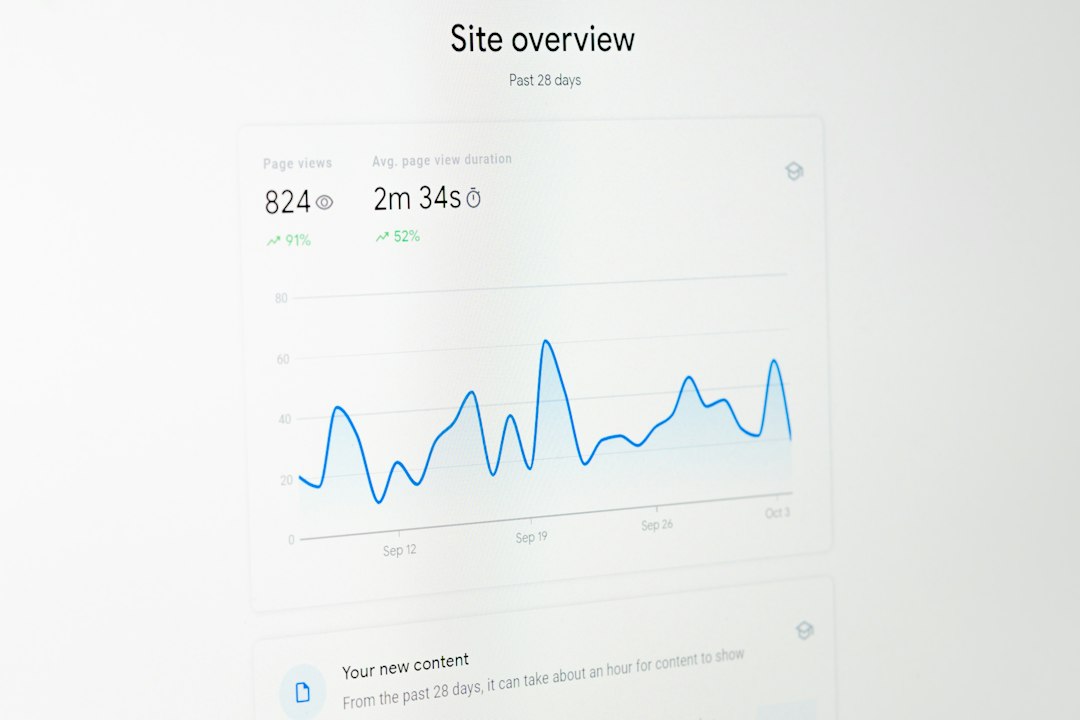
- Traffic quality or volume dropped: If organic, paid social, email, or direct traffic declines, list size usually follows. This is simple, but often missed.
- Customer Match decay: Uploaded emails and phone numbers may fail to match if the file has old records, poor formatting, missing country codes, or limited first-party coverage.
- Policy or eligibility limits: Sensitive categories, restricted content, or list quality issues may affect whether an audience can serve on Search, Display, YouTube, or Demand Gen.
- Account linking issues: Broken links between Google Ads, GA4, Merchant Center, Firebase, or a manager account can stop sharing or delay audience updates.
- Browser and app privacy controls: More users block tracking, reject cookies, or limit app tracking. iOS traffic can be especially thin for app remarketing.
- Duplicate or conflicting tags: Two tags can fire with different consent states, send bad user IDs, or overwrite values. It looks minor. It is not.
A Practical Diagnostic Order
Good troubleshooting starts with the widest source and moves toward the list itself. This keeps the team from blaming Google Ads too early.
- Check total traffic first. Compare sessions, users, and key page views for the same period. If site users fell by 25%, a similar audience drop may be normal.
- Compare consent rates. Review the CMP report and Google consent diagnostics. A sudden fall in granted ad consent is a major clue.
- Test tag firing. Use Google Tag Assistant, tag manager preview mode, and real page tests. Check home page, product pages, cart, checkout, lead forms, and thank-you pages.
- Audit GA4 events. Confirm that events used in audience rules still arrive. Watch for renamed events, missing parameters, or new casing such as Add_to_cart instead of add_to_cart.
- Review audience definitions. Check inclusion rules, exclusions, sequence rules, membership duration, and user scope. A too-strict rule can quietly starve a list.
- Inspect Google Ads Audience Manager. Look at list size by network, status, source, and recent change trend. Search, YouTube, and Display may show different eligible counts.
- Check Customer Match uploads. Review upload date, match rate, formatting errors, consent status, and policy warnings. A drop from 62% to 38% match rate needs attention.
- Confirm account links. Make sure GA4, Google Ads, Merchant Center, Firebase, and any manager accounts still share audiences correctly.
2026-Specific Issues Advertisers Should Watch
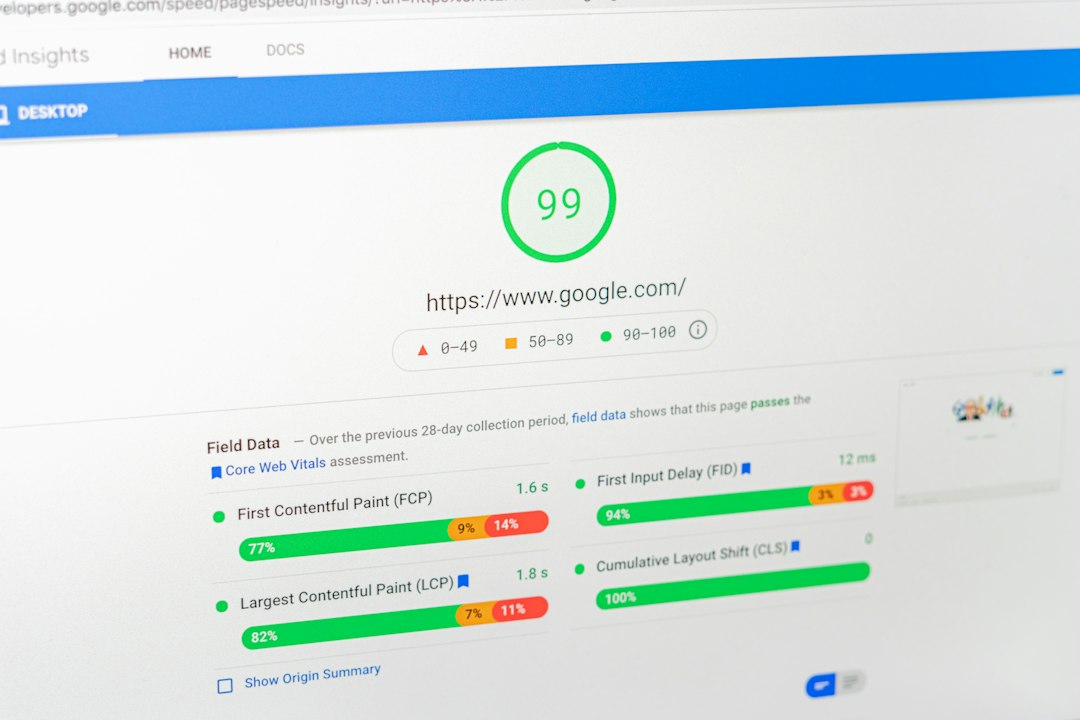
By 2026, audience measurement depends more on consented signals, modeled behavior, enhanced conversions, and first-party data hygiene. That raises the cost of sloppy setup. It also means small website changes can create big remarketing drops.
Google’s privacy controls can also make counts feel inconsistent. A list may look healthy in GA4 but smaller in Google Ads because not every user is eligible for ad personalization. Honestly, it feels like the same number should mean the same thing across both tools, but it often does not.
Media teams should also watch minimum audience thresholds. Some campaign types need larger active lists before ads can serve. If a Search remarketing list falls below the required level, performance can stop even though the audience still contains real users. The exact threshold can vary by network and policy, so the current Google Ads status message should be checked.
Mini Case Scenario
A subscription software company sees its “Visited Pricing Page” audience fall from 18,400 to 11,750 users in three weeks. Paid traffic is flat. GA4 pricing page views are down only 4%. That rules out demand as the main cause.
The team checks consent data and finds that a January CMP update changed the default banner layout in Germany and France. Ad personalization consent drops from 68% to 41% in those regions. Tag Assistant also shows the remarketing tag waiting 1.8 seconds longer than before, so some fast bounces leave before the tag fires. After banner copy is fixed and tag loading is moved earlier, the audience climbs back to 15,900 within 14 days.
Fast Fixes That Often Work
- Extend membership duration where it fits the buying cycle. A B2B sales cycle may need 90, 180, or 540 days, not 30.
- Repair broken events in GA4 and tag manager before changing bids or budgets.
- Use broader seed audiences for early-stage campaigns, then segment once volume recovers.
- Clean Customer Match files with lowercase emails, country codes, current records, and clear consent proof.
- Separate regions with very different consent rates, since one market can hide problems in another.
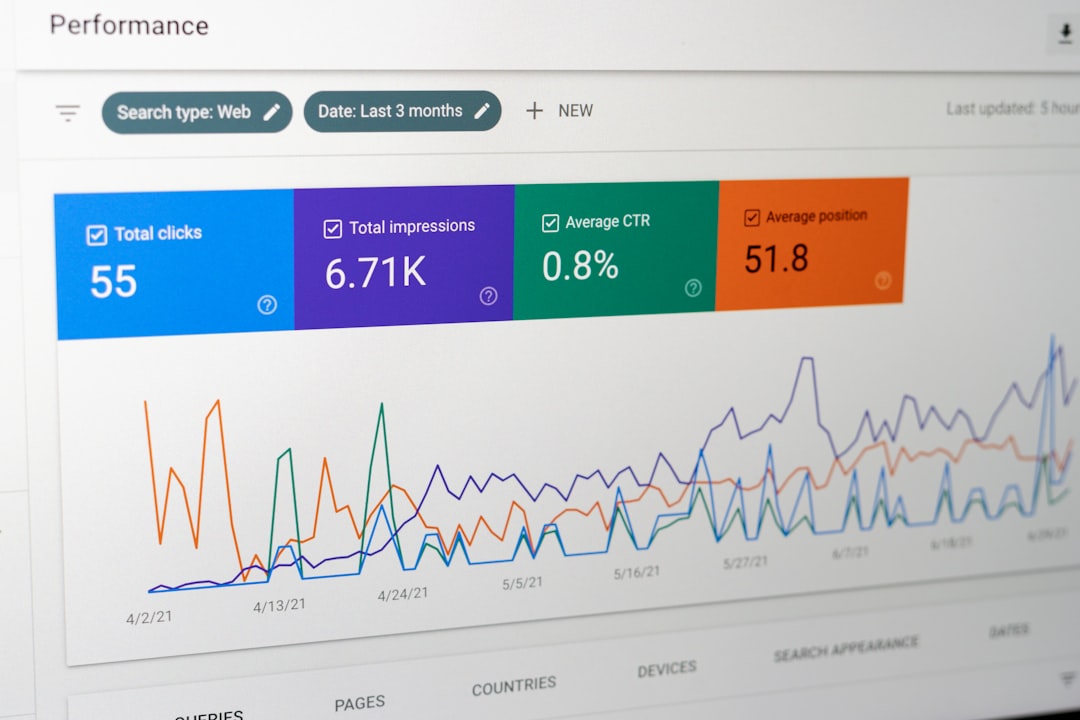
- Monitor weekly list movement instead of waiting for campaigns to stop serving.
What Not to Do
The team should not raise budgets to “force” volume from a broken list. That rarely helps. It should also avoid rebuilding every campaign before checking tracking. If the list source is damaged, new campaigns inherit the same problem.
Another mistake is judging only the total audience count. The useful count is the eligible count for the campaign’s channel. A list with 20,000 total users may still be too small for a specific network if many users are not signed in, not consented, or not eligible for personalization.
FAQ
Why did a Google Ads audience list drop overnight?
An overnight drop is often caused by a tag change, consent banner update, account link issue, audience rule edit, or policy change. Natural audience aging is usually slower.
Can GA4 show more users than Google Ads?
Yes. GA4 can report users who are not eligible for ad personalization in Google Ads. Consent status, identity signals, and audience sharing rules can create gaps.
Does low traffic always mean smaller remarketing lists?
Usually, yes. But if traffic is stable and the list still shrinks, the team should check consent, tags, audience rules, and account links.
How often should audience list size be checked?
For active 2026 campaigns, weekly checks are sensible. High-spend accounts should monitor large list movements daily or set alerts.
What is the first thing to check after a list size decrease?
The first check should compare site traffic and consent rates against the same period. If both are stable, the next step is tag and GA4 audience testing.