WP Rocket is usually the better all-in-one WordPress speed optimization plugin, while Autoptimize is better for site owners who want a free, focused tool for CSS, JavaScript, and HTML cleanup. The choice depends on budget, hosting, technical comfort, and whether caching is already handled elsewhere.
TLDR: WP Rocket is the stronger pick for most business sites because it combines page caching, file optimization, lazy loading, database cleanup, and preload features in one polished plugin. Autoptimize is a smart free choice when the hosting provider already includes caching or when the site only needs asset optimization. For example, a small blog that loads in 3.8 seconds might drop to 2.6 seconds with Autoptimize, while the same site could reach about 1.9 seconds with WP Rocket after cache preload and delay JavaScript are enabled. The price gap matters, but WP Rocket saves setup time and reduces plugin clutter.
Quick Verdict
WP Rocket wins for ease, breadth, and reliable performance gains. It is built for users who want speed improvements without stitching together five different plugins. It costs money, but it often pays for itself through less setup time and fewer conflicts.
Autoptimize wins for value. It is free, lightweight, and very good at optimizing scripts, styles, fonts, and images when paired with the right add-ons or hosting cache. It does not replace a full caching plugin by itself, though. That detail trips up many site owners.
The catch is that Autoptimize sounds like a complete speed solution, but it is not full-page caching software. It optimizes files. WP Rocket optimizes files and also handles caching, preloading, lazy loading, and more.
What Autoptimize Does Best
Autoptimize focuses on front-end optimization. It can aggregate, minify, and defer CSS and JavaScript. It also supports HTML minification, Google Fonts optimization, lazy loading, and image optimization through connected services.
Its biggest strength is control. Developers and careful site owners can fine-tune how files load. If a theme has bloated CSS or scripts that block rendering, Autoptimize can help reduce that pain.
- Best feature: CSS and JavaScript optimization.
- Best audience: users with existing caching from hosting or a separate cache plugin.
- Biggest benefit: strong free functionality.
- Main weakness: no built-in full-page caching.
Autoptimize also plays nicely with many hosts that provide server-level caching. In that setup, it can handle asset optimization while the host handles cached page delivery. That can be an excellent combination.
What WP Rocket Does Best
WP Rocket is built as a full speed toolkit. It starts caching pages as soon as it is activated. That alone can improve load times without much effort. Then it adds file optimization, cache preloading, lazy loading, database cleanup, Heartbeat control, and CDN support.
It is also easier for non-technical users. Settings are labeled clearly. The plugin avoids turning every screen into a maze of checkboxes. Honestly, it feels like some free optimization plugins require a research project before a simple setting can be trusted. WP Rocket is calmer.
- Best feature: full-page caching with preload.
- Best audience: business sites, blogs, agencies, WooCommerce stores, and non-technical site owners.
- Biggest benefit: many speed features in one plugin.
- Main weakness: no free version.
WP Rocket also integrates with popular CDNs and image tools. It does not include built-in image compression in the core plugin, but it works well with companion image services and third-party plugins.

Performance Comparison
Both plugins can improve Core Web Vitals, but they do it in different ways. Autoptimize often helps with First Contentful Paint and render-blocking resources. WP Rocket can improve those too, while also reducing Time to First Byte through page caching.
On a basic WordPress blog, Autoptimize may cut page weight and reduce render-blocking files. On a heavier site, such as WooCommerce, WP Rocket usually has the edge because cached pages can be served faster to visitors.
A typical test might look like this:
- Unoptimized site: 4.2 second load time, 78 requests, 2.8 MB page size.
- With Autoptimize: 3.0 second load time, 61 requests, 2.3 MB page size.
- With WP Rocket: 2.1 second load time, 55 requests, 2.2 MB page size.
These numbers will vary. Hosting quality, theme bloat, ads, fonts, tracking scripts, and image size can change everything. Still, WP Rocket tends to win because caching and asset optimization work together.
Ease of Use
WP Rocket is easier for beginners. It works right after activation, and most settings include plain explanations. A site owner can enable lazy loading, remove unused CSS, delay JavaScript, and preload cache in minutes.
Autoptimize takes more care. Some settings can break layouts or stop sliders, menus, and forms from working. That is not rare with optimization tools, but Autoptimize users should expect testing. It can take an extra 20 or 30 minutes to find which script must be excluded. That gets old fast.
For developers, this control is useful. For a bakery owner updating a five-page website at 11 p.m., it is less charming.
Pricing and Value
Autoptimize has a clear advantage on price because its main plugin is free. This makes it attractive for hobby sites, small blogs, and projects with tight budgets. Paid services may be added for image optimization or extra features, but the core plugin remains useful at no cost.
WP Rocket is premium only. There is no free version in the WordPress plugin directory. Its cost can feel annoying for a small personal site. For a site that earns leads, sales, ad revenue, or bookings, the pricing is easier to justify.
Value depends on the role of the website. If a faster checkout page improves conversion by even 3%, WP Rocket may be the cheaper option over time. If a site is just a personal journal, Autoptimize may be enough.
Compatibility and Setup Risks
Both plugins can cause issues if aggressive settings are enabled. JavaScript delay, CSS aggregation, and unused CSS removal can affect menus, popups, forms, maps, and checkout pages.
WP Rocket usually handles these issues better because it has broader defaults and built-in exclusions for common tools. Autoptimize can still be stable, but it may require more manual exclusions.
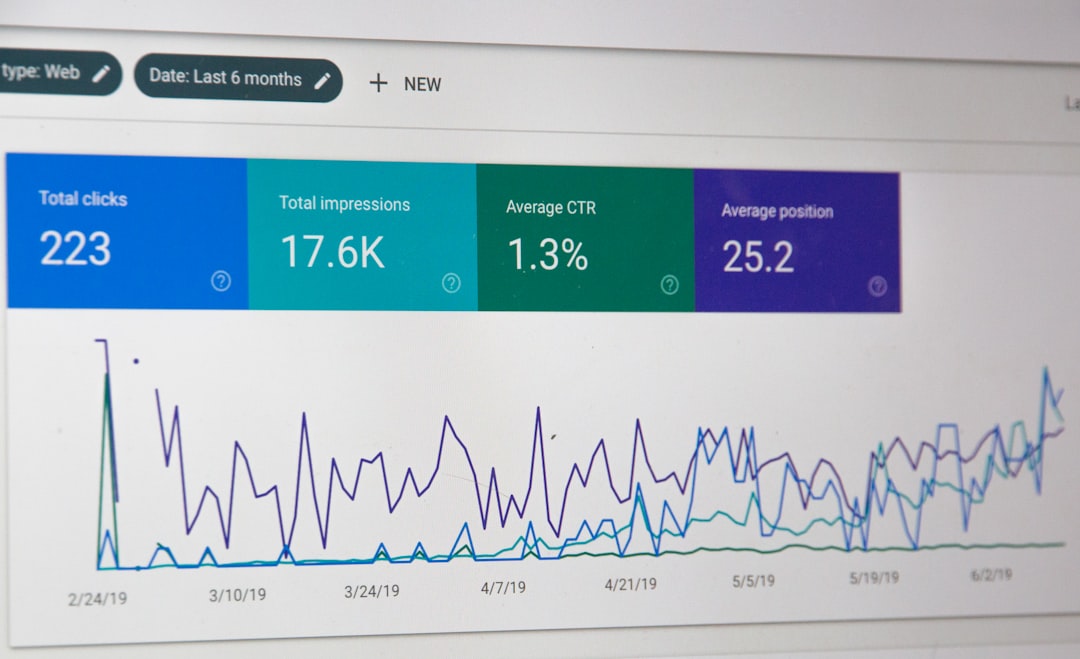
Site owners should test changes with tools such as PageSpeed Insights, GTmetrix, WebPageTest, and real browser checks. A good score means little if the mobile menu stops opening.
When Autoptimize Is the Better Choice
- The site already has strong server-level caching.
- The budget is zero or very limited.
- The owner or developer wants manual control over CSS and JavaScript.
- The site is simple, with few plugins and a lightweight theme.
- Another plugin already handles caching, database cleanup, or lazy loading.
Autoptimize is not a weak plugin. It is just more specialized. In skilled hands, it can produce excellent results.
When WP Rocket Is the Better Choice
- The site owner wants one plugin for most speed tasks.
- The site has revenue goals, such as leads, sales, or subscriptions.
- The user is not comfortable troubleshooting broken scripts for hours.
- The site needs page caching, preload, lazy loading, and database cleanup.
- The owner wants support from a paid product team.
WP Rocket is often the safer business choice. It reduces the need for extra plugins and makes performance work less scattered.
Final Verdict
WP Rocket is better for most WordPress users who want faster results with less setup pain. It offers stronger all-around optimization and better convenience. Its biggest downside is cost.
Autoptimize is better for users who already have caching covered or want a free tool for file optimization. It can be very effective, but it works best as part of a larger speed setup.
For a serious site, WP Rocket is the practical winner. For a lean site on a tight budget, Autoptimize remains one of the best free options available.
FAQ
Is Autoptimize a caching plugin?
No. Autoptimize mainly optimizes CSS, JavaScript, HTML, fonts, and related front-end assets. It does not provide full-page caching like WP Rocket.
Can Autoptimize and WP Rocket be used together?
They can be used together, but it is usually not needed. Overlapping optimization settings may cause conflicts. If both are active, duplicate CSS and JavaScript options should be disabled in one plugin.
Which plugin is better for WooCommerce?
WP Rocket is usually better for WooCommerce because it includes page caching controls, cart exclusions, preload features, and broader performance options. Careful testing is still required.
Is WP Rocket worth the money?
For business sites, yes. The time saved and speed gains often justify the cost. For hobby sites, Autoptimize may be enough.
Which plugin improves Core Web Vitals more?
WP Rocket often has a stronger effect because it handles caching, JavaScript delay, lazy loading, and CSS optimization. Autoptimize can still help a lot, especially with render-blocking files.
Does either plugin optimize images?
Autoptimize can connect with image optimization services. WP Rocket supports lazy loading but relies on separate tools for compression. Large images should still be compressed before or during upload.