Choose a native Gravity Forms to Klaviyo connection when accuracy, consent, and ecommerce timing matter most. Use Zapier when you need fast setup, cross-app routing, or a temporary workflow. The decision is not cosmetic. It affects data quality, cost, failure handling, and how quickly new leads enter the right Klaviyo list or segment. Even small lists need clean handling, since Klaviyo’s free plan is limited to 250 active profiles and 500 monthly email sends [source: Klaviyo].
TLDR: A native Gravity Forms to Klaviyo setup is usually better for newsletter signups, lead magnets, quote forms, and consent-driven list growth. Zapier is better if one form submission must also create a CRM lead, alert Slack, add a Google Sheet row, and trigger a task in Asana. For example, a store collecting 1,000 entries per month from a “10% off” form may prefer native sync to avoid using 1,000 or more Zapier tasks. If that same store needs five follow-up actions across several tools, Zapier may still be worth the extra cost.
What “native connection” means here
A native connection means a direct integration between Gravity Forms and Klaviyo through a dedicated add-on, plugin, or API-based connector built specifically for that pair. The setup usually lives inside WordPress or the Gravity Forms settings screen. You map form fields to Klaviyo profile fields, choose a list, set consent rules, and test the submission.
This approach has a clear goal: get form data into Klaviyo with as little middle software as possible. That matters when the form feeds welcome flows, coupon delivery, product interest tags, lead scoring, or customer support follow-up.
What Zapier automations do differently
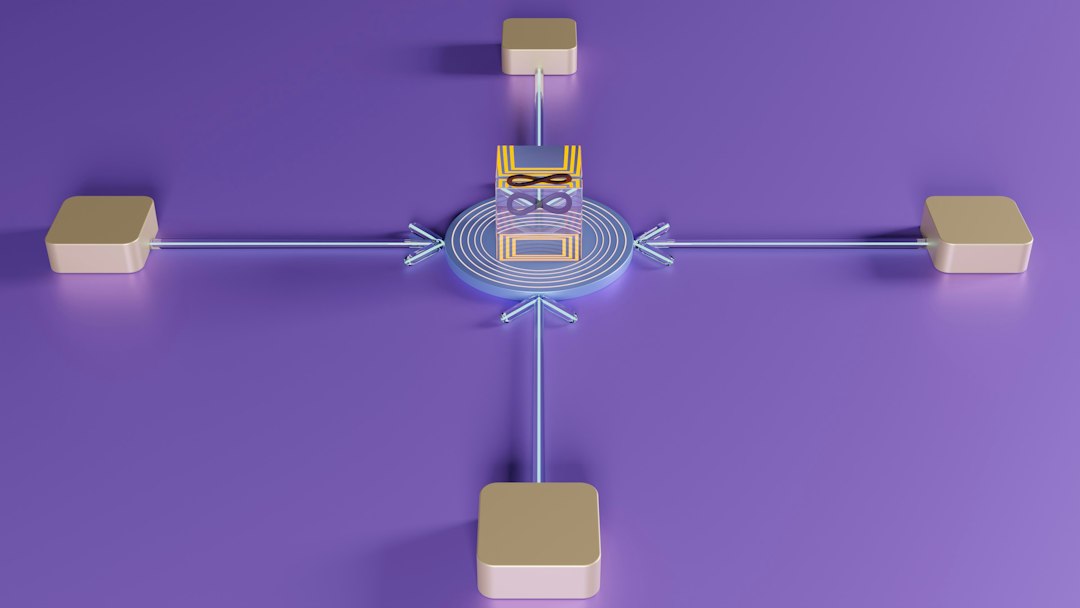
Zapier sits between Gravity Forms and Klaviyo. A Gravity Forms submission starts a Zap. Zapier then sends that data to Klaviyo and, if needed, to other apps.
That extra layer is useful. It lets non-developers build workflows without writing code. A single form can trigger several steps, such as:
- Add or update a Klaviyo profile
- Add the user to a Klaviyo list
- Create a HubSpot or Salesforce contact
- Send a Slack notification to sales
- Save the entry to Google Sheets
- Start an internal task for follow-up
The catch is that this flexibility comes with extra moving parts. Each step can fail. Each task may count toward your Zapier plan. And when something breaks, the answer is often buried across WordPress logs, Zap history, and Klaviyo activity records. That gets old fast.
Native integration: strengths
Native connections are best when the data path is simple and business-critical. They are usually faster to run and easier to audit because fewer systems touch the data.
- Cleaner field mapping: Native tools often expose Klaviyo list, consent, and profile settings in one place.
- Lower risk of task limits: You are not paying per automation step in the same way you might with Zapier.
- Better consent control: This is vital for email and SMS marketing. A checkbox should map clearly to subscription status.
- Fewer failure points: WordPress sends data straight to Klaviyo through the connector.
- More suitable for high-volume forms: Lead magnets, contests, and coupon popups can generate many entries in a short time.
For ecommerce brands, this is often the safer choice. A missed profile update can mean a missed welcome email. A delayed list subscription can mean a coupon arrives after the shopper has left. That is not a small issue.
Native integration: weaknesses
Native tools are not perfect. Some have limited filters. Some only support basic actions, such as adding a profile to a list. Others need a paid license and may lag behind changes in Klaviyo’s API.
Expect to waste time on field naming if your Gravity Forms setup is messy. “Email,” “Email Address,” and “Primary Email” may all look harmless. Then someone maps the wrong one, and your test works while real submissions fail. It drives me crazy that this still happens in mature tools, but it does.
Native connectors can also be too narrow. If your workflow needs conditional branches, multi-app routing, custom formatting, or advanced error recovery, a direct plugin may feel cramped.
Zapier: strengths
Zapier wins when the workflow is broader than Klaviyo. It is not just a connector. It is an automation builder.
- Fast testing: You can build a working proof of concept in under an hour.
- Multi-app workflows: One Gravity Forms entry can update several systems.
- Filters and paths: Send wholesale leads to sales, retail leads to Klaviyo, and support requests to help desk software.
- Formatting tools: Clean phone numbers, split names, adjust dates, or standardize field values.
- Good for non-technical teams: Marketing teams can often maintain the Zap without a developer.
A practical example: a B2B site uses Gravity Forms for demo requests. If the visitor chooses “Enterprise,” Zapier can add the contact to Klaviyo, create a deal in the CRM, notify a sales channel in Slack, and assign a task to a senior rep. A native Klaviyo-only connector would not cover that full process.
Zapier: weaknesses
Zapier adds cost and dependency. If your Zapier plan hits a task limit, automations may stop or queue. If a field changes in Gravity Forms, the Zap may send blank data. If Klaviyo rejects a value, the error may not be obvious to the person who owns the form.
There is also a speed issue. Most marketing teams will not notice a short delay. But for coupon delivery or event registration, even a few minutes can feel poor to the user. Native sync is usually better for time-sensitive email entry points.
Zapier can also create duplicate logic. You may end up with consent rules in Gravity Forms, filters in Zapier, and segmentation rules in Klaviyo. That is hard to maintain. One teammate changes a checkbox label, and suddenly half the routing logic is suspect.
How to choose the right setup
Use this simple rule:
- Choose native if the main goal is adding or updating Klaviyo profiles from Gravity Forms.
- Choose native if the form is tied to consent, discounts, email flows, SMS opt-ins, or high-volume list growth.
- Choose Zapier if one submission must trigger actions in three or more apps.
- Choose Zapier if you need filters, branching, formatting, or quick experiments.
- Choose a custom API setup if you have strict compliance needs, complex data rules, or very high volume.
For many businesses, the best answer is mixed. Use a native Gravity Forms to Klaviyo connection for core list growth. Use Zapier only for exceptions, alerts, and internal operations. This keeps the revenue path clean while still giving the team room to automate.
Data quality and consent should decide the final answer
The real risk is not whether a tool is trendy. The risk is bad customer data. Poor mapping can send users into the wrong flow. Weak consent handling can create compliance problems. Duplicate profiles can distort segmentation and reporting.
Before going live, test five cases:
- A normal email signup
- A user who does not check the consent box
- A returning subscriber using the same email
- A form submission with optional fields left blank
- A failed submission or rejected API request

Check the Gravity Forms entry, the connector log, the Klaviyo profile, and the list membership. Do not stop at “the form submitted.” That only proves WordPress accepted the entry. It does not prove Klaviyo received the right data.
Final recommendation
For most serious marketing sites, native Gravity Forms and Klaviyo integration should be the default. It is cleaner, simpler, and better suited to consent-based email growth. Zapier is still valuable, but it should not be the first choice for every form.
Use Zapier when the workflow needs multiple systems or short-term testing. Use native integration when Klaviyo is the main destination and timing matters. That split keeps the stack reliable without making the team fight avoidable automation problems later.