The safest AI spreadsheet setup is not one tool, but a small stack: use Excel Copilot or Gemini for native work, then add specialist tools for formulas, cleanup, and plain-English analysis. Microsoft says Copilot in Excel can help create formulas, highlight insights, and work with tables, which makes it a serious option for teams already using Microsoft 365 [source: Microsoft]. Still, native AI is not always enough. Some jobs need faster formula writing, better data cleaning, or clearer chart ideas.
TLDR: If you manage spreadsheets every week, start with Microsoft Copilot in Excel or Gemini for Google Sheets, then test Numerous.ai, Formula Bot, Rows AI, and Ajelix for harder tasks. For example, a sales team cleaning a 12,000-row lead file could cut a 3-hour cleanup job to about 45 minutes by using AI to remove duplicates, standardize names, and generate summary formulas. That is a 75% time saving, assuming the team still reviews the final output. Do not skip review; AI can still misread messy headers and mixed date formats.
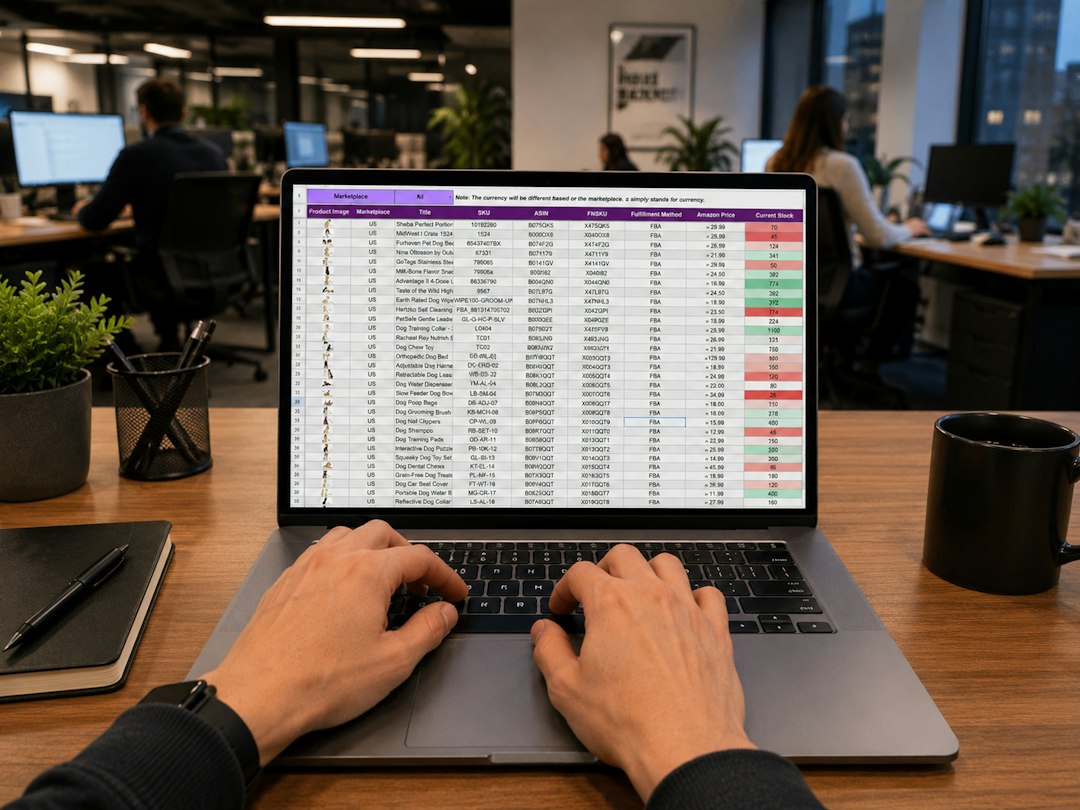
1. Microsoft Copilot in Excel
Best for: companies already living in Excel.
Copilot is the obvious first stop for Microsoft 365 users. It can suggest formulas, explain data, create calculated columns, and help spot trends. The real benefit is context. You do not have to copy sensitive data into a random web tool. That matters for finance, HR, and operations teams.
The weak spot is availability and file setup. Copilot works best when data is in a proper Excel table. If your sheet has merged cells, odd headers, and notes scattered everywhere, expect cleanup first. It drives me crazy that the “AI magic” often starts with the very human job of fixing the sheet layout.
2. Gemini for Google Sheets
Best for: Google Workspace teams and shared files.
Gemini works well when teams already use Sheets for campaign tracking, budgets, or reporting. You can ask for formula help, summaries, classification ideas, and patterns in rows. It also fits nicely into shared workflows because the file already lives in Google Drive.
Google has been adding Gemini features across Workspace apps, including Sheets [source: Google Workspace]. The main benefit is speed for common office tasks. Need to group customer feedback into themes? Need a quick formula for margin by product? Gemini can help without opening another app.
The annoying part is precision. If your request is vague, the answer may sound right but miss the business rule. Say exactly what the columns mean. Include examples. Treat the first answer as a draft.
3. Numerous.ai
Best for: AI functions inside spreadsheet cells.
Numerous.ai is useful when you want AI prompts to behave like spreadsheet formulas. You can classify text, generate descriptions, rewrite content, extract data, or apply the same AI task across many rows. That makes it handy for ecommerce teams, recruiters, researchers, and marketers.
For example, you could take 2,000 product titles and ask the tool to create cleaner category labels. Or you could extract company names from messy lead notes. This is where ordinary formulas start to feel painful. AI functions can save hours.
The catch is cost control. Row-by-row AI actions can burn through credits fast. Test on 20 rows before running 20,000. Also, keep private data out unless your policy allows it.

4. Formula Bot
Best for: turning plain English into formulas.
Formula Bot is simple and practical. You describe what you need, and it gives you a formula for Excel or Google Sheets. It can also explain existing formulas, which is helpful when you inherit a nightmare workbook from someone who left six months ago.
Use it for formulas such as nested IF statements, XLOOKUP logic, date calculations, and text cleanup. It is also good for SQL help, which makes it useful for analysts who move between spreadsheets and databases.
Still, check references. A formula may use the right logic but point to the wrong range. This is not a failure. It is a reminder that formula AI needs clean instructions.
5. Rows AI
Best for: reports, dashboards, and connected data.
Rows is more than a spreadsheet helper. It is a modern spreadsheet with AI features built in. It works well for teams that pull data from tools, build reports, and share polished views with others. Think sales pipeline updates, investor metrics, ad reports, or product usage snapshots.
The AI features can summarize tables, generate formulas, and help create charts. Rows also feels cleaner than old spreadsheet software when the goal is a presentable report. If your manager wants a weekly KPI page instead of another raw CSV, Rows is worth testing.
6. Ajelix
Best for: formula help, VBA scripts, and spreadsheet explanations.
Ajelix focuses on productivity for Excel and Sheets users. It can generate formulas, explain formulas, create scripts, and help with spreadsheet tasks that usually require trial and error. It is a good fit for power users who know the outcome they want but do not want to waste 30 minutes fixing syntax.
It is especially useful for operations people. They often need quick fixes: combine columns, detect missing values, convert formats, or produce a monthly summary. Ajelix can speed up those jobs without forcing the user to become a developer.
How to choose the right tool
- Use Excel Copilot if your company already pays for Microsoft 365 and cares about governance.
- Use Gemini if your team works in Google Sheets every day.
- Use Numerous.ai for bulk text tasks across many spreadsheet rows.
- Use Formula Bot when formulas are the main pain.
- Use Rows AI when the final output is a report or dashboard.
- Use Ajelix for formulas, scripts, and workbook troubleshooting.
A serious warning: never trust AI spreadsheet output blindly. Check totals. Sample rows. Compare before and after results. If a tool cleans 50,000 records but changes customer IDs or shifts dates by one day, the damage can be expensive.
The best AI spreadsheet tools do not replace judgment. They remove repetitive work. They help you move from raw rows to useful answers faster. That is the real value: fewer broken formulas, cleaner data, and quicker decisions without pretending the software is perfect.