Smart thermostats have transformed the way households manage comfort, convenience, and energy efficiency. Instead of manually adjusting temperature settings throughout the day, homeowners can now rely on intelligent apps that learn schedules, monitor usage patterns, and automate heating and cooling systems. With energy costs rising and sustainability becoming a growing priority, smart thermostat apps provide a practical way to reduce waste without sacrificing comfort. The following guide explores five of the best smart thermostat apps designed to deliver energy savings and advanced automation features.
TLDR: Smart thermostat apps help homeowners reduce energy consumption by automating heating and cooling schedules. The best apps combine intelligent learning, detailed energy reports, remote access, and smart home integration. Leading options include Google Home (Nest), ecobee, Honeywell Home, Emerson Sensi, and tado°. Each app offers unique automation tools and energy-saving insights designed to lower utility bills while maintaining comfort.
Why Smart Thermostat Apps Matter
Traditional thermostats require manual adjustments and often lead to wasted energy when users forget to change settings before leaving home. Smart thermostat apps address this issue by offering:
- Remote control access through smartphones or tablets
- Automated scheduling based on lifestyle patterns
- Energy usage reports and efficiency insights
- Geofencing for automatic temperature changes
- Integration with smart home ecosystems
These features not only improve convenience but can reduce heating and cooling bills by up to 10–23%, depending on usage and climate conditions.
1. Google Home (Nest) App
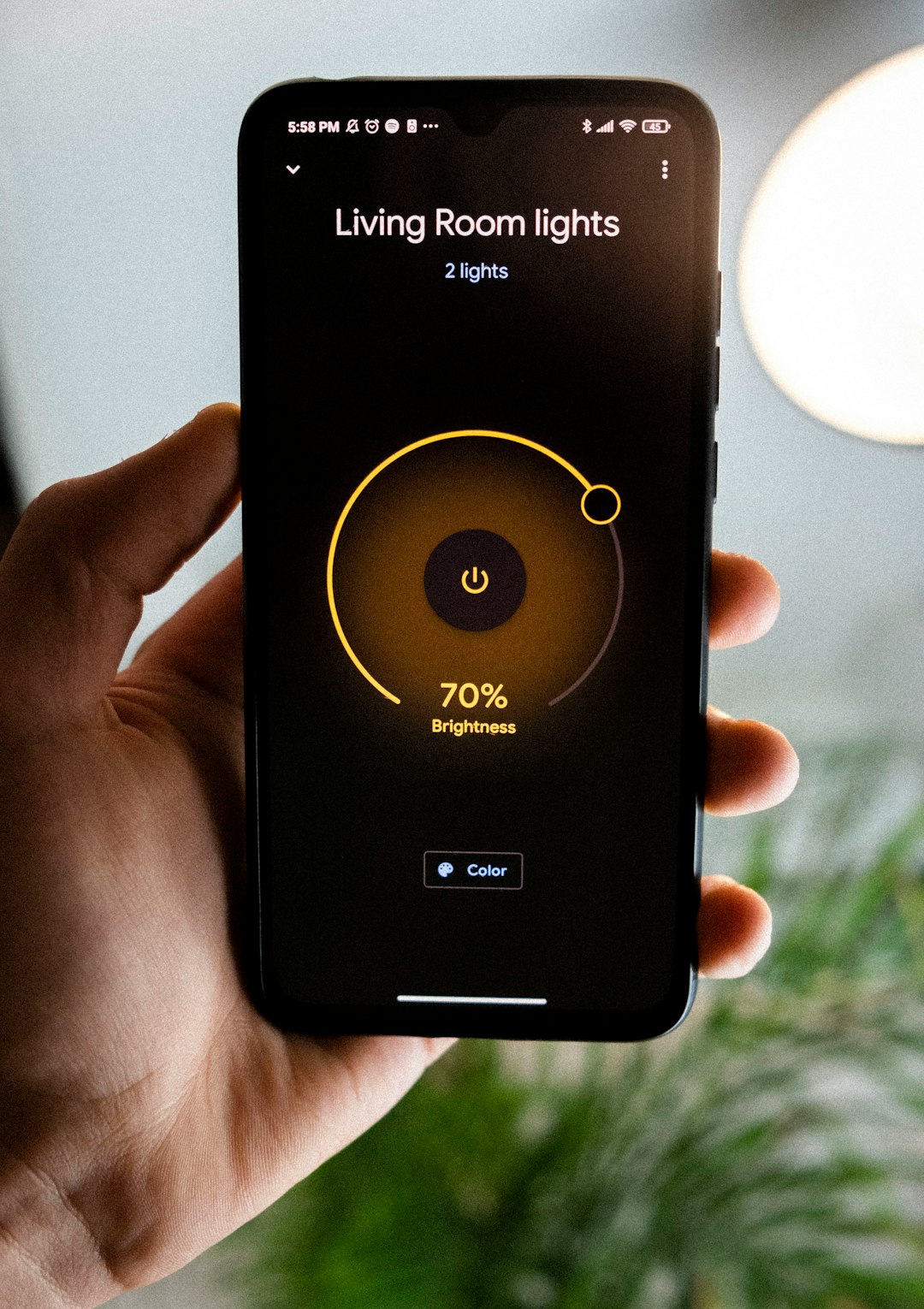
The Google Home app, which manages Nest thermostats, stands out for its combination of automation and intuitive design. Nest thermostats are known for their ability to learn household schedules and automatically adjust temperatures accordingly.
Key Features
- Auto-Schedule: Learns preferred temperature patterns over time
- Home/Away Assist: Adjusts temperature when residents leave
- Energy History reports: Provides detailed usage breakdowns
- Google Assistant integration for voice control
Energy-saving highlights include the Leaf indicator, which appears when users choose an energy-efficient temperature. The app also offers seasonal savings programs that gradually optimize settings without noticeable comfort changes.
Best for homeowners seeking AI-driven automation with minimal manual input.
2. ecobee App
The ecobee app pairs with ecobee smart thermostats and room sensors to provide targeted comfort control. One of its biggest advantages is the use of remote room sensors to detect occupancy and adjust temperatures accordingly.
Key Features
- SmartSensor technology: Balances hot and cold spots
- Eco+ mode: Automatically reduces energy use during peak times
- Utility integration: Participates in local demand response programs
- Detailed performance reports
The app provides real-time system monitoring and alerts for maintenance issues. Its eco+ feature dynamically adapts to electricity prices, humidity levels, and weather conditions to maximize savings.
ecobee is ideal for households that want room-by-room optimization and advanced analytics.
3. Honeywell Home (Resideo) App
The Honeywell Home app, now operated by Resideo, works with a wide range of Honeywell smart thermostats. It is particularly appealing for users seeking reliability and flexible scheduling options.
Key Features
- Flexible 7-day scheduling
- Geofence technology
- Energy usage tracking
- Compatibility with Alexa and Google Assistant
The app enables users to create multiple daily temperature changes while factoring in utility rate programs. Its geofencing function automatically adjusts settings when household members leave or approach home.
Honeywell Home works well for families with predictable daily routines who want detailed scheduling control.
4. Emerson Sensi App
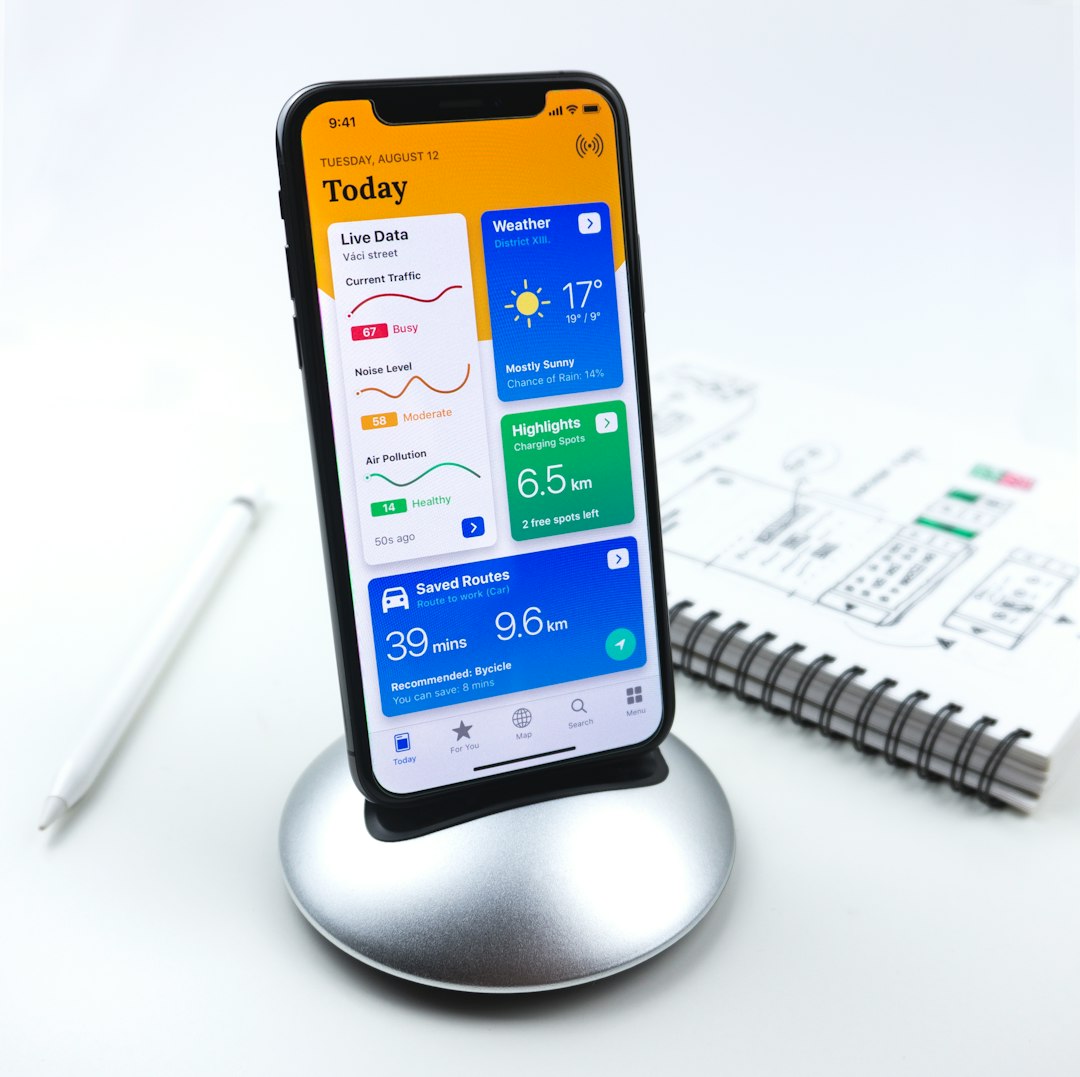
The Emerson Sensi app is designed for simplicity and affordability while maintaining powerful energy-saving capabilities. It appeals to users who prefer straightforward controls without sacrificing advanced functionality.
Key Features
- Easy DIY installation guidance
- Usage reports and runtime tracking
- Geofencing and scheduling options
- HVAC monitoring and alerts
Sensi emphasizes privacy protection by limiting data collection compared to some competitors. The app also provides maintenance reminders and system alerts that help prevent costly HVAC breakdowns.
This option is best for homeowners looking for budget-friendly energy management with dependable automation features.
5. tado° App
The tado° app is widely used in Europe and increasingly popular in other regions. It combines intelligent climate control with advanced energy-saving insights and weather adaptation.
Key Features
- Weather-responsive adjustments
- Multi-room control
- Geolocation-based automation
- Air comfort monitoring
The tado° system considers outside weather forecasts and adjusts heating accordingly. Its geolocation feature ensures that heating activates only when someone is on the way home. The app also provides suggestions to improve efficiency and reduce overall energy waste.
tado° is ideal for tech-savvy users interested in data-driven climate automation.
Key Automation Features That Maximize Savings
While each app differs slightly, the most effective energy-saving tools tend to include:
- Learning algorithms: Adapt to lifestyle habits over time
- Geofencing: Prevents heating or cooling empty homes
- Peak demand management: Reduces electricity usage during high-cost periods
- Humidity control integration: Improves efficiency and comfort balance
- Energy reporting dashboards: Encourage informed adjustments
Automation reduces human error, which is often the biggest cause of energy waste. By removing the need for constant manual changes, these apps ensure consistent, optimized performance.
How Much Energy Can Be Saved?
Energy savings vary based on home size, insulation quality, and climate. However, studies and manufacturer reports suggest:
- 10–15% savings on heating bills
- 15–23% savings on cooling costs
- Reduced long-term HVAC wear and maintenance expenses
Behavior plays a major role. Households that actively review energy reports and enable automation features typically see the greatest benefits.
Choosing the Right Smart Thermostat App
When selecting a thermostat app, homeowners should consider:
- Compatibility with existing HVAC systems
- Smart home ecosystem integration
- Data privacy preferences
- Budget and installation complexity
- Desired level of automation
For example, residents deeply invested in Google ecosystems may prefer Nest integration, while households wanting room-specific sensors might lean toward ecobee. Budget-conscious users may find Sensi provides optimal value.
Final Thoughts
Smart thermostat apps are no longer luxury add-ons; they are practical tools for reducing energy waste and improving everyday comfort. Through automation, geolocation tracking, and detailed reporting, these apps simplify climate management while lowering household expenses. As energy efficiency standards continue to evolve, adopting a smart thermostat app represents a clear step toward a more sustainable and cost-effective home.
Frequently Asked Questions (FAQ)
-
1. Do smart thermostat apps really save money?
Yes. Most users report measurable savings on heating and cooling bills, especially when automation features like scheduling and geofencing are enabled. -
2. Can smart thermostat apps work without Wi-Fi?
Basic thermostat functions will still work, but remote control, automation updates, and real-time reports typically require an active Wi-Fi connection. -
3. Are smart thermostat apps difficult to set up?
Most brands offer step-by-step installation guides within the app. Some models are designed for DIY installation, though professional setup may be recommended for complex HVAC systems. -
4. Is personal data secure with these apps?
Major brands use encrypted connections and security protocols. However, privacy policies vary, so reviewing data practices before purchase is advisable. -
5. Which smart thermostat app is best overall?
There is no single best option for everyone. Google Home (Nest) excels in automation, ecobee offers room sensors, Honeywell provides scheduling control, Sensi focuses on simplicity, and tado° specializes in intelligent weather adaptation. -
6. Do smart thermostats help the environment?
Yes. By reducing unnecessary heating and cooling, smart thermostats lower energy consumption, which decreases greenhouse gas emissions associated with electricity and fuel production.