Choosing between Framer, Webflow, and Figma is not simply a question of which tool is “best.” Each platform serves a different part of the website design and prototyping workflow. Figma is strongest for interface design and collaborative prototyping, Webflow is strongest for building production-ready websites with visual control, and Framer sits between the two as a fast website builder with strong motion, layout, and publishing capabilities.
TLDR: Figma is the best choice for design systems, wireframes, UI design, and collaborative prototyping before development begins. Webflow is best for building polished, responsive, content-driven websites that need reliable publishing, CMS features, and production-level control. Framer is best for designers who want to move quickly from visual design to live websites, especially landing pages, portfolios, startup sites, and interactive prototypes. The right choice depends on whether your priority is design collaboration, website production, or rapid interactive publishing.
Understanding the Role of Each Tool
Although Framer, Webflow, and Figma are often compared, they are not identical products. They overlap in some areas, particularly around prototyping and web design, but their core purposes are different. A serious evaluation should begin by understanding where each tool fits in the workflow.
Figma is primarily a collaborative design platform. Designers use it to create wireframes, high-fidelity interfaces, design systems, prototypes, and developer handoff files. It is not intended to be a full website publishing platform. Its strength lies in planning and designing digital experiences before they are built.
Webflow is a visual web development platform. It allows designers and teams to create real websites using a visual interface that maps closely to HTML, CSS, and JavaScript principles. Webflow is especially useful when the goal is a professional website with responsive layouts, CMS collections, forms, animations, SEO controls, and hosting.
Framer is a modern website design and publishing platform that emphasizes speed, interaction, and visual flexibility. It has roots in prototyping, but today it is commonly used to build and publish landing pages, marketing sites, personal websites, and interactive web experiences. It is often more approachable than Webflow for designers who want to launch quickly without managing complex structure.
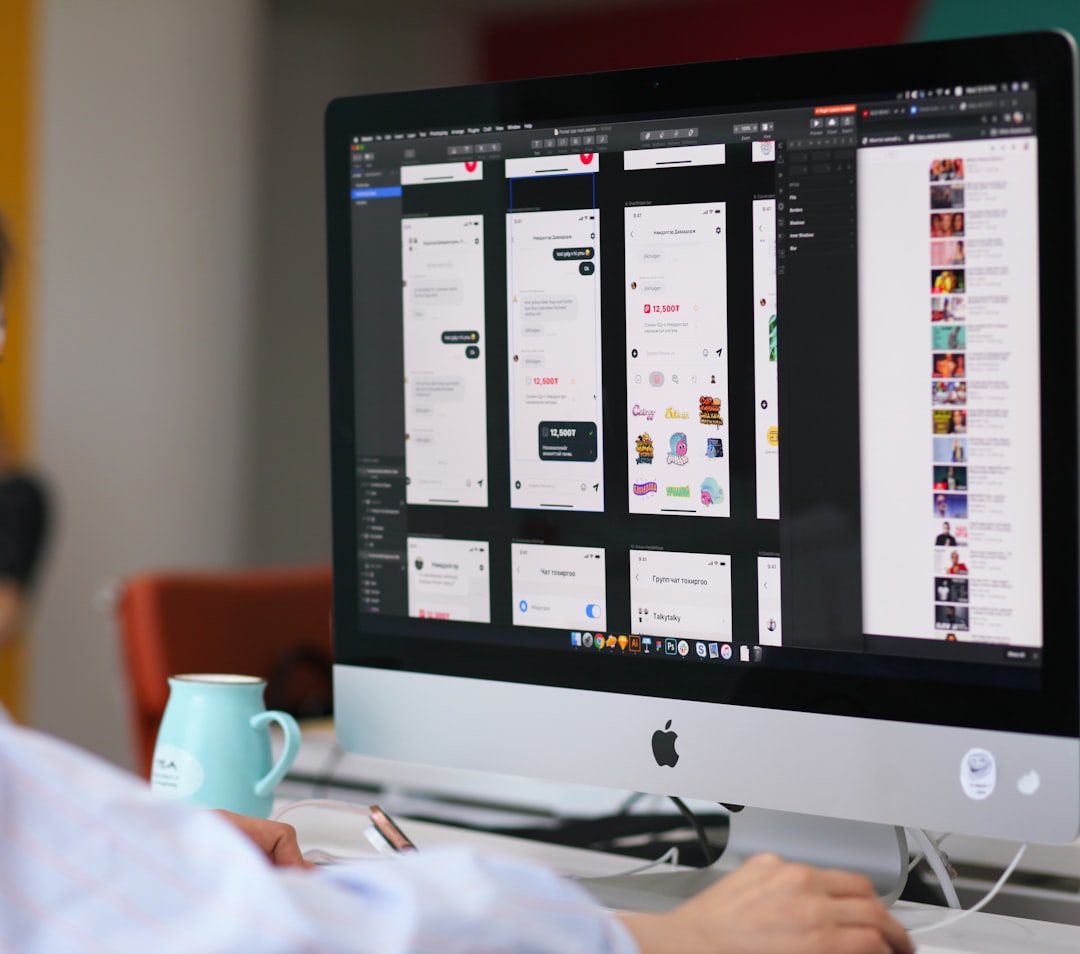
Figma: Best for Interface Design and Collaborative Prototyping
Figma has become a standard tool for product teams because it makes design collaboration simple. Multiple stakeholders can work in the same file, leave comments, review changes, and maintain shared libraries. For organizations with designers, product managers, developers, and marketers working together, this collaborative environment is highly valuable.
The strongest use cases for Figma include:
- Wireframing: Quickly mapping user flows, page structure, and early interface ideas.
- High-fidelity UI design: Creating polished layouts for websites, apps, dashboards, and digital products.
- Design systems: Managing reusable components, typography, color styles, spacing rules, and brand standards.
- Interactive prototypes: Demonstrating user journeys, transitions, and basic interactions before development.
- Developer handoff: Providing measurements, assets, component references, and design specifications.
Figma is particularly strong when precision and collaboration matter. A design team can use components and variants to maintain consistency across hundreds of screens. If a button style, navigation pattern, or form field changes, the update can be reflected across the entire design system.
However, Figma is not a true website builder. While prototypes can look realistic, they are not production websites. You cannot rely on Figma alone to manage hosting, SEO implementation, CMS content, live forms, or performance optimization. For this reason, Figma is often the first stage in the process, not the final publishing solution.
Webflow: Best for Production Websites and CMS-Driven Projects
Webflow is a strong option for designers and teams who want to create real websites without writing code manually. Unlike simple drag-and-drop builders, Webflow gives users detailed control over layout, spacing, responsive behavior, class naming, interactions, and content structure. It is visual, but it is built around web fundamentals.
Webflow is especially effective for:
- Marketing websites: Corporate sites, service pages, campaign pages, and brand experiences.
- CMS-based websites: Blogs, resource libraries, portfolios, directories, and editorial sites.
- Responsive design: Controlling layouts across desktop, tablet, and mobile breakpoints.
- SEO-focused sites: Managing metadata, semantic structure, redirects, alt text, and clean page organization.
- Client projects: Delivering professional websites with client editing options and hosted deployment.
The main advantage of Webflow is that it produces real websites with a serious level of control. Designers can build layouts that would otherwise require front-end development knowledge, while still maintaining visual workflow efficiency. For agencies and freelancers, Webflow can reduce dependence on developers for many types of marketing and content websites.
There is, however, a learning curve. Webflow is easier than coding a website from scratch, but it is not effortless. Users need to understand concepts like containers, div blocks, positioning, classes, flexbox, grid, CMS fields, and responsive breakpoints. Beginners who expect it to behave like a basic slide design tool may find it initially challenging.
For teams that need stable, scalable websites with structured content, Webflow is often the most capable option among the three. It is less ideal for complex web applications, but for high-quality public-facing websites, it is a strong and mature platform.

Framer: Best for Fast Interactive Websites and Landing Pages
Framer has evolved significantly. Earlier versions were known for advanced prototyping, especially among interaction designers. Today, Framer is widely used as a fast website builder that allows designers to create and publish responsive sites with modern visual effects.
Framer’s appeal is its speed. Designers can move from idea to live page quickly, especially when building portfolios, product landing pages, startup websites, waitlist pages, and campaign microsites. Its interface feels familiar to people who have used design tools, making it less intimidating than platforms that require a deeper understanding of web structure.
Framer is particularly useful for:
- Landing pages: Fast creation of polished pages for products, launches, and campaigns.
- Interactive prototypes: Showing realistic motion, scrolling, effects, and page transitions.
- Portfolio sites: Creating visually distinctive personal or creative websites.
- Startup websites: Launching a professional online presence quickly.
- Design-led publishing: Letting designers own more of the live website process.
Compared with Webflow, Framer can feel more immediate and design-friendly. It is often easier to create visually impressive pages quickly, particularly where animation and interaction matter. It also offers strong publishing features, responsive layouts, and a growing ecosystem of templates and integrations.
The trade-off is that Framer may not be the best choice for every large or complex content operation. Webflow generally provides more mature CMS depth and more granular control for complex website structures. Framer is excellent for speed and visual impact, but teams with extensive content governance, advanced CMS requirements, or highly customized technical needs should evaluate it carefully.
Prototyping: Which Tool Performs Best?
For prototyping, the answer depends on the type of prototype you need.
If the goal is to test user flows, collect feedback, and collaborate with product teams, Figma is usually the best choice. It allows designers to build clickable prototypes without committing to production structure. Stakeholders can comment directly, developers can inspect designs, and design systems can be refined before implementation.
If the goal is to create a prototype that feels close to a live marketing website, Framer may be better. Its motion and publishing capabilities make it possible to create impressive interactive experiences that can be shared as real web pages.
If the prototype is meant to become the production website, Webflow can be the most practical option. A team can build the actual site visually, review it, revise it, and publish it without rebuilding the experience elsewhere.
In short: use Figma for design validation, Framer for interactive presentation, and Webflow for production-ready website prototypes.
Website Building: Which Tool Should You Choose?
For final website production, Webflow and Framer are the direct competitors. Figma is rarely the final destination unless paired with another tool or development team.
Choose Webflow if your website requires structured content, multiple page types, CMS collections, advanced SEO settings, client editing, and long-term scalability. It is well suited to agencies, B2B companies, editorial brands, and businesses that need a reliable website infrastructure.
Choose Framer if your website needs to look modern, launch quickly, and communicate a product or brand with strong visual polish. It is a strong choice for founders, designers, creators, and small teams that value speed and presentation.
Choose Figma if you are still defining the user experience, visual identity, information architecture, or interface system. It should be part of the process before building, especially when multiple people need to review and approve the design direction.

Ease of Use and Learning Curve
Figma is generally the easiest to begin using for visual design. Most users can create frames, shapes, text styles, and simple prototypes quickly. More advanced features, such as component libraries and design systems, take longer to master but are not required on day one.
Framer is also approachable, particularly for designers. It offers a visual design experience and simplifies publishing. Users can create polished pages without needing to fully understand front-end development. However, mastering responsive behavior, interactions, and site organization still requires practice.
Webflow has the steepest learning curve of the three. Its power comes from its closeness to real web development concepts. This is an advantage for professionals, but it can be demanding for beginners. Once understood, Webflow offers a high level of control and can become a serious production tool.
Collaboration and Team Workflows
Figma is the strongest collaboration platform. Real-time editing, comments, shared libraries, branching options, and developer inspection make it suitable for teams of nearly any size. It is especially valuable in product organizations where design decisions must be reviewed and documented.
Webflow supports professional workflows, but collaboration is more focused on website building, editing, and publishing. It works well for agencies and marketing teams, particularly when clients or non-technical editors need to update content.
Framer supports collaborative website creation, but its main strength is speed and design-led execution. It works well for small teams that want to reduce the gap between design and launch.
Final Verdict
There is no single winner between Framer, Webflow, and Figma because they solve different problems. The strongest teams often use more than one. A common professional workflow is to plan and design in Figma, then build and publish in Webflow or Framer, depending on the website’s complexity and goals.
For serious interface design and team collaboration, Figma is the clear choice. For robust website production with CMS capabilities and detailed control, Webflow is the strongest option. For fast, visually impressive websites and interactive launches, Framer is highly compelling.
The best decision comes from matching the tool to the job. If you need to think, explore, and align a team, start with Figma. If you need to build a scalable, content-rich website, choose Webflow. If you need to launch quickly with strong visual impact, choose Framer. Used strategically, all three can play an important role in a modern website design and prototyping workflow.