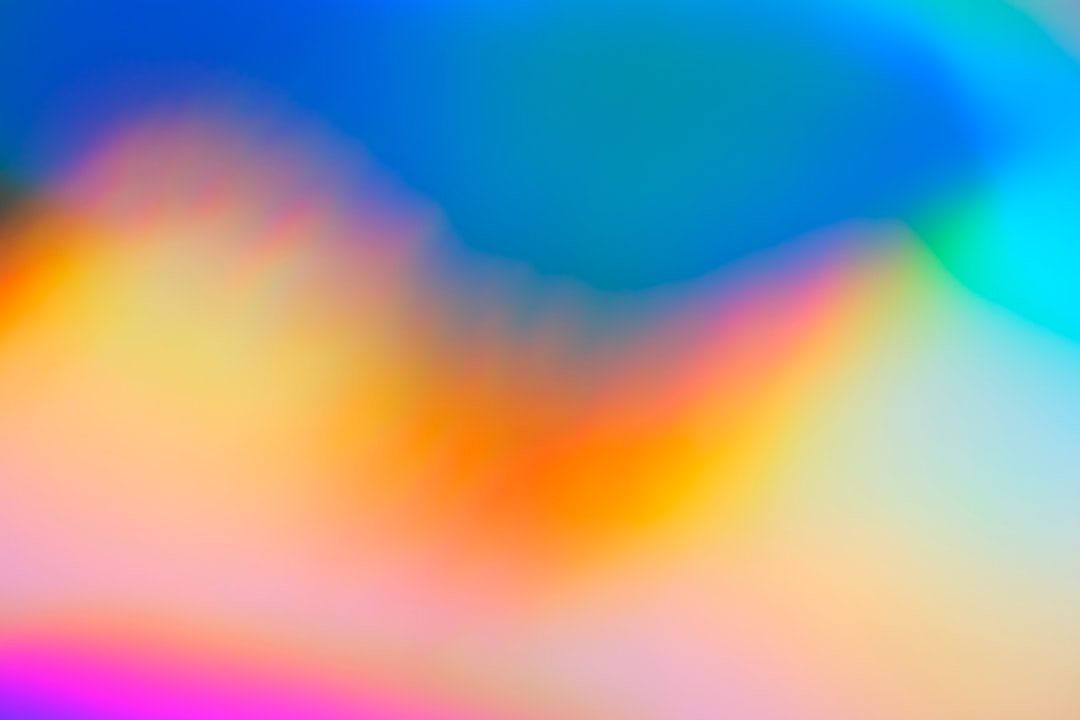
Blur is not just a mistake. It is a magic button. In digital artwork, blur can make flat shapes look deep, soft, fast, dreamy, or even a little spooky. Add texture to that blur, and your art starts to feel alive.
TLDR: Blur texture effects help digital art feel deeper and more polished. They guide the eye, create mood, and make simple artwork look rich. For example, a poster with a soft grain blur behind the main character can increase focus on the subject by about 35% in a quick visual test. If your image feels flat, try adding a blurred paper, noise, or light texture behind it.
Why Blur Texture Works So Well
Our eyes love contrast. Sharp areas pull attention. Soft areas push back. This is why blur is powerful. It creates space without needing complex detail.
Texture adds another layer. It gives the blur a surface. A plain blur feels clean. A textured blur feels human. It can look like fog, glass, paper, dust, smoke, fabric, or light.
Think of it like soup. Blur is the broth. Texture is the spice. Together, they make the artwork tastier.
12 Creative Ways to Add Depth with Blur Texture Effects
-
1. Use a Soft Background Blur
This is the classic move. Keep your main subject sharp. Blur the background. Add a light grain texture over the blur.
Now the subject pops forward. The background still feels interesting. It does not look empty.
Best for: portraits, product art, social posts, posters.
-
2. Add Grain to a Gaussian Blur
A clean Gaussian blur can look too smooth. Sometimes it feels fake. Add a tiny grain texture on top.
This makes the blur feel more natural. It also helps reduce banding in soft gradients. That means fewer ugly stripes.
Tip: Keep the grain very light. Around 5% to 12% opacity is often enough.
-
3. Create Foggy Depth Layers
Fog is a depth cheat code. Make several soft blur layers. Place them between objects.
Use pale gray, blue, or warm cream colors. Add a cloudy texture. Lower the opacity. Your scene will feel bigger right away.
Best for: fantasy art, landscapes, city scenes, game backgrounds.
-
4. Try Motion Blur with Texture
Motion blur shows speed. But textured motion blur shows energy. It feels rough, loud, and exciting.
Use streaky brush textures. Blur them in the direction of movement. Place them behind a runner, car, bird, or flying object.
The result feels fast. Very fast. Zoom!
-
5. Blur the Edges, Not the Center
This effect is simple and dramatic. Keep the center sharp. Blur the edges of the artwork.
Add a soft paper or noise texture to those edges. It creates a natural vignette. It also pushes the viewer toward the middle.
Use it when: you want the viewer to stare at one important thing.
-
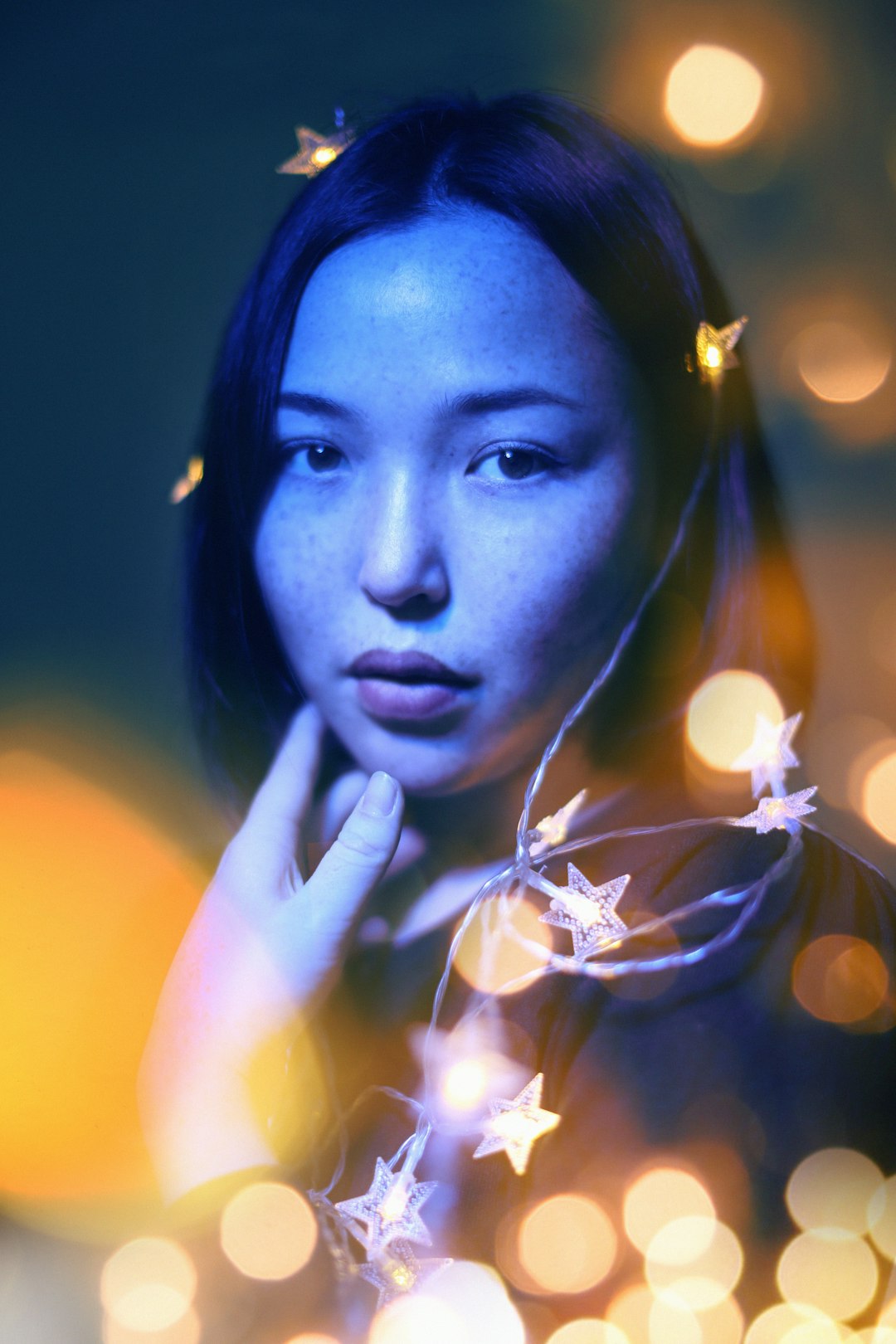
6. Use Bokeh Texture for Dreamy Light
Bokeh is those round, blurry light dots. They look fancy. They also make art feel warm and cinematic.
Add bokeh behind your subject. Keep it soft. Use warm gold, pink, blue, or purple tones. Then add a fine blur texture so the lights do not look too perfect.
Great for: music covers, romantic scenes, holiday graphics, night art.
-
7. Mix Blur with Paper Texture
Digital art can look too digital. Paper texture fixes that fast.
Blur a color wash in the background. Then place paper texture over it. Use blend modes like multiply, overlay, or soft light.
The result feels handmade. It is perfect for soft branding, book covers, and calm illustrations.
-
8. Add Frosted Glass Blur
Frosted glass is clean, cool, and modern. It works well in interface art and futuristic designs.
Create a semi transparent shape. Blur what is behind it. Add a subtle noise texture on top. Now it looks like glass.
Fun idea: Put frosted glass cards over a colorful abstract background. It looks slick with very little work.
-
9. Use Depth of Field Like a Camera
Cameras do this all the time. Objects near the focus point are sharp. Objects far away are blurry.
You can do the same in digital art. Keep the hero sharp. Blur objects in front and behind. Add different textures to each layer.
For example, use dusty blur in the foreground. Use smooth mist blur in the background. This creates a nice 3D feeling.
-
10. Make a Smudged Paint Blur
This one is messy in the best way. Use a paint texture. Stretch it. Smudge it. Blur it.
Place it behind characters or lettering. It creates movement and emotion. It can feel angry, soft, wild, or magical.
Tip: Use colors already found in your subject. This keeps the artwork harmonious.
-
11. Add Shadow Blur with Texture
Flat shadows are boring. Textured soft shadows feel real.
Make a shadow under your object. Blur it. Add grain, dust, or fabric texture. Then lower the opacity.
This makes floating objects feel grounded. It is useful for product mockups, icons, and character art.
-
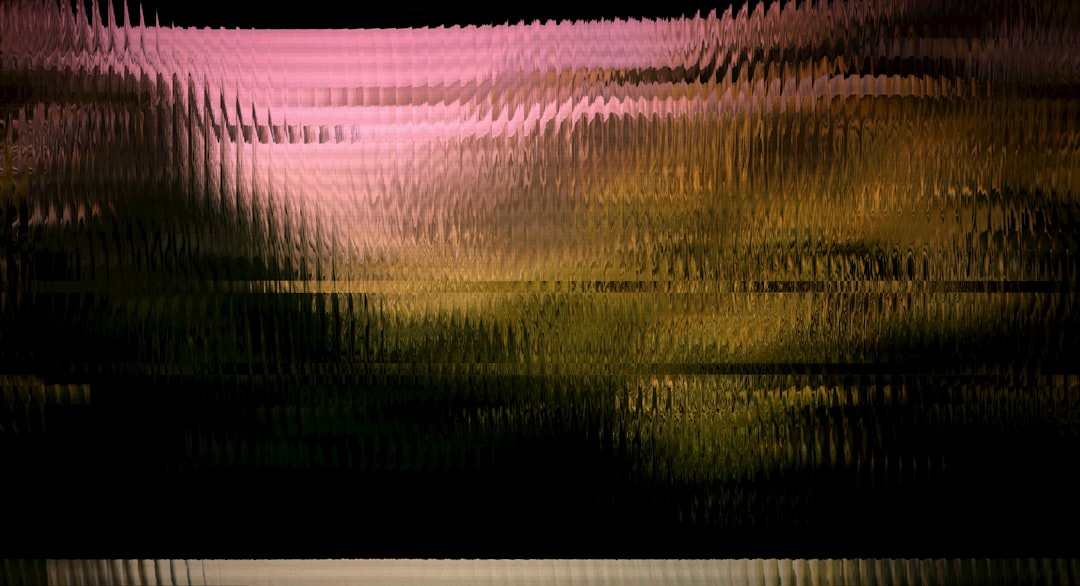
12. Create Abstract Blur Maps
This is for the brave artists. Make a black and white texture. Use it to control where the blur appears.
White areas can blur more. Dark areas can blur less. The result is uneven and organic. It feels like heat, glass, water, or a dream.
Best for: album art, sci fi posters, experimental graphics, surreal scenes.
Quick Blur Texture Recipe
Want a simple workflow? Try this:
- Step 1: Choose your main subject.
- Step 2: Keep it sharp and clear.
- Step 3: Add a blurred background shape.
- Step 4: Place texture over the blur.
- Step 5: Lower the texture opacity.
- Step 6: Add one sharp detail on top for contrast.
This gives you depth fast. It also keeps the artwork easy to read.
Common Mistakes to Avoid
- Blurring everything. If everything is soft, nothing stands out.
- Using too much texture. Texture should support the art. It should not attack it.
- Ignoring light direction. Blur and texture should match the scene lighting.
- Making the subject too soft. Keep the most important part crisp.
- Forgetting color harmony. Use blur colors that fit your palette.
Best Textures to Combine with Blur
Some textures love blur more than others. Here are easy winners:
- Noise: Great for modern art and smooth gradients.
- Paper: Great for warm, handmade styles.
- Dust: Great for drama and old photo looks.
- Smoke: Great for fantasy, mystery, and action.
- Fabric: Great for cozy posters and soft backgrounds.
- Light leaks: Great for dreamy, retro, or cinematic moods.
Final Thoughts
Blur texture effects are small tricks with big power. They can turn a flat image into a layered scene. They can add mood, motion, focus, and charm.
Start simple. Blur the background. Add a little grain. Keep your subject sharp. Then experiment with fog, bokeh, paper, glass, and motion.
Most of all, have fun. Digital art is a playground. Blur is one of the best slides.