Canvid is the best fit for creators who want clean screen recordings without wrestling with a full editing suite. Camtasia and ScreenFlow still matter, though, because they bring deeper editing, training features, and polish. Video remains a serious work tool, with Wyzowl reporting that 91% of businesses use video as a marketing tool [source: Wyzowl]. That makes the choice less about hype and more about speed, skill level, and output quality.
TLDR: Canvid suits quick demos, async updates, and product walk-throughs where speed matters most. Camtasia is stronger for training videos, courses, and edited explainers. ScreenFlow is a smart pick for Mac users who want strong recording and editing in one app. For example, a support team making five 3-minute tutorials per week may save hours with Canvid, while a course creator editing 40 lessons may still prefer Camtasia or ScreenFlow.
Where Canvid Fits
Canvid sits in the fast-recording category. It is built for people who need to capture a screen, clean it up, and share it without opening five panels first. That matters for product teams, founders, teachers, and support agents.
The main appeal is low friction. A user records a workflow, trims the dead air, adds focus where needed, and exports. It does not try to be a movie studio. That is a good thing for many teams.
Honestly, it feels like some screen recorders punish simple jobs. A two-minute bug report should not take fifteen minutes to edit. Canvid’s value is that it aims to cut that waste.
Canvid vs Camtasia
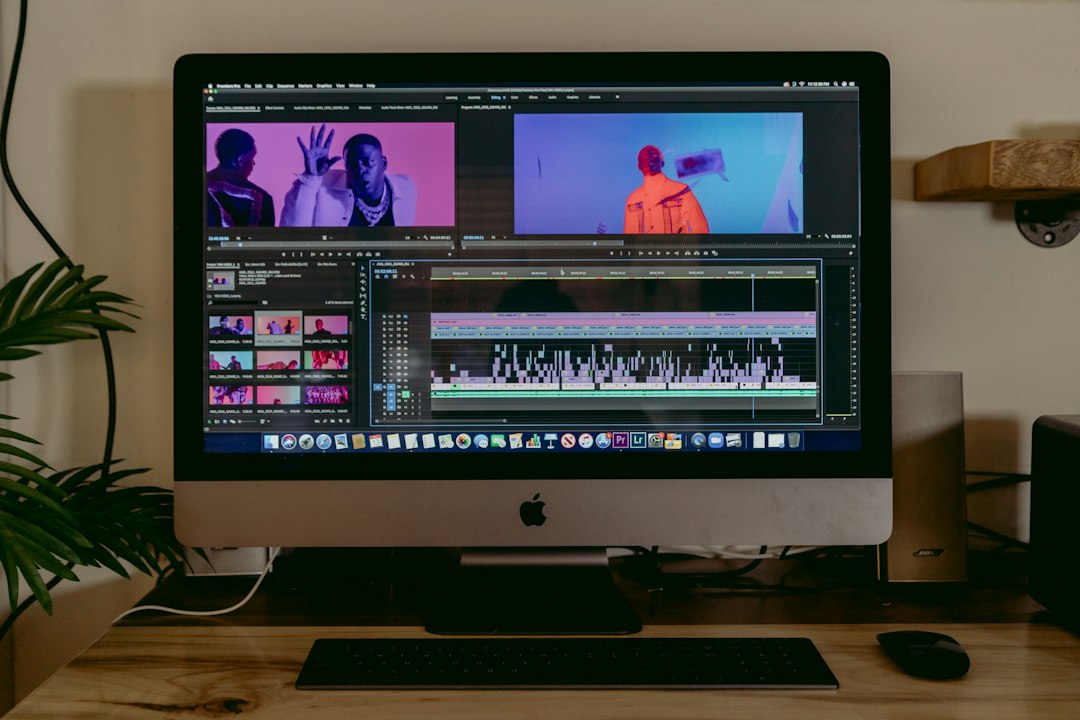
Camtasia is one of the most known names in screen recording. It is strong in structured editing. It works well for training videos, onboarding content, sales demos, and software lessons. It has templates, callouts, transitions, quizzes, audio tools, and a full timeline editor.
That power comes with more setup. New users may need time to learn the workspace. The catch is that short videos can feel heavier than they should. A creator who only needs a crisp product update may not need all those controls.
Camtasia works best when the video has to look polished and repeatable. A training team making a 20-part course will value its editing depth. A founder sending a quick investor update may not.
- Best for: courses, polished tutorials, long-form training.
- Weak spot: too much tool for very basic recordings.
- Ideal user: educators, trainers, documentation teams.
Canvid vs ScreenFlow
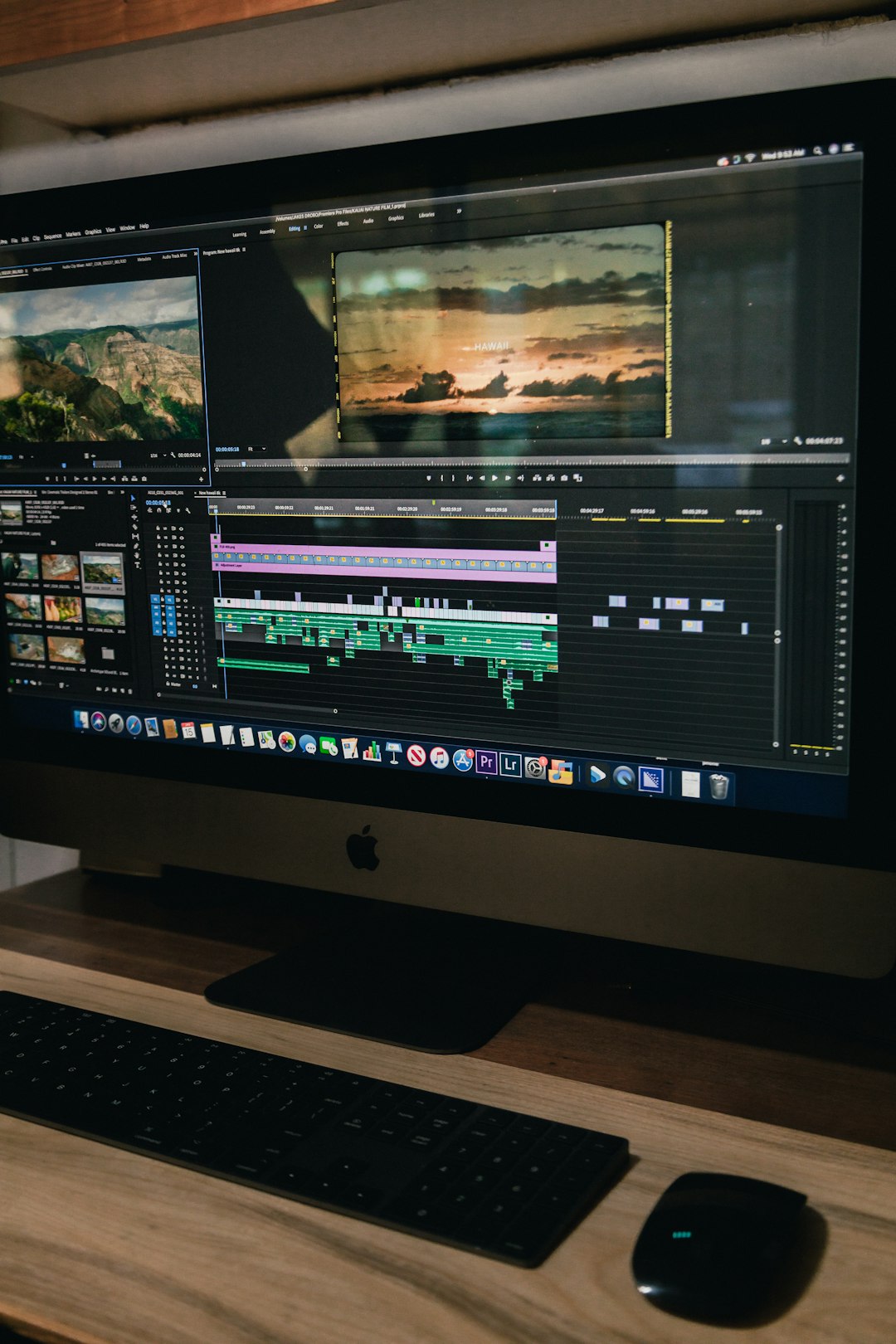
ScreenFlow is a favorite among many Mac users. It records the screen, camera, microphone, and system audio. It also has a capable editor with titles, annotations, zoom effects, and motion options.
ScreenFlow feels smoother than many bulky editors, especially on macOS. It is often used by YouTubers, app reviewers, and online teachers. Its timeline gives enough control without feeling overly crowded.
Still, it is Mac-only. That alone removes it from the list for Windows teams. Canvid may be easier to adopt in mixed teams if it supports the needed systems and export flow.
- Best for: Mac-based video creators and educators.
- Weak spot: limited to Apple users.
- Ideal user: solo creators, teachers, app reviewers.
Feature Comparison
| Tool | Strength | Best Use |
|---|---|---|
| Canvid | Fast, simple recording workflow | Quick demos, bug reports, async updates |
| Camtasia | Deep editing and training tools | Courses, polished tutorials, internal training |
| ScreenFlow | Strong Mac recording and editing | Mac tutorials, creator videos, lessons |
What Buyers Should Watch
Screen recording tools can look similar on a feature page. The real test is daily use. Does it record system audio without drama? Does the camera sync properly? Can files export fast? Does the cursor look clear? Can the user fix a mistake without re-recording the whole clip?
Expect to waste time on the wrong tool if the team skips these checks. A tool may have 100 features and still fail at a clean five-minute demo. That is the part that drives people mad.
Teams should test three common tasks before choosing:
- Record a short product demo with screen, voice, and camera.
- Edit out one mistake and add a callout or zoom.
- Export and share the final file with a teammate.
If the process feels slow during those steps, the tool will not improve much later. Screen recording software should save time, not add a new chore.
Who Should Choose Canvid?
Canvid makes sense for teams that care about speed and clean output. It is useful for SaaS demos, internal updates, customer support clips, sales follow-ups, and quick walkthroughs. It works best when the video is direct and practical.
Camtasia remains the safer pick for heavy editing. ScreenFlow remains a strong choice for Mac creators. Canvid is the leaner option when the work is frequent, short, and deadline-driven.
FAQ
- Is Canvid better than Camtasia?
Canvid may be better for quick recordings and faster sharing. Camtasia is better for detailed editing, courses, and polished training videos. - Is ScreenFlow only for Mac?
Yes, ScreenFlow is built for macOS. Windows teams should consider other tools, including Canvid or Camtasia. - Which tool is best for online courses?
Camtasia is often the strongest choice for course production because it has deeper editing and training-focused tools. - Which tool is best for quick product demos?
Canvid is a strong fit for quick demos, bug reports, and async updates because it keeps the process simple. - Should teams test before buying?
Yes. They should record, edit, export, and share one real video before deciding. That simple test exposes most problems fast.