Keeping an eye on your home has never been easier—or more complex. Modern security cameras offer crystal-clear video, motion alerts, and remote access, but without the right software, managing multiple camera feeds can quickly become overwhelming. Home surveillance software for monitoring multiple cameras acts as the command center of your security system, bringing together video streams, smart alerts, storage, and analytics into one organized interface. Whether you’re protecting a small apartment or a large property, the right platform makes all the difference.
TLDR: Home surveillance software lets you monitor multiple cameras from a single dashboard, making security management more efficient and effective. The best platforms offer real-time alerts, smart detection, remote access, and secure video storage. Advanced features like AI-based recognition and automation enhance protection. Choosing the right system depends on your home’s size, camera count, and security needs.
As smart homes become mainstream, homeowners are installing more cameras—front door, backyard, garage, driveway, nurseries, and even interior common areas. While adding cameras improves coverage, monitoring them individually through separate apps is impractical. Centralized surveillance software solves this problem by integrating all camera feeds into one cohesive system.
What Is Home Surveillance Software?
Home surveillance software is a program or platform that connects and manages multiple security cameras from one interface. It can run on a desktop computer, server, smartphone, tablet, or cloud-based dashboard. Instead of juggling different apps or screens, users gain access to a unified command center.
Depending on the system, the software may be compatible with:
- IP cameras
- Wi-Fi-enabled smart cameras
- Wired CCTV systems
- Doorbell cameras
- Pan tilt zoom cameras
Some platforms are manufacturer-specific, while others are designed to work with multiple brands using standardized protocols.
Why Monitoring Multiple Cameras Matters
A single camera provides a snapshot. Multiple cameras tell a complete story. Comprehensive monitoring eliminates blind spots and improves both deterrence and evidence collection.
With multiple camera monitoring software, homeowners can:
- View all camera feeds simultaneously
- Switch instantly between live and recorded footage
- Track movement across different zones of the property
- Respond faster to potential threats
For example, if motion is detected at the front door, you can immediately check the driveway and backyard feeds without leaving your dashboard. This holistic view makes it easier to assess real situations instead of reacting to isolated alerts.
Key Features to Look For
Not all home surveillance programs are created equal. The most effective solutions combine usability with advanced technology. Here are the must-have features that make multiple-camera monitoring powerful and practical:
1. Unified Dashboard
A clean, customizable interface should allow you to see multiple feeds in grid view. Many systems let you choose between different layouts (2-grid, 4-grid, 8-grid, or more). Some even provide drag-and-drop customization.
2. Real-Time Motion Alerts
Instead of recording continuously without context, smart software detects movement and sends immediate notifications. Advanced platforms can differentiate between:
- People
- Vehicles
- Animals
- General motion
This reduces false alarms while keeping you informed.
3. Cloud and Local Storage Options
Video storage can be handled in multiple ways:
- Cloud storage: Secure, remote access from anywhere
- Local storage: NVR or DVR systems for on-premises recording
- Hybrid systems: Combining both cloud and local backups
Choosing the right approach depends on your privacy preferences and reliability needs.
4. Remote Access
Modern surveillance software allows homeowners to monitor feeds via smartphone or tablet apps. Whether you’re at work or on vacation, you can view live footage, replay recordings, and adjust settings in real time.
5. AI-Based Analytics
Artificial intelligence has significantly advanced home security. AI-powered features may include:
- Facial recognition
- License plate recognition
- Package detection
- Loitering alerts
These smart capabilities turn cameras into proactive guardians rather than passive recording devices.
Benefits of Centralized Monitoring
Efficiency is perhaps the greatest advantage. Instead of opening separate applications for each camera, all feeds exist within one system.
Improved situational awareness follows naturally. Simultaneous viewing allows you to track events across multiple angles. For instance, you may see someone approach the driveway camera and then move toward the doorbell camera.
Faster response times are another key benefit. When alerts are consolidated, you can quickly assess potential risks and determine whether to contact authorities.
Better storage management also becomes possible. Filtering, tagging, and searching archived footage saves time when reviewing incidents.
Cloud-Based vs. Local Software
One of the most important decisions when choosing surveillance software is whether to go cloud-based or rely on local systems.
Cloud-Based Systems
Cloud solutions store footage on remote servers maintained by the provider. Advantages include:
- No need for large local storage hardware
- Access from anywhere
- Automatic updates and maintenance
However, they may involve subscription fees and depend on a stable internet connection.
Local NVR or DVR Systems
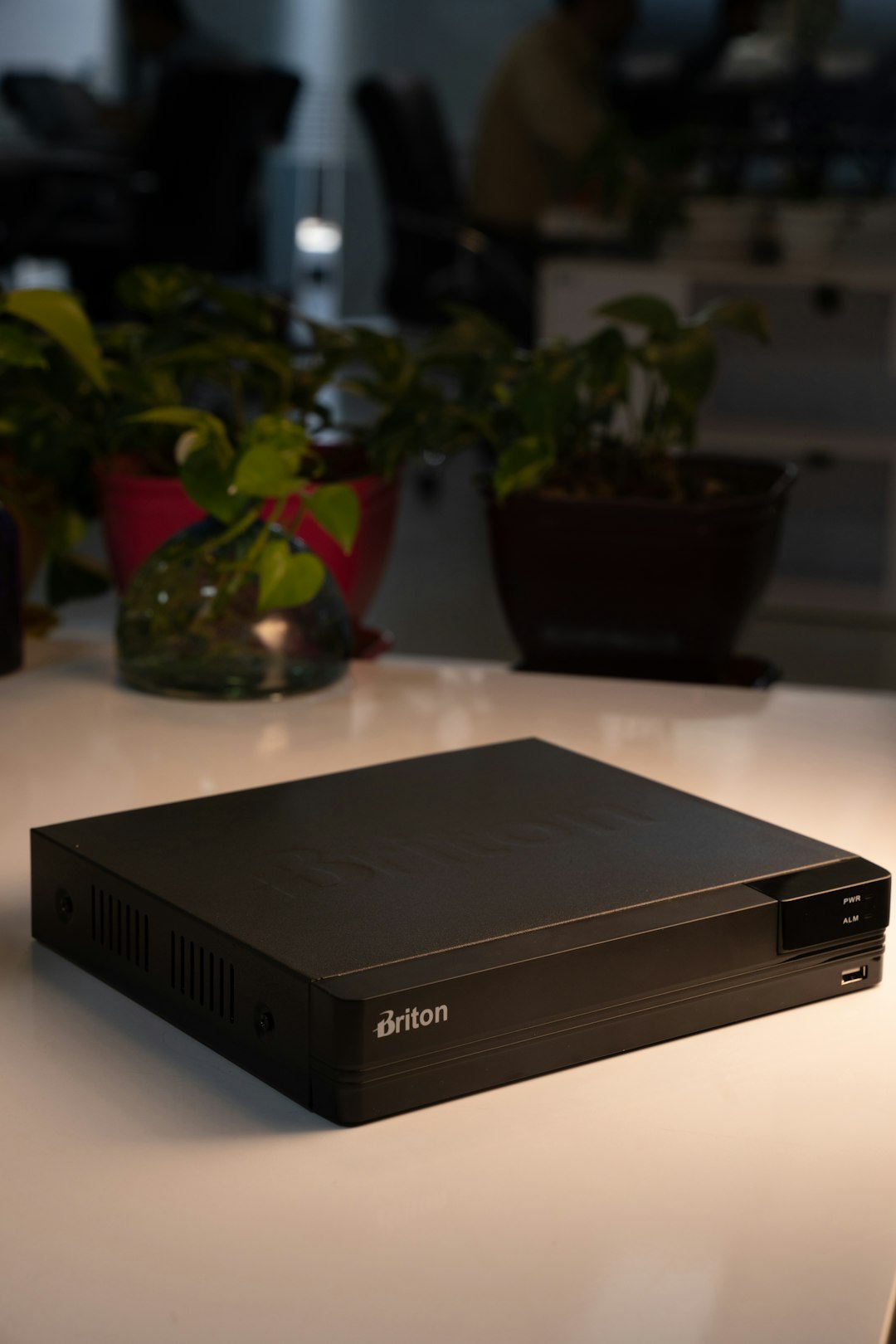
Network Video Recorders (NVR) and Digital Video Recorders (DVR) store data on-site.
- Greater control over data
- No mandatory monthly fees
- Less reliance on internet bandwidth
The trade-off is that hardware maintenance and physical security of the recorder become your responsibility.
Scalability: Planning for Growth
Many homeowners start with two or three cameras and expand later. Choosing scalable surveillance software ensures you won’t need to replace the system when upgrading.
Look for platforms that support:
- Additional camera licenses
- Expanded storage options
- Integration with smart home devices
- Multiple user accounts with permissions
For larger properties, scalability is not optional—it is essential.
Smart Home Integration
One of the most exciting developments in surveillance software is seamless integration with other smart technologies. Cameras no longer operate in isolation.
Advanced systems connect with:
- Smart locks
- Motion lights
- Alarm systems
- Voice assistants
Imagine motion detection triggering outdoor lights automatically while sending a notification to your phone and activating a recording sequence across all cameras. This interconnected response dramatically enhances security.
User Experience and Interface Design
Even the most feature-rich system is ineffective if it’s difficult to use. Monitoring multiple cameras should feel intuitive, not overwhelming.
A well-designed platform includes:
- Clear video labeling by location
- Quick playback controls
- Timeline-based video search
- Simple alert management settings
User-friendly interfaces encourage consistent use, which ultimately improves overall protection.
Privacy and Security Considerations
Ironically, surveillance software must itself be secure. Protecting your video data is just as important as capturing it.
Look for software that offers:
- End-to-end encryption
- Two-factor authentication
- Regular security updates
- Role-based access control
Limiting user permissions prevents unauthorized access within households or shared properties.
Cost Considerations
Costs vary widely depending on features and storage needs. Expenses may include:
- Software licensing fees
- Cloud storage subscriptions
- Hardware (NVR, server, backup drives)
- Maintenance and updates
While budget-friendly systems exist, investing in reliable software can prevent costly losses from theft, vandalism, or liability disputes.
Best Use Cases for Multiple-Camera Monitoring
Home surveillance software for multiple cameras is particularly valuable in scenarios such as:
- Large homes with multiple entry points
- Properties with detached garages or sheds
- Vacation homes
- Home-based businesses
- Apartment buildings with shared spaces
In these situations, centralized monitoring offers both peace of mind and operational convenience.
Future Trends in Home Surveillance Software
The future of surveillance software is moving toward even greater intelligence and automation. Emerging trends include:
- Predictive threat detection using behavioral analysis
- Edge computing for faster processing directly on camera devices
- Enhanced video compression for longer storage capacity
- Improved AI accuracy to reduce false alerts further
As these technologies evolve, homes will benefit from systems that not only record events but anticipate potential threats.
Final Thoughts
Home surveillance software for monitoring multiple cameras transforms scattered video feeds into a powerful, unified security network. By combining real-time alerts, intelligent analytics, organized storage, and remote access, these platforms provide homeowners with unmatched control and visibility.
Whether you choose a cloud-based solution, a local NVR system, or a hybrid setup, the key is selecting software that aligns with your property’s needs and future growth. In today’s security landscape, having multiple cameras is only half the battle. Managing them effectively is what truly protects your home.
With the right surveillance software in place, peace of mind becomes more than just a promise—it becomes part of your daily life.