Use AI in UX research as a research assistant, not as the researcher. The safest approach is to let AI speed up repetitive work: transcript cleanup, tagging, clustering, survey analysis, and draft reporting. Human researchers still need to define the study, protect participants, interpret context, and make final calls. This matters because generative AI is now common in business operations; McKinsey reported that 65% of organizations regularly used generative AI in 2024 [source: McKinsey].
TLDR: AI can cut hours from UX research by summarizing interviews, spotting repeated themes, and turning raw notes into clear findings. For example, a team with 20 interview transcripts can use AI to produce first-pass theme clusters in under an hour, then spend its time checking evidence instead of formatting sticky notes. Expect useful speed gains, but do not trust AI outputs without review. It can miss sarcasm, invent patterns, or flatten emotional detail that matters to product decisions.
Where AI Fits in the UX Research Process
AI works best when the task is structured and repetitive. It is weaker when the task needs empathy, domain knowledge, or ethical judgment. That split should guide how you use it.
Good AI use cases include:
- Transcribing interviews and cleaning filler words.
- Summarizing long research sessions into short notes.
- Tagging themes across interviews, surveys, and support tickets.
- Drafting discussion guides from research questions.
- Analyzing open-text survey responses at scale.
- Creating first-draft personas or journey maps from verified data.
- Turning findings into reports for product, design, and leadership teams.
Poor AI use cases include making final decisions about user intent, replacing live customer contact, or generating “insights” from weak data. If your input is shallow, the output will sound polished but still be shallow. That is one of the most dangerous parts of AI in research. Bad work can look professional.
Useful AI Tools for UX Research
There is no single perfect tool. The right choice depends on your research volume, privacy needs, budget, and workflow. Start with the job you need done, not the software category.
1. Transcription and Interview Capture
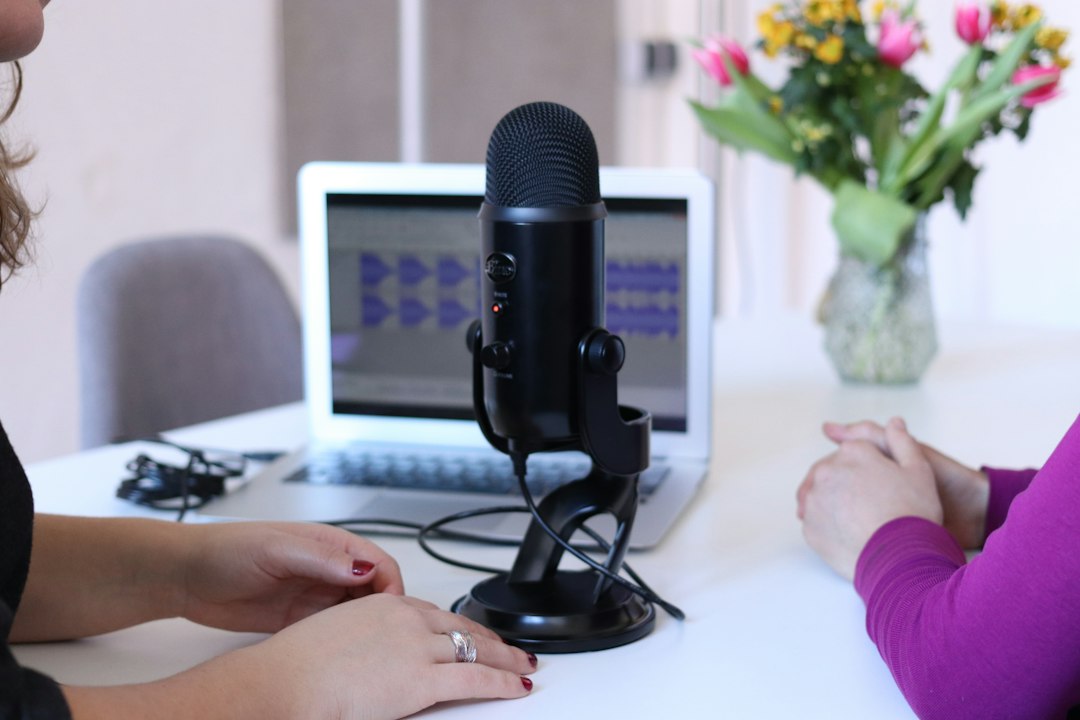
Tools such as Otter.ai, Rev, Zoom AI Companion, Microsoft Teams transcription, and Fireflies.ai can turn calls into searchable text. This saves time and reduces the risk of missing key quotes.
The annoying part is accuracy. Names, technical terms, accents, and overlapping speech still cause errors. Honestly, it feels like the last 10% of cleanup takes almost as long as it should not. Always review quotes before using them in a report.
2. Research Repositories and Synthesis Tools
Platforms such as Dovetail, Condens, EnjoyHQ, and Aurelius help researchers store data, tag findings, and build searchable evidence libraries. Many now include AI features for clustering themes and summarizing evidence.
These tools are helpful when teams repeat research or work across markets. They are less useful if nobody maintains the repository. A messy research database becomes a faster way to find the wrong thing.
3. General AI Assistants
Tools such as ChatGPT, Claude, and Gemini can help with synthesis, planning, and report drafting. You can ask them to turn notes into themes, compare participant segments, or rewrite findings for an executive audience.
Use them carefully with sensitive data. Remove names, emails, company details, payment references, health information, and anything that could identify a participant. If your company has legal or compliance rules, use approved enterprise versions only.
4. Survey and Feedback Analysis Tools
Tools such as Qualtrics, Typeform, SurveyMonkey, Hotjar, and Sprig can help analyze responses and behavioral feedback. AI is useful here because open-text comments pile up fast.
For example, 1,500 survey comments may contain repeated complaints about pricing, onboarding, or missing features. AI can group them quickly. A researcher should still check sample comments in each group to confirm the label is valid.
How to Use AI in a Real UX Research Workflow
A practical workflow looks like this:
- Define the research question. Do this yourself. AI can help refine wording, but your team must decide what needs to be learned.
- Create a discussion guide. Ask AI for a draft, then remove leading questions and add product-specific probes.
- Run the sessions. Keep a human moderator in control. AI can record and transcribe, but it cannot read the room well enough.
- Generate first-pass summaries. Ask AI to summarize each session with quotes, pain points, goals, and surprises.
- Cluster themes. Feed in cleaned notes and ask for patterns. Then check the raw evidence.
- Score findings by confidence. Mark each insight as strong, moderate, or weak based on participant count and evidence quality.
- Draft the report. Use AI to structure the story, not to create unsupported claims.

Prompt Examples That Work
Good prompts are specific. Weak prompts produce vague summaries. Use instructions that force the model to show evidence.
For interview summaries:
“Summarize this UX interview in five sections: user goals, pain points, current workaround, emotional tone, and direct quotes. Do not add claims unless they are supported by the transcript.”
For theme clustering:
“Analyze these 12 interview summaries. Identify the top five recurring themes. For each theme, list supporting participant IDs, short evidence, and any contradictions.”
For survey analysis:
“Group these open-text survey responses into categories. Include the percentage of responses in each category. Flag unclear or mixed responses instead of forcing them into a category.”
The key phrase is “show supporting evidence.” Without that, AI may give you tidy claims with no audit trail.
Benefits of AI for UX Research
Speed is the obvious benefit. Transcription, tagging, and summary work can shrink from days to hours. That gives researchers more time for planning and interpretation.
Consistency is another gain. AI can apply the same tagging structure across many records. Human teams often drift as fatigue sets in.
Scale also improves. A small research team can process more support tickets, app reviews, and survey comments than it could manually. This is useful for teams that receive constant feedback but rarely have time to read it all.
Communication gets easier. AI can turn a dense research report into a one-page summary, product brief, or slide outline. Stakeholders are more likely to act when findings are clear.
Limitations and Risks
AI can be wrong with confidence. It may invent connections, overstate weak patterns, or smooth over minority opinions. That is a serious risk in UX because rare problems can still be severe. One participant may reveal an accessibility barrier that affects thousands of people.
Bias is another issue. AI systems reflect patterns in their training data and in your input data. If your participant sample is skewed, AI will amplify that skew. It will not fix poor recruiting.
Privacy needs care. UX research often contains sensitive quotes, screen recordings, personal stories, and business details. Do not paste raw participant data into public tools unless your policies allow it.
Context is the hardest limit. AI can summarize what users said. It cannot fully understand why a participant hesitated, laughed, contradicted themselves, or avoided criticism to be polite. Skilled researchers catch those signals.
Best Practices for Serious Teams
- Keep humans accountable for research design, consent, and final interpretation.
- Use anonymized data before uploading anything to AI tools.
- Ask for evidence with every theme or recommendation.
- Check quotes manually against transcripts or recordings.
- Document your AI use in the research method section.
- Do not treat AI output as raw truth. Treat it as a draft.
AI can make UX research faster, cleaner, and easier to share. It is especially useful when teams are buried under transcripts, survey comments, and product feedback. The catch is that speed can hide mistakes. Use AI to reduce busywork, then apply human judgment where it matters most: study design, ethics, interpretation, and product decisions.