Buying PC parts can feel like shopping in a dragon cave. There is gold everywhere. There are also traps. Jawa is one of the newer places where people buy and sell graphics cards, CPUs, gaming PCs, and other tech goodies. But is it a good site for PC parts? Let’s break it down in plain English.
TLDR: Jawa can be a good site for PC parts, especially if you want used parts, custom gaming PCs, or deals from real sellers. It is more focused on PC hardware than huge marketplaces like eBay or Facebook Marketplace. Still, you need to check seller ratings, read listings closely, and understand the return rules before buying. Great deals exist, but smart shopping matters.
What Is Jawa?
Jawa is an online marketplace for PC parts, gaming computers, and tech gear. Think of it as a tech-focused version of eBay. But instead of random lamps, sneakers, and mystery boxes, Jawa focuses mostly on computer stuff.
You can find items like:
- Graphics cards
- Processors
- Motherboards
- RAM kits
- Power supplies
- PC cases
- Storage drives
- Full gaming PCs
- Custom builds
- Accessories
Many sellers are everyday PC builders. Some are small businesses. Some are hobbyists who build PCs for fun. Others are people selling old parts after an upgrade.
That makes Jawa interesting. It feels more personal than a big store. But it also means you need to shop with your brain turned on. No autopilot mode here.
Is Jawa Legit?
Yes, Jawa is a real marketplace. It is not some shady popup site with a blurry logo and five fake reviews from “John Smith.” It has a working platform, seller profiles, listings, payments, and buyer protections.
But here is the key point. Jawa itself is the marketplace. The sellers are separate people or shops. So your experience can depend on who you buy from.
This is common. eBay works this way. Amazon Marketplace works this way. Facebook Marketplace also works this way, except with more “Is this still available?” pain.
On Jawa, you should look at each seller before buying. Check their rating. Read reviews. Look at their past sales. See if they answer questions. If a seller has a strong history, that is a good sign.
Why People Like Jawa for PC Parts
Jawa has some real strengths. It is not perfect. No site is. But it does a few things well.
1. It Is Built for PC Buyers
Jawa is focused on PC hardware. That helps a lot. You do not have to dig through piles of unrelated junk. The site is made for people who know what a GPU is. Or at least people who want to learn.
This focus makes browsing easier. You can compare parts. You can look for gaming PCs. You can search for certain components. It feels like a marketplace made by people who actually understand PC building.
2. You Can Find Used Deals
Used PC parts can save you a lot of money. A used graphics card may cost much less than a new one. A used CPU can still be very fast. RAM and cases can also be good buys.
This is where Jawa can shine. Sellers often list parts after upgrading their own rigs. That means you may find solid gear at fair prices.
Of course, “used” means you need to be careful. A used GPU is not a banana. It does not go bad in three days. But it can be worn, dusty, or abused. Always read the listing.
3. Full Gaming PCs Are Available
Not everyone wants to build a PC from scratch. Some people want to play games, not wrestle with tiny motherboard cables. Fair enough.
Jawa has prebuilt and custom gaming PCs. These may be built by hobbyists or small PC builders. Some are clean and well priced. Some may be overpriced. You need to compare.
Look for clear specs. A good listing should show the CPU, GPU, RAM, storage, power supply, case, and cooling. If a listing says “super fast gaming PC” but does not name the parts, run away like your frame rate depends on it.
4. The Community Feel Is Nice
Jawa has a more community-based feeling than many huge marketplaces. Sellers often know PC parts. Buyers often know what they want. There is less random clutter.
This can make it easier to ask questions. You can message sellers. You can ask about temperatures, benchmarks, part history, or shipping. A good seller should respond clearly.

What Buyers Should Be Careful About
Jawa can be good. But you still need to shop wisely. PC parts are not cheap. A bad buy can hurt. Especially if it makes your wallet cry in 4K.
1. Check Seller Ratings
This is step one. Do not skip it. A strong seller rating gives you more confidence. Read the reviews, not just the number.
Look for comments about:
- Fast shipping
- Good packaging
- Accurate descriptions
- Working parts
- Helpful communication
If a seller has no history, that does not always mean they are bad. Everyone starts somewhere. But you should be more careful. Ask questions. Study the listing. Trust your gut.
2. Read the Full Listing
Do not buy based only on the title. Titles can be short. Photos can look shiny. But the details matter.
Check for:
- The exact model number
- Condition
- Age of the part
- Whether it was used for mining
- Any damage or defects
- Included cables or accessories
- Return rules
This is very important for graphics cards. A “RTX 3080” can mean several different brands and models. Some cool better than others. Some are louder. Some are huge and may not fit your case.
3. Study the Photos
Photos are your best friend. They are like little windows into the seller’s honesty. Clear photos are a good sign. Blurry photos are suspicious. One lonely photo from a weird angle is also not great.
Look for dust, bent pins, deep scratches, missing screws, and damaged ports. For motherboards, check the CPU socket. For GPUs, check the fans and display ports. For power supplies, check the cables.
If the photos are not enough, ask for more. A good seller should not be offended. You are buying electronics, not a mystery sandwich.
4. Compare Prices
Do not assume every Jawa listing is a deal. Some sellers price fairly. Some price too high. Some may hope buyers do not check.
Compare prices with:
- New prices at major retailers
- Used prices on eBay
- Recent sale prices
- Local marketplace prices
A used part should usually cost less than a new one. That sounds obvious. But sometimes used listings get wild. If a used GPU costs almost the same as a new GPU with warranty, the new one may be smarter.
Is Jawa Safe for Buying Used GPUs?
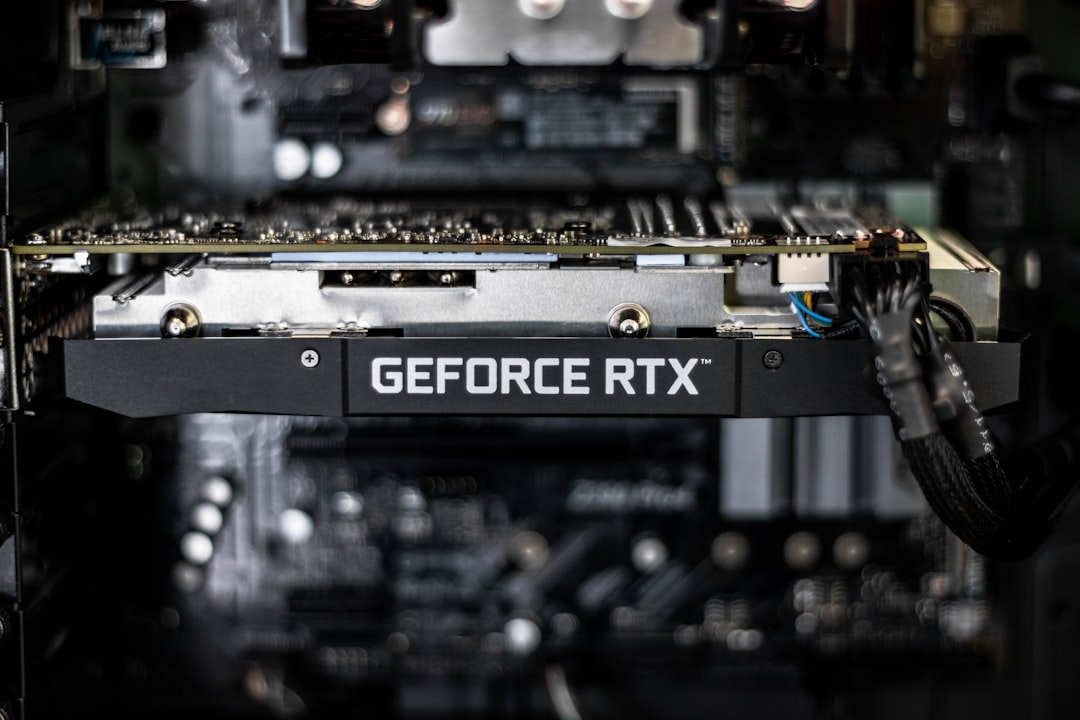
Used GPUs are one of the biggest reasons people visit Jawa. They are also one of the biggest things to check carefully.
A used GPU can be an excellent buy. Many cards last for years. A gamer may sell a perfectly good card after upgrading. That is the dream.
But some GPUs have lived hard lives. They may have mined crypto. They may have run hot. They may have been stuffed inside dusty cases with airflow worse than a sealed lunchbox.
Before buying a GPU, ask:
- Was it used for mining?
- What temperatures did it run at?
- Do all fans work?
- Has it been opened or repasted?
- Are there any crashes or artifacts?
- Can the seller provide benchmarks?
Benchmarks help. They show the card works under load. If a seller includes test results, that is a nice bonus.
What About Full Gaming PCs?
Buying a full PC on Jawa can be great. It can also be tricky. A complete PC has many parts. One weak part can ruin the whole build.
Pay close attention to the power supply. This part is often ignored by beginners. Do not ignore it. The power supply is the lunch lady of your PC. It feeds everyone. If it is bad, everyone suffers.
A good PC listing should include the power supply brand and wattage. It should also mention the storage type. An SSD is much better for daily use than an old hard drive.
Also check the RAM. For gaming, 16GB is often a good starting point. For heavier work, 32GB may be better.
Make sure the CPU and GPU match well. A very powerful GPU with a very weak CPU can cause bottlenecks. That means one part holds the other back. It is like putting race car tires on a shopping cart.
Jawa vs eBay vs Facebook Marketplace
How does Jawa compare to other options?
Jawa is more focused on PC parts. That makes it easier to browse. Seller profiles and buyer protection are helpful. It may have fewer listings than huge sites, but the listings are more relevant.
eBay has massive selection. You can find almost anything. It also has strong buyer protection. But it is crowded. You may need to sort through many listings, auctions, and sellers.
Facebook Marketplace can have local deals. Sometimes you can test parts in person. But it can also be messy. Scams exist. No-shows are common. Buyer protection is limited in many local deals.
So, Jawa sits in a nice middle spot. It is more specialized than eBay. It is more organized than Facebook Marketplace. But you still need to compare prices and read carefully.
Tips for Buying Safely on Jawa
Here are simple rules to follow:
- Buy from sellers with good reviews.
- Read the full description.
- Check all photos closely.
- Ask questions before buying.
- Compare prices with other sites.
- Know the return policy.
- Avoid listings that feel vague.
- Be careful with deals that seem too good.
Also, keep messages on the platform when possible. This helps if there is a problem later. Do not move to strange payment methods. If someone wants payment outside the site, be very cautious.
Red Flags to Watch For
Some listings should make your scam senses tingle. Watch out for:
- Prices far below normal market value
- No real photos
- Stock images only
- Very short descriptions
- Sellers who avoid questions
- Pressure to buy fast
- Requests to pay outside the platform
- Missing model numbers
A real seller should be able to explain what they are selling. If they cannot name the parts in a PC, be careful. If they get angry when you ask basic questions, walk away.
So, Is Jawa a Good Site for PC Parts?
Yes, Jawa can be a good site for PC parts. It is especially useful if you want used hardware, custom builds, or a marketplace made for PC fans. The site has a nice focus. It can save you time. It can also help you find deals that big stores do not offer.
But it is not magic. You can still overpay. You can still choose a weak seller. You can still buy the wrong part if you do not check compatibility.
The best way to use Jawa is simple. Be curious. Be patient. Ask questions. Compare prices. Read everything. If you do that, Jawa can be a fun and useful place to shop.
Final Verdict
Jawa is worth checking out for PC parts. It is not the only place you should look, but it deserves a spot on your list. For used GPUs, CPUs, and full gaming PCs, it can be very handy.
Just remember the golden rule of PC shopping: the deal is only good if the part works, fits, and costs the right amount.
If you shop smart, Jawa can help you build a great PC without emptying your bank account. And that means more money for games, snacks, RGB lights, or whatever makes your setup feel awesome.