Choose Microsoft Project Professional if you manage shared resources, complex schedules, and portfolio work; choose Project Standard if you work alone on plans; choose monday.com if team collaboration matters more than heavyweight scheduling. The price gap is real: Microsoft lists Project Standard 2024 at $679.99 and Project Professional 2024 at $1,129.99 as one-time purchases [source: Microsoft].
TLDR: Microsoft Project Professional is best for project managers who need resource management, cost tracking, and links to Project Server or Project Online. Project Standard is cheaper and solid for Gantt charts, but it is weaker for shared team planning. monday.com is easier for teams that want boards, automations, comments, and status updates without training. For example, a 20-person marketing team running 35 tasks across five campaigns may save hours each week with monday.com automations, while a construction PM handling 300 linked tasks will likely prefer Project Professional.
1. Microsoft Project Standard: best for solo planners
Microsoft Project Standard is the cleanest choice when one person owns the schedule. You get classic Gantt charts, task dependencies, baselines, calendars, and cost fields. It feels familiar if you already live in Excel, Outlook, and Microsoft 365.
The catch is that Standard can feel lonely. It is good at building a plan, but not great at sharing live work with a team. You can email files around, but that gets messy fast. Version names like Final plan v7 real final are how trust dies.
- Best for: consultants, small contractors, solo PMs.
- Strong point: detailed timelines and dependencies.
- Weak point: limited team and resource coordination.

2. Microsoft Project Professional: best for resource-heavy work
Microsoft Project Professional adds the muscle missing from Standard. It supports resource pools, better team planning, and integration with Microsoft’s project server tools. If your main headache is who is available, when, and at what cost, Professional makes more sense.
This matters for engineering, construction, operations, and IT projects. A resource pool can show when the same developer, designer, or machine is booked across multiple plans. That helps prevent the classic Monday morning surprise: three managers all assumed the same person was free.
Honestly, it feels like Project Professional was built for people who enjoy control more than simplicity. The menus are deep. Some actions take a few more clicks than they should. Still, when a project has hundreds of tasks and many people, that extra structure pays off.
3. monday.com: best for team collaboration
monday.com wins when visibility is the problem. It turns projects into boards with owners, dates, statuses, files, comments, dashboards, and automations. It is less strict than Microsoft Project, but much easier for non-PMs to use.
Teams can create views for timelines, Kanban boards, calendars, workloads, and dashboards. A designer can update a task status in seconds. A manager can see late work without asking for a status meeting. That alone can cut noise.
It drives me crazy that some useful monday.com features sit behind higher plans, especially if you need advanced reporting or automation volume. Even so, the tool is friendly. People actually update it, which is half the battle.
- Best for: marketing, product, agencies, HR, sales ops.
- Strong point: collaboration and visual tracking.
- Weak point: less precise for complex critical path planning.
4. Microsoft Planner: best for simple task coordination
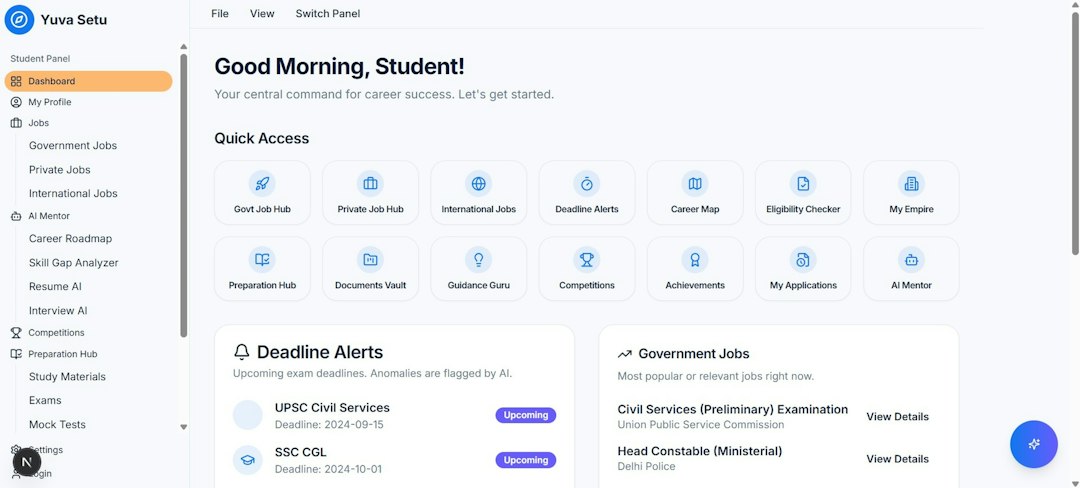
Microsoft Planner is not a direct Project replacement. It is lighter, simpler, and built for team task boards. If your group uses Microsoft Teams, Planner can be a handy way to assign work and track progress without buying another system.
Use Planner for checklists, owners, due dates, buckets, and simple boards. Skip it if you need resource leveling, baselines, earned value, or deep dependency chains. Planner is good for “who is doing what by Friday?” It is not good for “what happens if task 42 slips by eight days?”
5. Smartsheet: best spreadsheet-style project tracking
Smartsheet sits between Excel and project management software. It gives teams grids, Gantt views, forms, dashboards, and automations. The spreadsheet feel helps adoption because many users already understand rows and columns.
Smartsheet is useful when projects need structure, but the team rejects heavy PM software. It works well for PMOs, operations teams, compliance tracking, and client-facing plans. The downside is that complex sheets can become hard to read. Expect to spend time cleaning views if too many people add columns.
6. Asana: best for cross-functional work
Asana is strong for teams that manage work across departments. It handles tasks, projects, goals, portfolios, timelines, forms, rules, and approvals. It is more structured than monday.com in some areas, but still easier than Microsoft Project for casual users.
Asana is good for product launches, content calendars, onboarding programs, and internal initiatives. Its timeline view helps teams see dates and dependencies. It is not the best fit for heavy cost tracking or technical scheduling, but it keeps work moving without too much setup.
Quick comparison
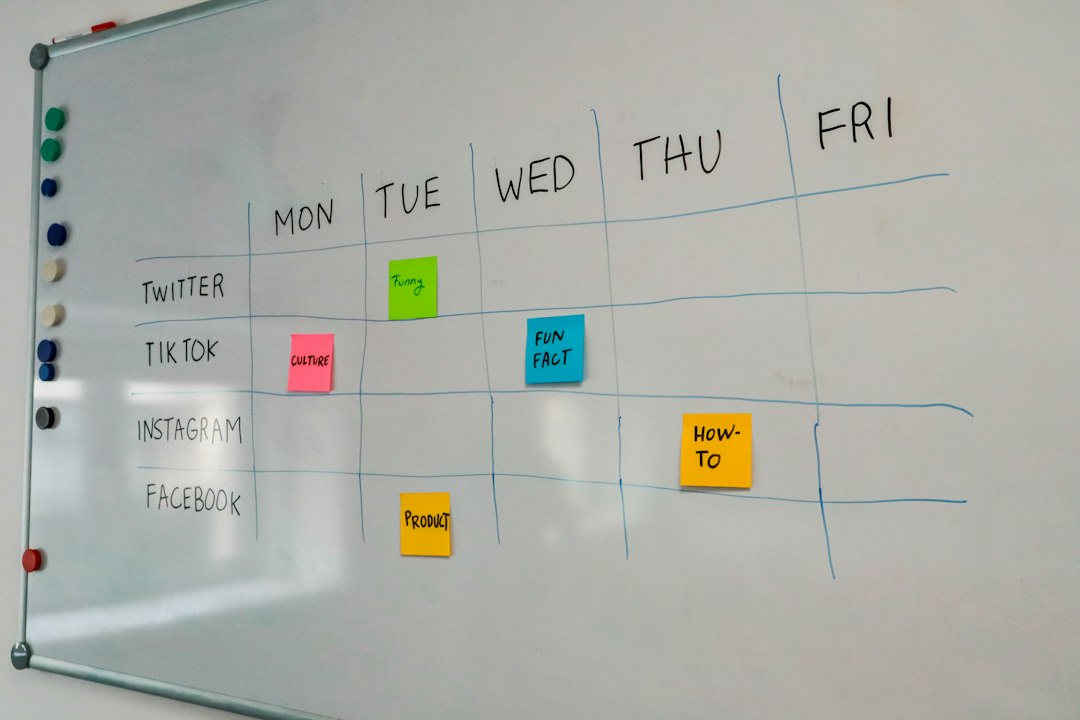
- Best detailed schedule: Microsoft Project Professional.
- Best low-cost Microsoft desktop option: Project Standard.
- Best team adoption: monday.com.
- Best Microsoft 365 task board: Planner.
- Best spreadsheet style: Smartsheet.
- Best cross-team task flow: Asana.
Which one should you pick?
If your plan has many dependencies, shared resources, and strict deadlines, pick Microsoft Project Professional. If you only need to build and maintain schedules yourself, Project Standard is enough. If the real issue is that people miss updates, ignore spreadsheets, or hate formal project plans, pick monday.com.
For many companies, the smartest setup is mixed. Use Project Professional for master schedules and resource planning. Use monday.com, Planner, or Asana for daily team updates. That keeps the PM plan accurate while giving the team a tool they will actually open.