Speed matters. No one likes waiting for a slow website to load. Big, beautiful images are often the biggest reason a page feels heavy. The good news? You don’t have to remove your images. You just need to load them smarter. That’s where image lazy loading comes in.
TLDR: Image lazy loading means images only load when users scroll to them. This makes your site faster and improves user experience. Tools like lazysizes, Lozad.js, and WordPress native lazy loading make it easy to set up. Less load time means happier visitors and better SEO.
Let’s break it down in a fun and simple way.
What Is Image Lazy Loading?
Imagine walking into a buffet. Instead of putting all the food on your plate at once, you only take what you’re about to eat. That’s lazy loading.
Normally, a website loads every image at the same time. Even the ones at the bottom of the page. Even the ones no one may scroll down to see.
Lazy loading changes that.
- Images load only when they are about to appear on screen.
- The browser saves bandwidth.
- The page loads faster.
- Users stay happy.
Simple. Smart. Effective.
Why Lazy Loading Matters So Much
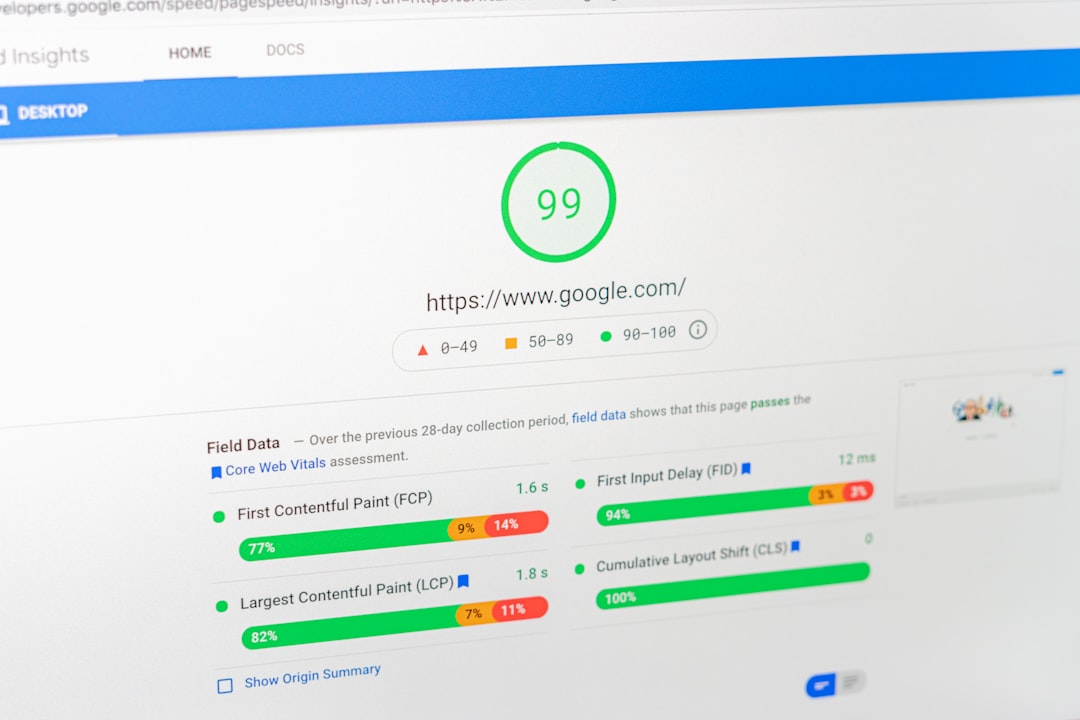
Web performance isn’t just about comfort. It affects real numbers.
Here’s what faster loading does:
- Improves SEO rankings
- Reduces bounce rate
- Increases time on site
- Boosts conversions
Google loves fast websites. Users love them even more.
When a page takes more than three seconds to load, people leave. That’s harsh. But true.
Images often make up over 50% of a webpage’s size. So optimizing them makes a huge difference.
Now let’s explore three powerful tools that make lazy loading easy.
1. lazysizes
Best for: Developers who want flexibility and power.
Lazysizes is one of the most popular lazy loading libraries. It’s lightweight. It’s fast. And it works in almost every browser.
The best part? It automatically detects when images enter the viewport. No complex setup needed.
Why People Love Lazysizes
- Very small file size
- Works with responsive images
- Supports iframes and background images
- SEO friendly
- Automatic detection of visibility
It also supports advanced effects. Want blurred placeholders before the real image loads? Easy. Want better performance for responsive layouts? Done.
The setup is simple:
- Add the lazysizes script to your site.
- Replace src with data-src in your image tags.
- Add the class lazyload.
That’s it.
Example:
<img data-src="image.jpg" class="lazyload" alt="Example">
When the image comes into view, lazysizes loads it automatically.
Why it’s powerful: It gives you control. Great for large or complex websites.
2. Lozad.js
Best for: Developers who want something super lightweight.
Lozad.js is tiny. Extremely tiny. Under 2 KB when compressed.
It uses something called the Intersection Observer API. That sounds scary. But don’t worry. It simply means the browser watches when elements appear on screen.
When they do, Lozad loads them.

Why Lozad.js Is Awesome
- Very small footprint
- No dependencies like jQuery
- Clean and modern API
- Works with images, videos, iframes
The setup is just as simple.
- Include the Lozad.js script.
- Mark elements with a class like lozad.
- Initialize it with a small script.
Example:
<img class="lozad" data-src="image.jpg" alt="Example">

<script>
  const observer = lozad();
  observer.observe();
</script>
That’s it. Clean and effective.
Why choose Lozad?
If you love minimalism. If you want speed without extra features. If you enjoy modern JavaScript solutions.
It’s simple and elegant.
3. Native Browser Lazy Loading (No Library Needed!)
Best for: Anyone who wants the easiest solution possible.
Here’s something exciting: modern browsers support lazy loading natively.
No plugin. No JavaScript library. No extra code.
Just one attribute.
Example:
<img src="image.jpg" loading="lazy" alt="Example">
That’s it.
The browser automatically waits to load the image until it’s close to being visible.
Why Native Lazy Loading Is Great
- Zero additional scripts
- Extremely easy to use
- Supported by most modern browsers
- Improves performance instantly
However, it’s not perfect.
- Less control compared to libraries
- Older browsers may not support it fully
- No advanced placeholder effects
But for most websites? It works beautifully.

How to Choose the Right Tool
Not every project is the same.
Ask yourself these questions:
- Do you need advanced customization?
- Are you building a complex web app?
- Or just a simple blog?
- Do you care about supporting old browsers?
Quick Guide:
- Use Native Lazy Loading for simple projects.
- Use Lozad.js for lightweight custom setups.
- Use lazysizes for powerful and flexible control.
You can’t really go wrong. Each one improves performance.
Extra Tips to Boost Performance Even More
Lazy loading is powerful. But combine it with these tips and your site will fly.
1. Compress Your Images
Large image files hurt performance. Use compressed formats like WebP or optimized JPEGs.
2. Use Proper Dimensions
Don’t upload a 4000px wide image for a 400px space. Resize before uploading.
3. Enable Caching
This lets returning visitors load your site faster.
4. Use a CDN
A Content Delivery Network distributes images across global servers.
Lazy loading + compression + CDN = blazing speed.
Common Mistakes to Avoid
Even simple tools can go wrong if used poorly.
- Lazy loading above-the-fold images (like hero banners)
- Forgetting to add width and height attributes
- Not testing on mobile devices
- Ignoring accessibility with missing alt text
Pro tip: Never lazy load images that users see immediately when the page opens. Those should load instantly.
Real-World Impact
Let’s imagine a photography portfolio site.
It has 40 high-resolution images.
Without lazy loading:
- All 40 images load at once.
- The page becomes heavy.
- Visitors wait.
- Some leave.
With lazy loading:
- Maybe 5 images load at first.
- The page appears almost instantly.
- More images load as users scroll.
- Experience feels smooth.
The result? More engagement. Better rankings. Higher satisfaction.
Final Thoughts
Web performance doesn’t have to be complicated.
Small changes can create big results.
Image lazy loading is one of the easiest upgrades you can make today. It’s simple. It’s effective. And it directly improves user experience.
Whether you choose lazysizes, Lozad.js, or native browser lazy loading, you’re moving in the right direction.
Faster pages mean happier users.
And happy users stick around.
So go ahead. Lighten the load. Let your images relax a little. Your website will thank you.