Choose a web proxy service by checking its proxy type, IP pool, speed, privacy rules, authentication, location coverage, and scaling limits first. A proxy that looks cheap can still waste hours if it blocks pages, leaks data, or slows requests. That matters because the median mobile web page is now over 2 MB, so every extra network hop can hurt speed [source: HTTP Archive].
TLDR: Before buying a proxy service, match the proxy to the job. For example, a small ecommerce team checking 500 product pages a day may do fine with rotating residential proxies, while a data team scraping 200,000 pages a day needs stronger session control and higher bandwidth. Expect to test at least 2 or 3 providers, because speed and block rates can differ a lot by site. Do not pick on price alone.

1. Proxy Type
The first concept is simple: not all proxies are the same. The main types are datacenter, residential, mobile, and ISP proxies.
- Datacenter proxies are fast and often cheaper. They are useful for basic automation, testing, and market checks.
- Residential proxies use IPs tied to real home internet connections. They are harder for many sites to block.
- Mobile proxies use mobile carrier IPs. They cost more, but they can be strong for app testing and mobile ad checks.
- ISP proxies mix datacenter speed with ISP ownership. They can be stable and clean, but pricing varies.
The annoying part is that providers may use the same labels but deliver very different quality. Ask for a trial. Test on your real target sites, not just on a speed test page.
2. IP Rotation
IP rotation means the proxy changes the IP address used for your requests. Some services rotate on every request. Others rotate every few minutes. Some let you keep the same IP for a full session.
This matters a lot. If you are logging into an account, constant IP changes can trigger security checks. If you are collecting public price data, rotation can reduce blocks. The best choice depends on the task.
Look for settings like sticky sessions, custom rotation time, and country based rotation. If those controls are missing, expect extra setup work.
3. Location Coverage
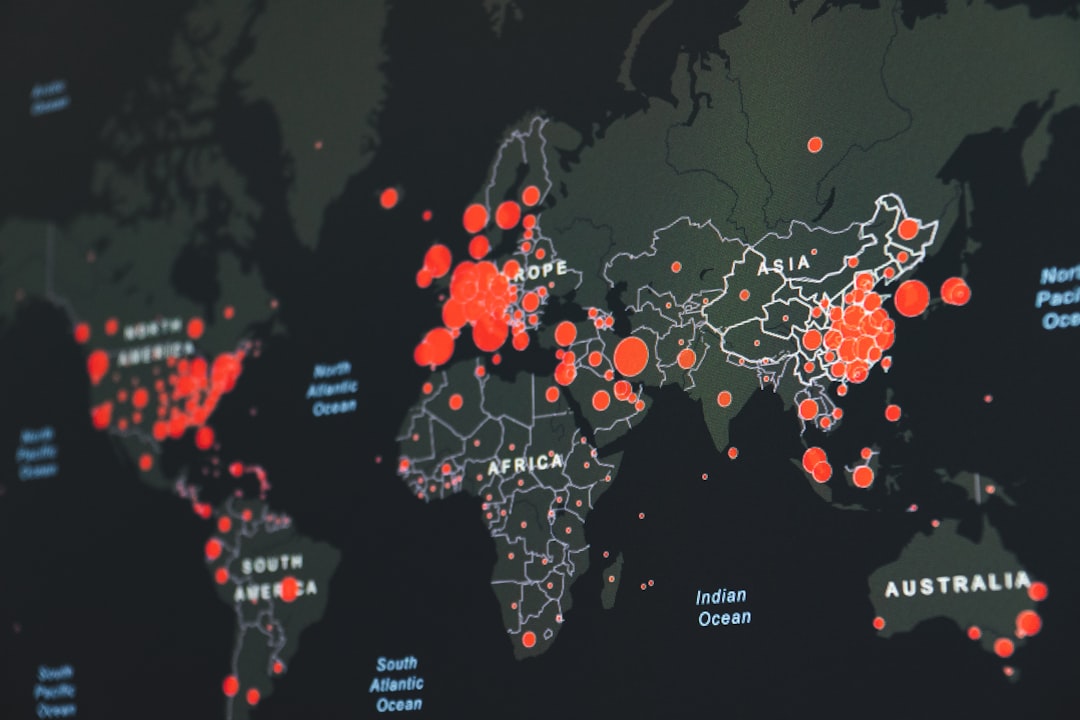
Location is more than a map on a sales page. A proxy service may claim “190 countries,” but have only a tiny pool in many of them. That can lead to slow requests and repeated IPs.
If you need to see search results in France, prices in Brazil, or ads in Japan, you need enough local IPs to make your tests believable. Ask for city level targeting if your use case depends on it.
Honestly, it feels like some proxy dashboards hide this on purpose. You select a city, run a batch, and half the requests come from somewhere nearby. That can ruin local SEO checks and ad audits.
4. Speed and Latency
A proxy adds another step between you and the website. That step can be quick, or it can feel painful. Latency is the delay before a response starts. Throughput is how much data can move through the connection.
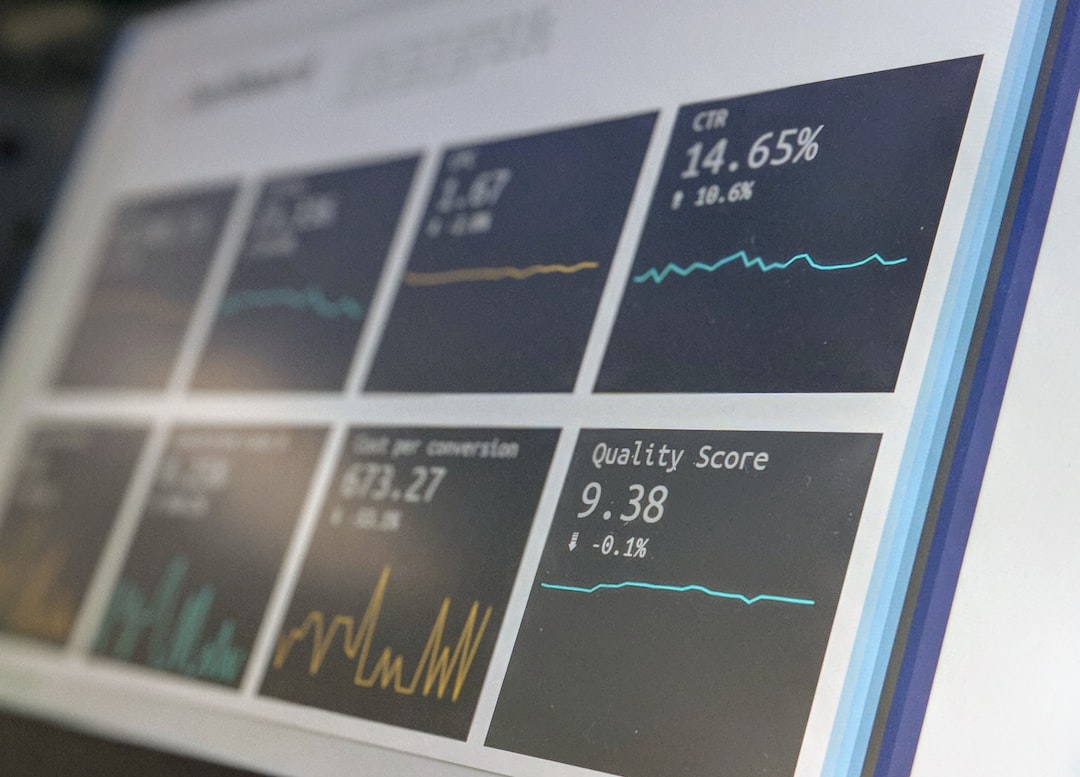
For browsing, a delay of 300 milliseconds may not bother you. For large data collection, it can add hours. If one request takes 1.2 seconds instead of 0.6 seconds, a 100,000 page job takes much longer.
Test both average speed and bad cases. A service with a great average can still have ugly spikes. Those spikes cause retries, timeouts, and failed jobs.
5. Authentication
Proxy services usually support two login methods: username and password, or IP allowlisting.
- Username and password works well if your team moves between networks.
- IP allowlisting is clean for servers, but annoying if your office IP changes.
Good services support both. Better ones let you create separate credentials for each project. That makes it easier to track usage and shut down a broken script before it burns through your budget.
6. Privacy and Logging
A proxy can see connection details. That does not always mean it sees private content, especially with HTTPS, but it may still log metadata such as IPs, domains, timestamps, and bandwidth.
Read the privacy policy before sending sensitive traffic. Look for clear answers on what is logged, how long logs are kept, and who can access them. Vague wording is a red flag.
Also check the source of the IP pool. Ethical residential proxy networks should use clear consent. If the provider is cagey about where IPs come from, walk away.
7. Pricing, Limits, and Support
Proxy pricing can be messy. Some plans charge by bandwidth. Some charge by IP count. Some charge by requests. Others bundle limits in a way that looks cheap until you scale.
Watch for these details:
- Bandwidth caps that reset monthly.
- Thread limits that slow large jobs.
- Failed request billing, which can get expensive fast.
- Support response time, especially for business use.
The catch is that a “$50 plan” can become useless if it times out under load. Run a small paid test before signing a long contract.
Final tip: write down your real use case before comparing providers. Include target sites, request volume, countries, login needs, and budget. Then test proxy type, rotation, location, speed, authentication, privacy, and limits in that order. A good web proxy service should make your work quieter, faster, and easier to control.