In the fascinating and fast-moving world of robotics, one device stands as a cornerstone for engineers and technicians alike — the teach pendant. Whether you’re an automation enthusiast or a professional robotics programmer, the teach pendant plays an instrumental role in bridging human intent and robotic execution. But what exactly is it? What makes it so vital, and how is it evolving in the age of Industry 4.0?
TLDR: A teach pendant is a handheld device used to program and control robotic arms and systems. It allows operators to manually manipulate robots to teach them specific tasks, functions, or positions. Teach pendants are essential in industrial automation for calibration, setup, and real-time troubleshooting. As robotics have advanced, teach pendants have become more intuitive, touchscreen-friendly, and easy to use, enhancing both safety and productivity.
What is a Teach Pendant?
The teach pendant is a handheld interface used to program industrial robots. It’s essentially a remote control specifically designed to teach robots how to move and perform tasks. The term “teach” comes from the process of manually guiding a robot through a series of motions or commands, which it then remembers and executes when activated.
This programmable interface typically features:
- A display screen (generally touch-sensitive in modern versions)
- Joystick or direction buttons
- Start, stop, and emergency override buttons
- Function keys or soft keys for menu navigation
- Safety control features like deadman switches
Teach pendants are often tethered to the robot with a cable, though wireless models are becoming increasingly common.
Why Teach Pendants Matter in Robotics
Teach pendants serve multiple functions that make them indispensable tools in industries like automotive, packaging, and electronics manufacturing. Here’s why they stand out:
- Precision Task Mapping: Operators can guide robotic arms with millimeter-level accuracy.
- Real-Time Troubleshooting: Engineers can diagnose issues on the spot, making adjustments without shutting down an entire production line.
- Flexible Programming: Users can safely test out sequences or trajectories before final execution.
- Training and Safety: Robots can be taught in a low-risk environment using manual inputs.
Imagine an automotive manufacturing facility where multiple robot arms assemble components on a moving line. Without teach pendants, configuring those robots would involve coding from scratch and numerous test runs. Instead, operators use the teach pendant to quickly guide each arm through the precise movements it needs to learn.
Types of Teach Pendants
Not all teach pendants are created equal. They vary in complexity and use-cases depending on the type of robot and application:
- Standard Teach Pendants: Commonly found in industrial setups, these pendants focus on precision with detailed control interfaces.
- Smart or Touchscreen Pendants: These are modern, ergonomically designed with graphical user interfaces (GUIs) and intuitive layouts.
- Collaborative Robot Pendants: Cobots often come with simplified pendants since their user interface needs to support safe human-robot interaction without requiring deep technical knowledge.
For example, a collaborative robot from Universal Robots might feature a user-friendly pendant that beginners can use with drag-and-drop interface elements, while a FANUC robot in a car factory requires a more complex pendant with macro-level programming commands.
Programming with a Teach Pendant
Programming a robot with a teach pendant typically follows a “teaching by demonstration” model. Here’s a brief walkthrough of how it usually works:
- The operator uses the joystick or directional controls to manually move the robotic arm to a specific position.
- Once in the correct pose, a button is pressed to “record” the position. This saves it as a point in the robot’s internal coordinate system.
- This process is repeated for each step in the task (e.g., pick, move, place).
- Once all steps are recorded, they are saved as a program or routine that can be executed automatically.
This user-friendly method eliminates the need for advanced programming skills, which can be a significant advantage for small-to-medium-sized operations that may not have in-house robotics experts.
The Role of Safety in Teach Pendants
Safety is a top priority in any robotics application. Teach pendants are built with numerous features to ensure that programming and operation can be conducted securely:
- Deadman Switch: Requires constant pressure to enable motion. Releasing the switch immediately halts the robot.
- Emergency Stop (E-Stop): A dedicated button that stops all robot functions on immediate press.
- Speed Control: While in teaching mode, the robot typically operates at reduced speeds to minimize risk.
- Authorization Levels: Some pendants require login credentials, limiting access to authorized users.
These smart designs prevent accidents and protect not only workers but also the robotic system from potential damage.
Modern Interfaces & Smart Features
As industry expectations evolve, so does teach pendant technology. Modern teach pendants integrate features like:
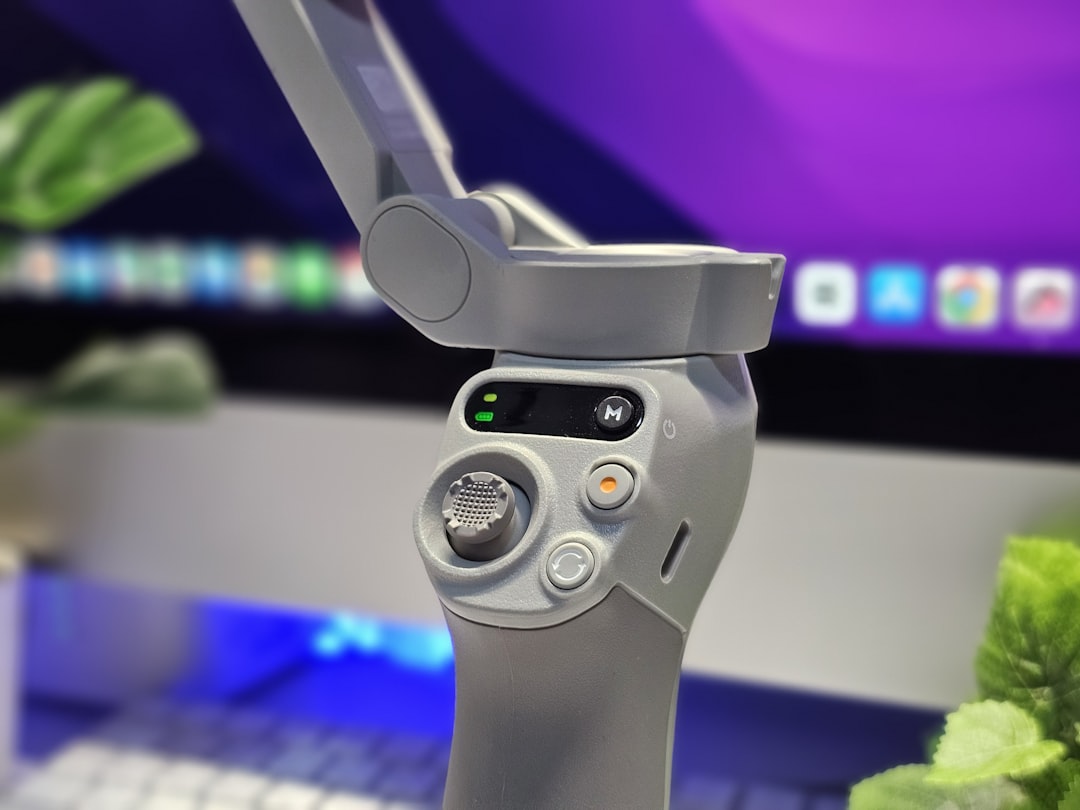
- Touch Interfaces: Resembling tablets or smartphones for ease of navigation
- Cloud Connectivity: For program syncing, updates, and remote diagnostics
- Augmented Reality: Visuals that show robot paths and positions overlaid in real-time
- Voice Commands: Experimental features in development for hands-free operation
Gone are the days of cryptic command lines. Now, operators can rely on rich, responsive interfaces that reduce training time and boost productivity.
Industry Applications
Teach pendants are employed in a wide variety of industries. Some leading applications include:
- Automotive: Welding, assembly, and material handling units are often programmed via teach pendant.
- Electronics: For precise micro-level movements in assembling circuit boards.
- Food & Beverage: Packaging robots can be taught quick switchovers for different SKUs.
- Pharmaceuticals: Controlled environments benefit from easy-to-program cleanroom robots.
Each environment leverages the teach pendant for its flexibility, allowing operators to adjust workflows quickly and accurately.
The Future of Teach Pendants
As robotics continues to integrate with AI, machine learning, and cloud analytics, the teach pendant is poised to evolve even further. Here are some trends to watch:
- AI-Assisted Teaching: The system learns optimal path planning from fewer manual inputs.
- Gesture-Based Control: Using wearables to guide robots in 3D space
- Remote Operation: Fully programming a robotic cell from any location
- Customization Suites: Where UIs adapt dynamically to the specific user’s preferences and skill level
The teach pendant may soon become more of a “human-machine collaboration device” rather than just a controller.
Conclusion
Whether you’re setting up a robotic cell for the first time or refining a complex multi-arm system, the teach pendant remains one of the most valuable tools in robotics programming. Its unique blend of tactile feedback, real-time control, and evolving smart features makes it indispensable in a world increasingly driven by automation. As technology advances, the humble teach pendant will only become more powerful, intuitive, and essential in bringing robotic ideas to life.