Reliable WiFi connectivity has become a foundational requirement for modern households. From remote work and online education to streaming, gaming, and smart home automation, nearly every daily activity now depends on a stable and secure wireless connection. As networks grow more complex with dozens of connected devices, manual router adjustments are no longer sufficient. Home network management software for WiFi optimization has emerged as a powerful solution to ensure maximum performance, improved security, and consistent reliability.
TLDR: Home network management software helps optimize WiFi performance, improve security, and maintain stable connectivity across all devices. It offers visibility into bandwidth usage, device activity, and signal strength, enabling smarter network decisions. With automation, analytics, and advanced configuration tools, these platforms simplify complex network tasks. For modern households, adopting such software is an effective step toward efficient and secure connectivity.
Today’s average home network supports laptops, smartphones, tablets, smart TVs, gaming consoles, surveillance systems, and an expanding range of IoT devices. Each device competes for bandwidth, often resulting in congestion, latency, and dropped connections. Without proper oversight, users may experience buffering during streaming, lag during video calls, or inconsistent smart home performance. Network management software addresses these issues systematically by providing visibility and control from a centralized interface.
Understanding Home Network Management Software
Home network management software is a digital platform, often accessible via mobile app or web interface, that enables users to monitor, configure, and optimize their router and connected devices. Unlike traditional router dashboards that offer limited customization, these advanced tools deliver comprehensive control and real-time analytics.
Core capabilities typically include:
- Network monitoring in real time
- Bandwidth analysis per device or application
- Signal strength assessment
- Security alerts and intrusion detection
- Parental controls and access scheduling
- Automatic firmware updates
By integrating these features into a single system, homeowners gain actionable insights into their WiFi environment. This transparency makes it possible to resolve performance bottlenecks and maintain optimized settings without requiring advanced technical knowledge.
Why WiFi Optimization Matters
WiFi optimization is more than boosting speed. It involves maintaining consistent coverage, minimizing latency, reducing interference, and allocating bandwidth efficiently. Modern homes often contain numerous structural and electronic obstacles that degrade signal quality. Concrete walls, metal objects, microwave ovens, and neighboring networks can significantly affect performance.
Image not found in postmetaWithout optimization, even high-speed internet plans fail to deliver expected results. Effective management software evaluates:
- The best channel selection to avoid interference
- Optimal router placement
- Distribution of devices across frequency bands (2.4 GHz and 5 GHz)
- Bandwidth prioritization for critical applications
These adjustments dramatically improve performance for activities like HD streaming, video conferencing, and online gaming.
Key Features Driving Performance Improvements
1. Real-Time Performance Analytics
One of the most valuable aspects of network management software is detailed analytics. Users can see exactly how much bandwidth each device consumes. For example, if a smart TV is streaming 4K content while multiple mobile devices are downloading updates, congestion may occur.
Analytics dashboards typically present:
- Upload and download speeds
- Latency metrics
- Packet loss indicators
- Historical usage trends
This data empowers homeowners to make informed adjustments rather than guess at performance problems.
2. Smart Device Prioritization (QoS)
Quality of Service (QoS) settings allow users to prioritize certain applications or devices. A remote worker can assign priority to video conferencing software, ensuring stable calls even when others are streaming media.
Advanced management software automates this process by identifying traffic types and dynamically allocating bandwidth. This prevents manual misconfigurations and provides seamless optimization.
3. Mesh Network Integration
Larger homes often rely on mesh systems rather than a single router. Network management platforms coordinate multiple access points to create a continuous wireless environment.
The software intelligently directs devices to the strongest node available, minimizing dead zones and maintaining peak performance as users move throughout the home.
4. Automated Channel Selection
WiFi routers operate on specific channels. In densely populated areas, channel overlap causes interference. Management software continuously scans for congestion and automatically switches to less crowded frequencies.
This proactive optimization eliminates one of the most common sources of slowdowns — competing networks in apartment buildings or suburban neighborhoods.
Strengthening Network Security
Security is inseparable from performance. Unauthorized devices consume bandwidth and create vulnerabilities. Modern network management tools incorporate advanced protection mechanisms, including:
- Device identification and classification
- Intrusion detection alerts
- Guest network isolation
- Automatic security patching
Real-time notifications alert users when unknown devices attempt to connect. Immediate action can then be taken to block access. As cyber threats become more sophisticated, maintaining updated firmware and continuous monitoring is no longer optional.
Furthermore, IoT devices often lack robust built-in security. Management software segments these devices into isolated network zones, preventing lateral movement in case of compromise.
Optimizing for Smart Homes and IoT
The growth of smart lighting, voice assistants, thermostats, and surveillance cameras increases network traffic significantly. Many IoT devices operate on the 2.4 GHz band due to extended range, further saturating that frequency.
Network management software addresses IoT congestion through:
- Band steering to distribute load effectively
- Creating dedicated SSIDs for smart devices
- Monitoring device health and uptime
- Identifying malfunctioning units generating excessive traffic
By maintaining structured segmentation, homeowners ensure that high-bandwidth applications on 5 GHz remain unaffected by IoT activity.
Improving Network Visibility and Control
Traditional routers provide minimal insight into connected devices. In contrast, modern management platforms deliver transparent oversight. Users can:
- Name individual devices
- Pause internet access instantly
- Set usage schedules
- Monitor children’s online activity
This capacity supports both productivity and responsible digital habits. Parental control settings reduce distractions during study hours while preserving flexibility.
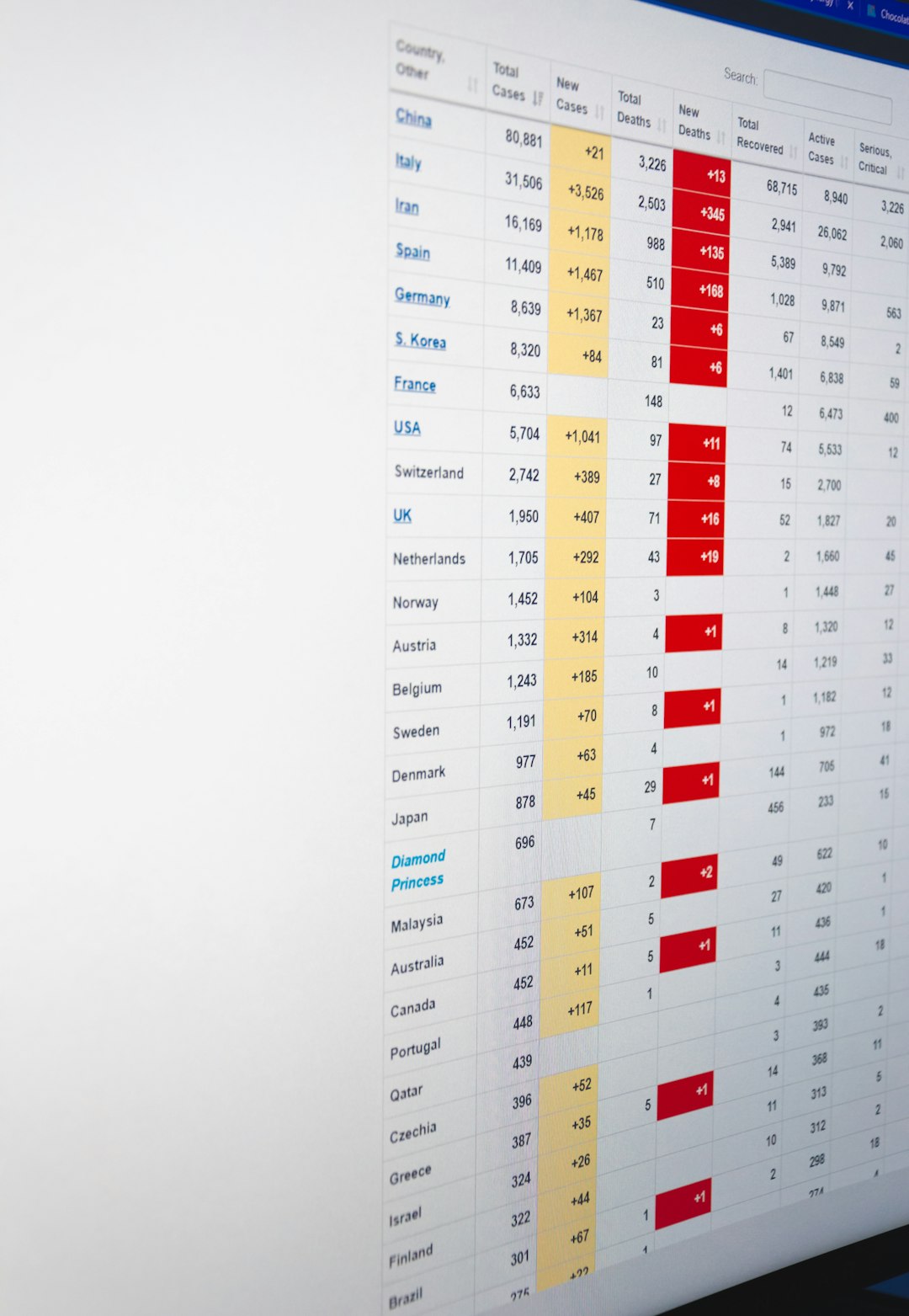
The visual dashboards typically use intuitive charts and graphs that translate technical data into understandable metrics. Even users without networking expertise can interpret connection trends and take corrective action.
The Role of Artificial Intelligence and Automation
Artificial intelligence has begun transforming home networking. AI-driven optimization tools continuously learn usage patterns, adjusting configurations without manual intervention.
Examples of AI-driven functionality include:
- Dynamic bandwidth allocation based on time-of-day patterns
- Anomaly detection identifying unusual traffic behavior
- Predictive performance adjustments
- Auto-detection of weak coverage zones
This automation reduces the burden on users and ensures optimal performance even as network demands change daily.
Considerations When Choosing Software
Not all home network management platforms are equal. Selection should be guided by several criteria:
- Compatibility with existing routers or mesh systems
- Ease of use and intuitive interface design
- Security standards including encryption protocols
- Scalability for expanding device ecosystems
- Customer support and regular software updates
Households with basic connectivity needs may prefer lightweight solutions, while tech-intensive homes benefit from more advanced platforms offering granular customization.
Long-Term Benefits of Structured Network Management
Investing in structured WiFi optimization yields measurable long-term benefits. These include:
- Reduced technical troubleshooting time
- Extended hardware lifespan through efficient load balancing
- Lower risk of security breaches
- Consistent streaming and work performance
- Improved overall user satisfaction
Rather than reacting to outages or slowdowns, homeowners transition to a proactive approach. Continuous monitoring prevents small inefficiencies from escalating into severe disruptions.
As internet service providers deliver faster connections, the bottleneck increasingly shifts to in-home distribution. Without effective network management software, much of that upgraded capacity goes underutilized.
Conclusion
Home network management software for WiFi optimization represents a practical and forward-thinking solution for modern households. By combining analytics, automation, security monitoring, and intelligent traffic distribution, these platforms transform complex networking tasks into manageable processes. The growing number of connected devices makes oversight essential, not optional.
Through centralized visibility and smart optimization, users achieve stable connectivity, enhanced data protection, and improved performance across every application. For households seeking dependable and secure wireless infrastructure, adopting structured network management software is a strategic investment in long-term digital efficiency.