Running a mobile shop today is more than selling smartphones and accessories. A typical store may handle new and refurbished phones, SIM cards, chargers, screen protectors, repair jobs, customer warranties, supplier invoices, and daily sales reports—all at the same time. Without the right system, even a small shop can quickly become difficult to manage. This is where software for mobile shops becomes essential, helping owners organize inventory, sales, and repair services in one reliable place.
TLDR: Mobile shop software helps phone retailers manage stock, sales, repairs, customers, payments, and reporting from a single platform. It reduces manual errors, speeds up service, and gives shop owners better visibility into profits and product movement. The best solutions include inventory tracking, POS billing, repair job management, customer records, warranty tracking, and business analytics.
Why Mobile Shops Need Specialized Software
A mobile shop is different from a general retail store. Phones have unique identifiers such as IMEI numbers, repairs require job tracking, accessories come in hundreds of small variations, and customers often return for service, upgrades, or warranty claims. Standard billing software may handle simple sales, but it usually cannot manage the full workflow of a mobile business.
Specialized mobile shop software is designed around these real-world needs. It helps the shop owner know exactly which phone model is in stock, which IMEI was sold to which customer, which technician is repairing a device, and whether a replacement screen has been used from inventory. This level of control saves time, improves accuracy, and creates a more professional customer experience.

Inventory Management: Knowing What You Have and What You Need
Inventory is one of the biggest challenges for mobile retailers. A shop may stock smartphones, tablets, headphones, chargers, phone covers, screen guards, power banks, smartwatches, SIM cards, and spare parts. Many of these items come in different colors, models, storage capacities, and brands. Managing all of this manually can lead to overstocking, missing products, and lost sales.
Inventory management software allows shop owners to track every item from the moment it enters the store until it is sold or used in a repair. Products can be categorized by brand, model, supplier, purchase price, selling price, color, storage size, and quantity. For phones, IMEI tracking is especially important because it links each device to a specific purchase and sale record.
Useful inventory features often include:
- IMEI and serial number tracking for smartphones and high-value electronics.
- Low stock alerts to remind staff when popular products need reordering.
- Barcode scanning for faster sales, transfers, and stock checks.
- Supplier management to track purchase history, pricing, and outstanding payments.
- Stock adjustment tools for damaged goods, returns, or inventory corrections.
- Multi-branch inventory control for businesses with more than one shop location.
Good inventory software also helps identify which items sell quickly and which products sit on shelves for too long. For example, if a certain phone case design sells well every week, the owner can reorder it with confidence. If a specific charger model does not move for months, the store can discount it or avoid buying it again.
Sales and POS: Faster Billing and Better Customer Service
A modern point of sale, or POS, system is much more than a cash register. For a mobile shop, POS software should support quick invoicing, product lookup, discounts, payment tracking, tax calculation, and receipt generation. It should also connect directly with inventory so that every sale automatically updates stock levels.
When a customer buys a phone, the salesperson can scan the barcode or select the item from the system, choose the correct IMEI number, apply any discount, add accessories, and generate a professional invoice within seconds. This improves the buying experience and reduces the risk of mistakes.
Sales software can also support multiple payment methods, such as cash, card, mobile wallet, bank transfer, store credit, or installment payments. This is especially useful for mobile shops because customers often purchase expensive devices and may prefer flexible payment options.
Important POS features include:
- Fast product search by name, model, barcode, IMEI, or category.
- Automatic stock deduction after every sale.
- Custom invoices and receipts with shop branding and warranty notes.
- Discount and promotion management for seasonal offers and bundle deals.
- Daily sales summaries for cash closing and performance review.
- Customer purchase history for future service, upgrades, and loyalty offers.
By making the checkout process faster and more accurate, POS software helps staff serve more customers during busy hours. It also gives owners a clear view of revenue, profit margins, and product performance.
Repair Management: Turning Service Into a Strong Revenue Stream
Many mobile shops earn a significant portion of their income from repairs. Screen replacements, battery changes, charging port fixes, software updates, water damage treatment, camera repairs, and speaker issues are common daily tasks. However, repair work can become chaotic if jobs are written on paper slips or tracked through informal messages.
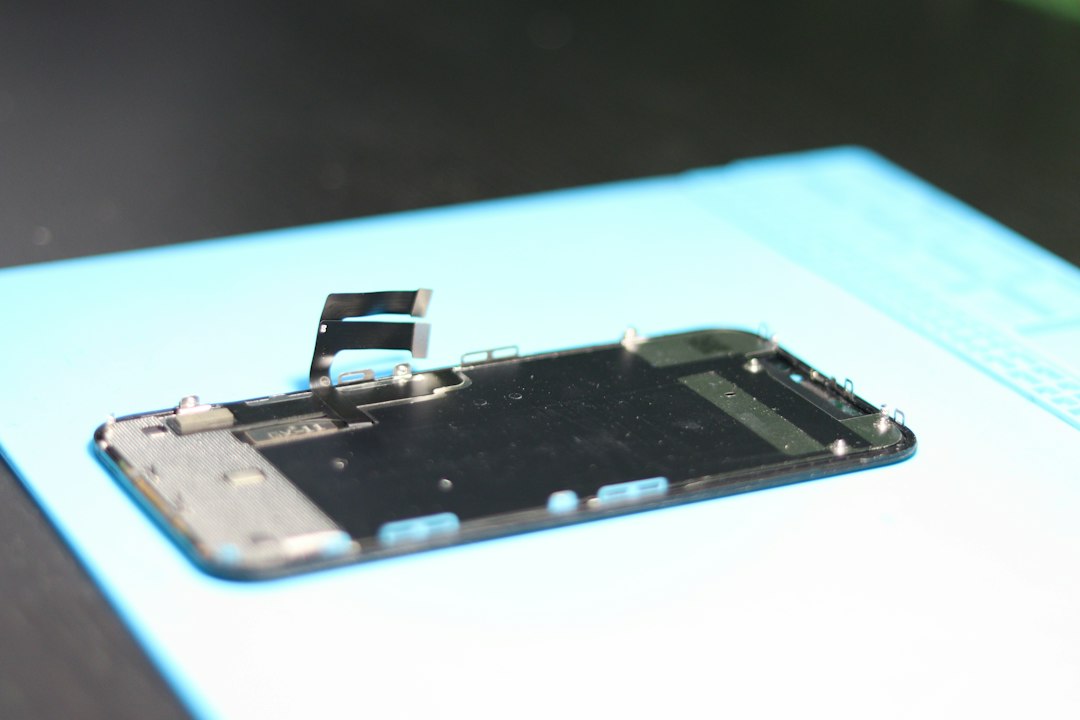
Repair management software creates a structured workflow for every device that enters the shop. Staff can record the customer’s details, device model, IMEI or serial number, reported issue, estimated cost, expected delivery date, technician assignment, and repair status. As the job progresses, the status can be updated from received to diagnosing, waiting for parts, in progress, completed, or delivered.
This improves communication with customers. Instead of searching through notebooks or calling technicians repeatedly, staff can instantly check the repair status in the system. Some solutions even send automatic SMS, WhatsApp, or email updates when a job is ready for pickup.
Repair management features may include:
- Job card creation with device details, problem description, and customer signature.
- Technician assignment to monitor workload and accountability.
- Spare parts tracking so parts used in repairs are deducted from inventory.
- Repair cost estimation with labor charges and parts pricing.
- Status updates for staff and customers.
- Warranty tracking for parts and services after repair completion.
For shops that want to grow their repair business, this kind of organization is extremely valuable. It reduces lost devices, forgotten jobs, pricing confusion, and customer complaints.
Customer Management and Loyalty
A mobile shop may see hundreds or thousands of customers each year. Some buy new phones, some return for accessories, some need repairs, and others come back for upgrades. A customer management system helps turn these one-time interactions into long-term relationships.
With customer records, the shop can store names, phone numbers, email addresses, purchase history, repair history, warranty details, and payment information. If a customer returns with a device problem, staff can quickly see when the phone was purchased, whether it is still under warranty, and what repairs were previously done.
Customer data also supports smarter marketing. For example, the shop can contact customers who bought a phone one year ago and offer an upgrade deal. It can send messages about new accessories, festival discounts, or repair service promotions. This kind of targeted communication is much more effective than random advertising.
Warranty and Returns Management
Warranties are an important part of the mobile phone business. New smartphones often come with manufacturer warranties, accessories may have short warranty periods, and repairs may include limited service guarantees. If these details are not tracked properly, the shop may lose money or disappoint customers.
Software can record warranty start and end dates, warranty terms, covered items, and claim status. When a customer comes in with a problem, staff can check the invoice or IMEI number and instantly verify whether the product is covered. This avoids arguments and helps the shop maintain a professional reputation.
Returns and exchanges can also be managed more cleanly. The system can track why an item was returned, whether it can be resold, whether the supplier should be contacted, and whether a refund or replacement was issued.
Reporting and Analytics: Making Smarter Decisions
One of the greatest benefits of mobile shop software is access to accurate reports. Instead of guessing how the business is performing, owners can review real numbers. Reports can show daily sales, monthly profit, best-selling products, slow-moving stock, technician performance, repair revenue, supplier balances, cash flow, and customer activity.
For example, a report might reveal that accessories produce higher profit margins than smartphones, even though phones generate more revenue. Another report may show that one technician completes more repairs but has a higher return rate, indicating a need for quality control. These insights allow owners to make practical improvements.

Analytics also help with purchasing decisions. If a store knows which phone models are most popular in its area, it can avoid tying up money in the wrong inventory. If repair data shows frequent demand for certain spare parts, those parts can be kept in stock to speed up service.
Cloud-Based vs. Offline Software
Mobile shop software is usually available in two main forms: cloud-based and offline. Cloud-based systems work through the internet and store data on remote servers. They can be accessed from different devices, such as computers, tablets, or smartphones. This is useful for owners who want to monitor sales and inventory while away from the shop.
Offline software, on the other hand, is installed directly on a local computer. It may be preferred by shops with unreliable internet connections or by owners who want full local control. However, offline systems often require manual backups and may be harder to access remotely.
Many modern solutions offer a hybrid approach, allowing the shop to continue billing even if the internet goes down and then sync data when the connection returns. For most growing businesses, this flexibility can be a major advantage.
Key Features to Look For
When choosing software for a mobile shop, it is important to focus on real business needs rather than flashy extras. A good system should be simple enough for staff to use every day but powerful enough to support growth.
- Easy interface: Staff should be able to learn the software quickly without long training sessions.
- IMEI support: Essential for tracking phone purchases, sales, returns, and warranties.
- Integrated repair module: Important for shops that provide technical services.
- Inventory and POS connection: Sales should update stock automatically.
- Data backup and security: Business records must be protected from loss or unauthorized access.
- Multi-user access: Owners, cashiers, technicians, and managers may need different permission levels.
- Useful reports: The system should provide clear insights, not just store data.
- Scalability: The software should support more products, users, and branches as the business grows.
Benefits for Small and Growing Mobile Shops
Some small shop owners believe software is only necessary for large businesses. In reality, even a small mobile shop can benefit greatly from digital management. When stock is limited and margins are tight, every missing accessory, pricing mistake, or forgotten repair job matters.
Software reduces dependency on memory and handwritten records. It helps a single-location shop look more professional and gives the owner better control over daily operations. As the business grows, the same system can support additional employees, more inventory, and even multiple branches.
The main benefits include fewer errors, faster service, better stock control, clearer financial records, and improved customer trust. Over time, these improvements can directly increase profitability.
Conclusion
Software for mobile shops is no longer just a convenience; it is a practical tool for staying competitive in a fast-moving retail and repair market. From tracking IMEI numbers and managing sales to organizing repair jobs and analyzing profits, the right system brings structure to every part of the business.
Whether a shop sells the latest smartphones, refurbished devices, accessories, or repair services, a dedicated management solution can save time, prevent losses, and improve customer satisfaction. For mobile shop owners who want to work smarter, grow confidently, and deliver a more reliable service, investing in the right software is one of the most valuable decisions they can make.