Envoy is the safest all-round choice for multi-site offices, while The Receptionist is best for simple front desk check-in, and SwipedOn fits smaller teams that want a clean, quick setup. Envoy says it supports more than 16,000 workplaces, which helps explain why it often appears on enterprise shortlists [source: Envoy].
TLDR: If you manage one office and need visitor check-in, badge printing, and host alerts, start with The Receptionist or SwipedOn. If you manage several sites, need access control links, and want stronger reporting, choose Envoy. For example, a reception team handling 80 visitors per week can save about 2 hours weekly if digital check-in cuts each arrival by only 90 seconds. Security teams should also review iLobby and Eptura Visitor.
Quick comparison of 7 reception management systems
- Envoy: Best for larger offices, multi-location teams, security reviews, and integrations.
- The Receptionist: Best for small and mid-size offices that want a friendly iPad check-in flow.
- SwipedOn: Best for simple visitor logs, employee sign-in, and fast rollout.
- Eptura Visitor: Best for companies already using workplace or facility tools.
- iLobby: Best for manufacturing, logistics, and sites with strict safety needs.
- Sign In App: Best for schools, shared offices, and mixed visitor types.
- VisitUs: Best for budget-aware teams that still need badges and alerts.
1. Envoy
Envoy is built for serious reception operations. It handles pre-registration, visitor photos, ID capture, NDAs, host notifications, badge printing, and visit records. It also works well where security, IT, and office teams all need access to the same data.
The main gain is control. Admins can create different flows for candidates, contractors, vendors, and guests. That matters. A food delivery driver should not answer the same questions as a contractor entering a server room.
The catch is that Envoy can feel like more system than a small office needs. Setup takes thought. If your team only wants “name, host, print badge,” you may pay for depth you do not use.
2. The Receptionist
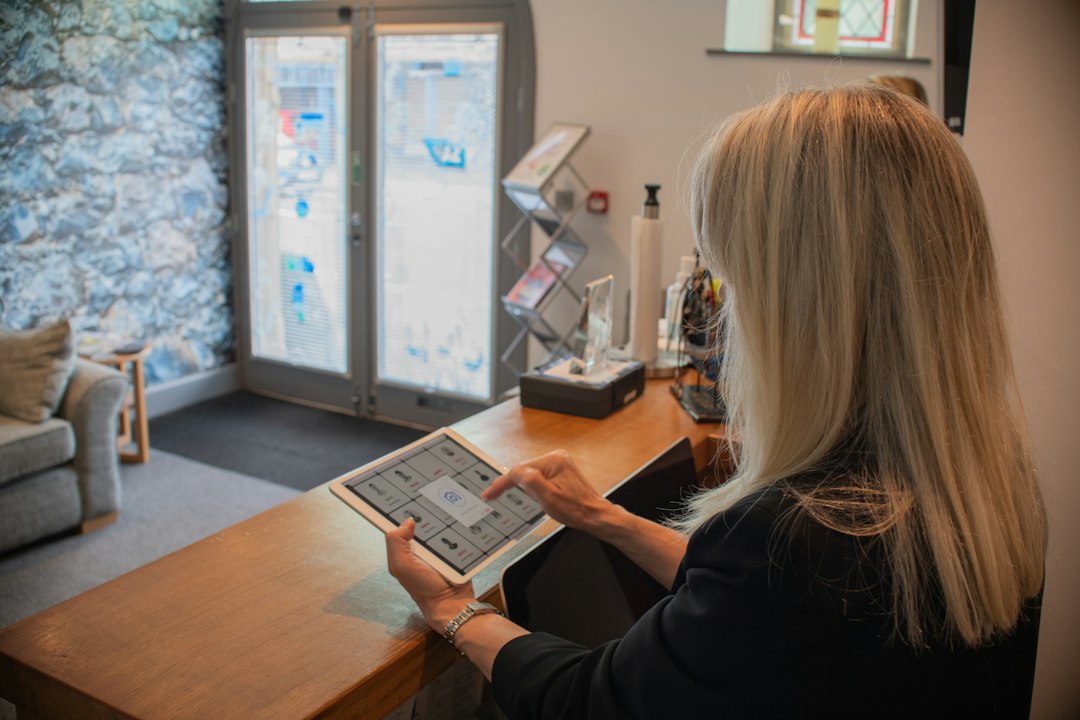
The Receptionist keeps the front desk experience simple. Visitors check in on an iPad, the host gets a text, email, or chat alert, and the system can print a badge. It is easy to understand, which helps when there is no full-time receptionist.
This product is a strong fit for offices that want polish without heavy admin work. The interface feels calm. That matters when guests arrive nervous for an interview or meeting.
It is less suited to complex sites. If you need deep access control, many office rules, or heavy compliance records, Envoy or iLobby may fit better.
3. SwipedOn
SwipedOn is clean, quick, and practical. It covers visitor check-in, employee sign-in, badge printing, evacuation lists, and host alerts. Many teams like it because it does not try to turn reception into a huge project.
SwipedOn works well for smaller offices, clinics, agencies, and local service firms. It is also useful where staff sign in and out during the day.
Honestly, it feels like some advanced reporting tasks take a few more clicks than they should. Still, for basic visitor management, it is hard to fault.
4. Eptura Visitor
Eptura Visitor, formerly tied to the Proxyclick family, is aimed at larger workplace teams. It supports visitor registration, screening questions, badges, notifications, and reporting.
Its value rises when visitor management is part of a wider workplace plan. Think desks, rooms, buildings, and facilities data. That makes it useful for real estate and operations teams, not just reception staff.
The downside is cost and fit. Smaller teams may find it too broad.
5. iLobby
iLobby is a strong pick for industrial sites. It suits factories, warehouses, labs, and logistics centers. The system can manage visitor sign-in, contractor screening, safety rules, document checks, and emergency records.
This is less about a pretty lobby and more about control. If a contractor needs to confirm safety training before entering a plant floor, iLobby is closer to the job than a basic visitor app.
Expect more planning during rollout. That is not always bad. For regulated sites, the extra setup is often the point.
6. Sign In App
Sign In App covers visitors, staff, contractors, students, and events. It is flexible. That makes it attractive for schools, coworking spaces, healthcare offices, and community sites.
Badge printing, host alerts, questionnaires, and evacuation reports are all in scope. The interface is clear enough for general use, though admins should spend time building clean flows. Messy setup leads to messy check-in screens.
7. VisitUs
VisitUs is a lighter option for visitor sign-in, badge printing, photos, and alerts. It can be a good choice when price matters and the company does not need a long list of enterprise features.
It fits small offices that want to stop using paper visitor books. That alone improves privacy. A paper log leaves names, arrival times, and host details in plain sight.
Which system should you choose?
- Choose Envoy if you need multi-site control, stronger integrations, and detailed visitor policies.
- Choose The Receptionist if you want a smooth iPad check-in system with little fuss.
- Choose SwipedOn if you need fast setup and staff sign-in features.
- Choose iLobby if safety, contractors, and compliance records drive the buying decision.
- Choose Eptura Visitor if visitor check-in is part of a larger workplace management plan.
- Choose Sign In App if you manage many visitor types in one location.
- Choose VisitUs if you need the basics at a lower cost.

Final recommendation
Envoy, The Receptionist, and SwipedOn should be tested first by most office teams. They cover the core needs: check-in, badge printing, host alerts, and visitor logs. Run a one-week pilot at the busiest entrance. Track check-in time, missed host alerts, badge print failures, and receptionist feedback. The best system is not the one with the longest feature list. It is the one your guests can use in under a minute without asking for help.