Internet traffic on a device is created whenever an app, service, browser tab, sensor, or operating system component sends or receives data through the network stack. That traffic may come from visible actions, such as loading a website, or hidden background tasks, such as cloud sync, software updates, telemetry, ads, DNS lookups, and push notifications.
TLDR: A device creates network traffic when software asks to exchange data with another system, usually through TCP or UDP over IP. For example, a laptop with 12 open browser tabs, a video call, cloud backup, and email sync may generate thousands of small connections in one hour, even if the person only notices the video call. In many office networks, video meetings and file sync can account for 60% to 80% of peak traffic. TCP is used when accuracy matters; UDP is used when speed and low delay matter more.
What Creates Traffic on a Device?
A device does not create internet traffic by magic. A program requests a connection, the operating system prepares the data, and the network interface sends packets to a router, modem, or access point. The same process happens in reverse when data returns.
Common traffic sources include:
- Web browsing: Pages, images, scripts, fonts, ads, tracking pixels, and videos.
- Streaming: Music, live video, movies, screen sharing, and short clips.
- Cloud sync: Photos, documents, backups, browser profiles, and shared folders.
- Messaging: Text, attachments, typing indicators, reactions, and read receipts.
- System services: Updates, time checks, security scans, crash reports, and license checks.
- Apps running in the background: Weather widgets, maps, news apps, social apps, and game launchers.
- DNS requests: Lookups that translate names such as example.com into IP addresses.
- IoT devices: Cameras, bulbs, doorbells, speakers, thermostats, and TVs.
Honestly, it feels like some apps send data just to prove they are still alive. A quiet phone on a desk may still contact dozens of servers per hour. That does not always mean something is wrong, but it can waste battery, bandwidth, and patience.

Packets, Ports, and Protocols
Internet traffic is split into small chunks called packets. Each packet contains a payload and control information. The control information tells networks where the packet came from, where it should go, and how it should be handled.
IP, or Internet Protocol, handles addressing. It moves packets between devices and networks. TCP and UDP sit above IP and decide how applications send data.
Ports help separate traffic by service. Web traffic often uses port 443 for HTTPS. DNS often uses port 53. Email, games, remote access tools, and chat apps rely on their own ports or shared encrypted channels.
This is why one device can run many network tasks at once. A browser may download a page, a mail app may sync, and a video call may send audio at the same time. The operating system keeps those streams separate.
TCP/IP vs UDP: The Simple Difference
The phrase TCP/IP is often used to describe the internet protocol suite. In daily network talk, people often compare TCP with UDP, even though both usually run over IP.
TCP, or Transmission Control Protocol, is built for reliable delivery. It creates a connection, checks whether packets arrive, resends missing packets, and puts data back in order. It is careful. It is also slower than UDP in some cases because it performs extra checks.
TCP is commonly used for:
- Websites and secure browsing
- File downloads
- Cloud document editing
- Banking apps
- Remote administration tools
UDP, or User Datagram Protocol, is simpler. It sends packets without setting up a full connection and does not guarantee delivery. If a packet is lost, UDP usually does not care. The app may handle the loss, or it may ignore it.
UDP is commonly used for:
- Video calls
- Online gaming
- Live streaming
- Voice over IP
- DNS lookups
- Some VPN traffic
The tradeoff is easy to understand. A missing packet in a file download can corrupt the file, so TCP is the safer choice. A missing packet in a live video call may cause a tiny glitch, but waiting for a resend could make the call feel awkward. UDP often wins there.
Why Background Traffic Is So Common
Modern devices are chatty. Phones check for push notifications. Laptops scan for updates. Smart TVs pull recommendations. Antivirus tools contact reputation servers. Browsers prefetch pages. Apps refresh feeds before anyone opens them.
It drives network admins crazy that a device can look idle while pushing hundreds of megabytes during a cloud photo upload. A user may blame the Wi Fi when a video freezes, but the real cause may be a backup client saturating the upstream connection.
Background traffic often includes:
- Telemetry: Usage and diagnostic data sent to vendors.
- Update checks: Frequent checks for app, driver, and system patches.
- Sync queues: Files waiting to upload after reconnecting to Wi Fi.
- Advertising calls: Requests for ad content, auctions, and tracking data.
- Presence checks: Signals showing that a user or device is online.
How Traffic Is Measured
Traffic can be measured by volume, rate, latency, packet loss, and connection count.
- Volume shows total data transferred, such as 3 GB per day.
- Rate shows speed, such as 25 Mbps during a stream.
- Latency shows delay, often measured in milliseconds.
- Packet loss shows how many packets never arrive.
- Connection count shows how many sessions a device opens.
A security camera might use steady bandwidth all day. A laptop may create short spikes. A game may use little bandwidth but require low latency. A backup tool may tolerate delay but consume huge volume.
That means traffic is not just about “how much.” The type of traffic matters. A 5 Mbps video call can feel worse than a 50 Mbps download if latency jumps from 20 ms to 250 ms.
TCP Traffic Patterns
TCP traffic often shows setup, transfer, confirmation, and closure. It uses handshakes and acknowledgments. This makes it easier to track in logs and packet captures.
When a browser opens a secure site, it may perform DNS lookup, TCP connection setup, TLS encryption setup, content download, and many extra requests for images, scripts, and analytics. One page can create dozens or even hundreds of requests.
TCP also reacts to congestion. If the network drops packets, TCP slows down. This protects the network, but it can make downloads feel uneven.
UDP Traffic Patterns
UDP traffic can be more constant and less formal. A video call may send packets at a steady rhythm. A game may send frequent small packets with player position, actions, and server state.
UDP has less overhead, which helps real time apps. The downside is that firewalls and monitoring tools may have less connection detail. Some UDP traffic is also encrypted, so tools may only show endpoints, ports, volume, and timing.
How to Identify What Is Creating Traffic
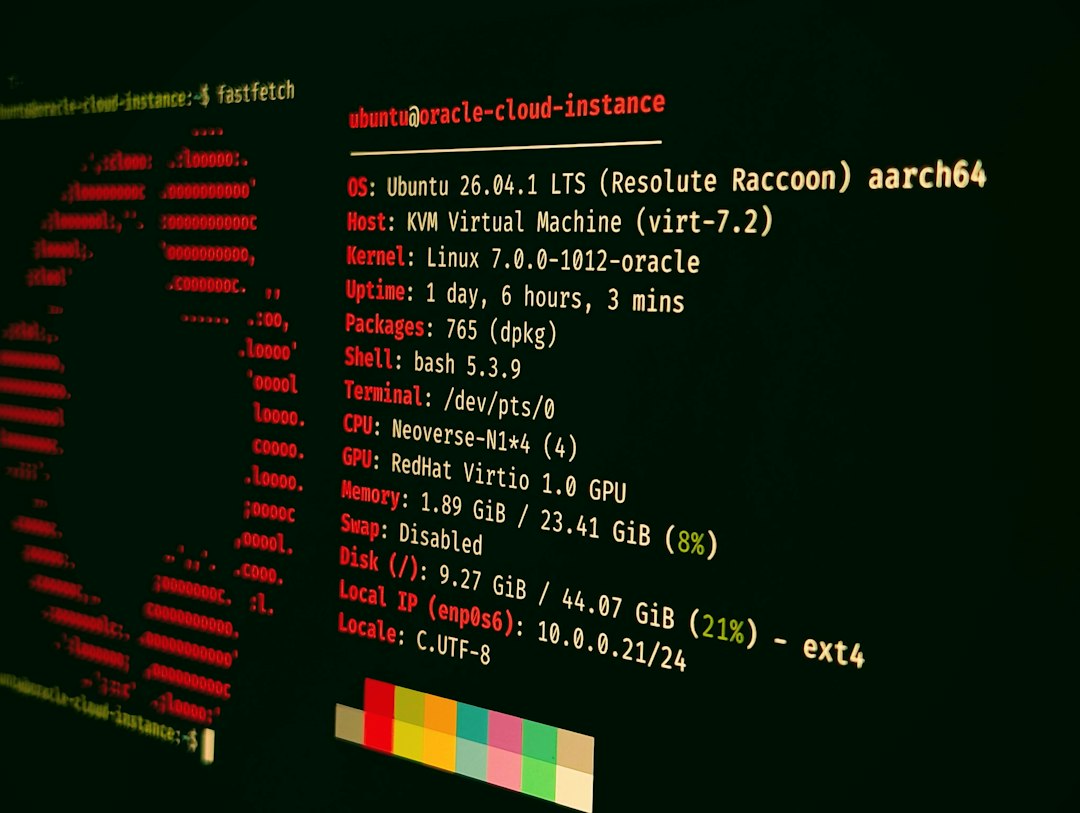
A device owner or administrator can inspect traffic through built in tools, router dashboards, firewalls, or packet analyzers. The goal is to map traffic back to a process, service, domain, or destination IP address.
Useful clues include:
- Process name: Which app opened the connection?
- Remote address: Which server received the traffic?
- Port and protocol: Is it TCP, UDP, HTTPS, DNS, or another service?
- Timing: Does traffic appear during startup, idle time, or app use?
- Data volume: Is the app sending kilobytes or gigabytes?
Several tools can help. Operating systems show per app data usage. Routers may show device totals. Firewalls can group traffic by domain or category. Packet analyzers provide deep detail, though they can be tedious. Expect to waste time on encrypted traffic, since it often hides content while still revealing metadata.
Why This Matters
Understanding traffic helps with speed, security, privacy, and cost. A metered mobile plan can disappear because a phone uploaded videos overnight. A business network can slow down because file sync starts during working hours. A compromised device may contact strange servers at odd times.
TCP and UDP knowledge gives context. TCP usually means reliability focused traffic. UDP often suggests real time traffic or lightweight requests. Neither is good or bad by itself. The pattern, destination, and timing tell the better story.
FAQ
What creates the most internet traffic on a device?
Video streaming, video calls, cloud backup, large downloads, and software updates often create the most volume. Ads, tracking, and background sync can also add surprising amounts over time.
Is UDP faster than TCP?
UDP has less overhead, so it can feel faster for real time use. It does not guarantee delivery, though. TCP is better when the data must arrive complete and in order.
Is TCP more secure than UDP?
Not by itself. Security depends on encryption, authentication, app design, and configuration. Both TCP and UDP can carry encrypted or unencrypted data.
Why does an idle device still use data?
Apps and system services may check for updates, sync files, refresh notifications, send diagnostics, or maintain cloud connections. Idle does not mean silent.
Can internet traffic show what a person is doing?
Sometimes. Encryption hides content, but metadata may still show domains, timing, volume, and app behavior. That can reveal patterns without showing exact messages or files.
How can unwanted traffic be reduced?
Background refresh can be disabled, cloud sync can be scheduled, unused apps can be removed, auto updates can be limited, and router or firewall rules can block known unwanted services.