Writing code can feel like building a giant Lego castle. It looks amazing when it works. But one tiny missing block can make the whole thing wobble. Bugs hide in the smallest places. And they love to show up at the worst time. That is where code quality analysis software comes in. It acts like a super-smart assistant. It scans your code. It spots problems early. And it helps you fix them before they grow into monsters.
TLDR: Code quality analysis software scans your code to find bugs, security risks, and performance issues before they cause trouble. It helps developers write cleaner, safer, and more reliable software. These tools save time, reduce stress, and improve teamwork. Using them early in development means fewer surprises later.
Let’s break this down in simple terms.
Code quality analysis software checks your code automatically. It looks for:
- Syntax errors
- Security vulnerabilities
- Code smells
- Performance issues
- Style inconsistencies
Think of it as spellcheck. But for programmers. And much more powerful.
Why Finding Bugs Early Is a Big Deal
Fixing bugs late is expensive. It takes time. It takes energy. And sometimes, it takes reputation.
When software ships with bugs, users notice. They get frustrated. They leave bad reviews. They stop trusting the product.
Now imagine catching those issues before the code even goes live. That is the magic of early detection.
Here is why early bug detection matters:
- Lower costs: Fixing bugs in development is cheaper than fixing them after release.
- Less stress: No emergency weekend fixes.
- Better security: Vulnerabilities get patched before hackers find them.
- Cleaner codebase: Easier to maintain over time.
In simple words. Small problems are easier to fix than big disasters.
How Code Quality Tools Work
These tools scan your source code automatically. They do not execute it the way a user would. Instead, they analyze it line by line.
This process is often called static code analysis.
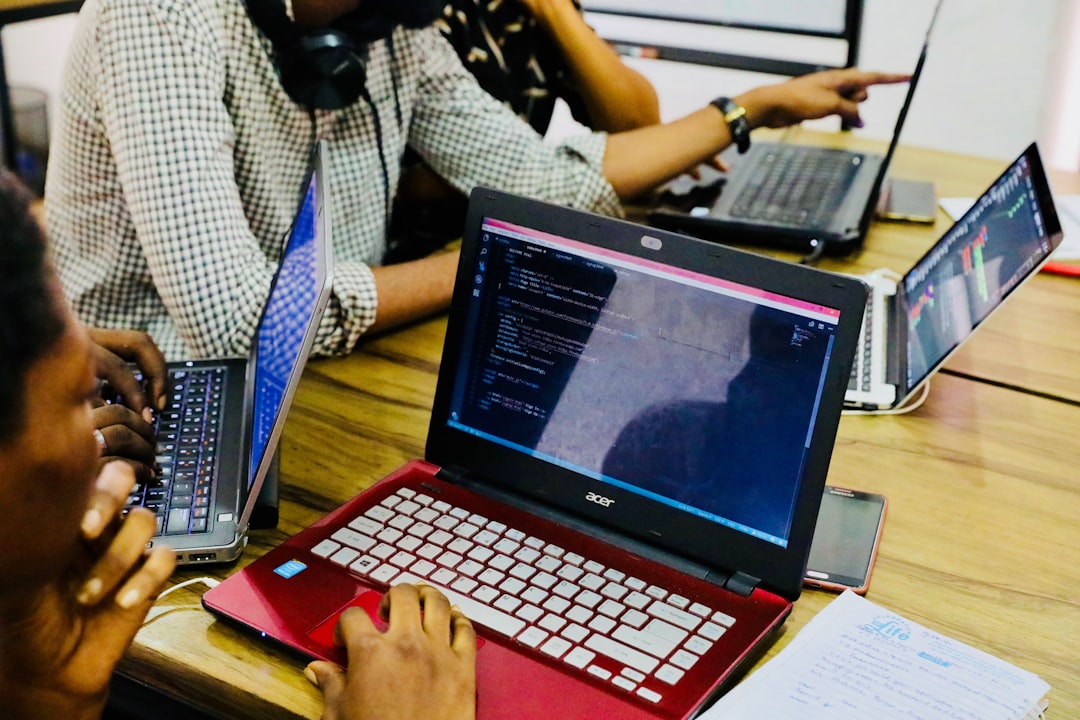
The software checks your code against rules. These rules are based on:
- Best practices
- Security standards
- Language-specific guidelines
- Common bug patterns
If something looks suspicious, the tool flags it. Sometimes it even suggests a fix.
Modern tools also integrate with:
- Code editors
- Git repositories
- CI CD pipelines
- Pull request systems
This means developers get feedback instantly. No waiting. No guessing.
Common Problems These Tools Catch
You might wonder. What exactly do these tools detect?
Here are some examples:
1. Code Smells
These are not actual smells. But they signal bad design. For example:
- Functions that are too long
- Duplicate code blocks
- Unused variables
They may not break the program today. But they make it fragile tomorrow.
2. Security Vulnerabilities
Security bugs are dangerous. Think SQL injection. Hardcoded passwords. Weak encryption.
Good analysis tools catch these risks early.
3. Complexity Issues
If your code looks like spaghetti, future-you will suffer. Tools measure complexity. They warn you when logic becomes too tangled.
4. Performance Bottlenecks
Some tools highlight inefficient loops or memory misuse. This keeps apps fast and smooth.
Fun Metaphor Time
Imagine building a house.
Would you rather:
- Inspect the foundation while building?
- Or wait until the roof collapses?
Exactly.
Code quality analysis is like having an inspector on-site every single day.

Popular Code Quality Analysis Tools
There are many tools in the market. Each has its strengths.
Here are some well-known options:
- SonarQube
- ESLint
- PMD
- Checkstyle
- CodeClimate
Let’s compare them in a simple chart.
| Tool | Best For | Languages | Key Strength | Ideal User |
|---|---|---|---|---|
| SonarQube | Full code quality management | Many languages | Deep analysis and dashboards | Teams and enterprises |
| ESLint | JavaScript linting | JavaScript | Custom rules and plugins | Frontend developers |
| PMD | Bug detection | Java and more | Strong rule-based scanning | Java developers |
| Checkstyle | Code formatting | Java | Style enforcement | Teams with strict style guides |
| CodeClimate | Maintainability tracking | Multiple | Easy integration with Git | Agile teams |
Each tool has a personality. Some focus on style. Others focus on security. Some do everything.
What Makes a Great Code Quality Tool?
Not all tools are created equal.
Here is what you should look for:
- Language support: Does it support your stack?
- Integration: Works with your workflow?
- Clear reports: Easy to understand?
- Real-time feedback: Fast results?
- Custom rules: Can you adapt it to your standards?
The best tool is the one your team actually uses.
How It Improves Teamwork
Code quality tools are not just about bugs. They also improve collaboration.
Here is how:
- Creates shared coding standards
- Reduces code review arguments
- Makes feedback objective
- Tracks technical debt clearly
Instead of saying, “I don’t like this code,” you can say, “The analyzer flagged this function as too complex.”
It keeps discussions professional. And calm.
CI/CD and Automation Magic
Modern development is fast. Really fast.
Multiple developers push code daily. Sometimes hourly.
This is where automation shines.
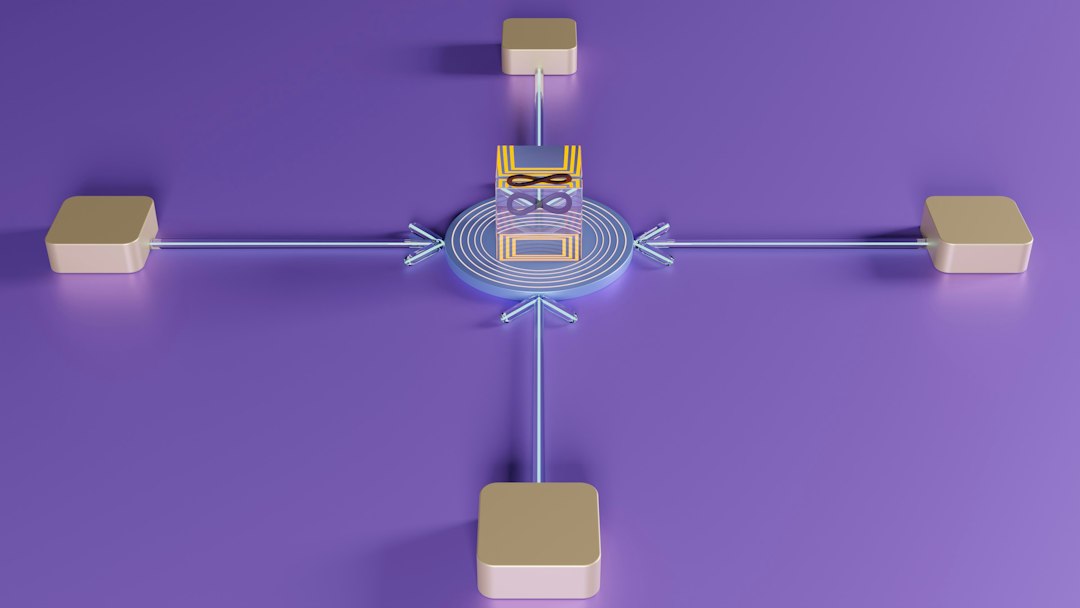
When connected to a CI/CD pipeline, the analysis tool:
- Scans every new commit
- Blocks risky pull requests
- Generates quality reports
- Tracks quality over time
No human has to remember to run it. It just happens.
That consistency is powerful.
Reducing Technical Debt
Technical debt is like clutter in your garage. One box is fine. Two boxes are fine.
But after a few years? You cannot even walk inside.
Code quality tools help manage this debt. They show trends. They highlight growing complexity. They prevent small shortcuts from becoming long-term pain.
Clean code today means fewer headaches tomorrow.
Common Myths About Code Quality Tools
Let’s clear up a few misunderstandings.
Myth 1: They replace developers.
No. They assist developers. They do not think creatively.
Myth 2: They slow development.
At first, maybe slightly. Long term, they save huge amounts of time.
Myth 3: Only big companies need them.
Even small startups benefit. Early habits shape long-term success.
Tips for Getting Started
Want to try one?
Keep it simple.
- Choose a tool that fits your main language.
- Start with default rules.
- Integrate it into your code editor.
- Add it to your CI pipeline later.
- Review reports weekly.
Do not enable 500 strict rules on day one. That can overwhelm teams. Start small. Grow gradually.
The Long-Term Impact
Over time, code quality tools do more than find bugs.
They:
- Raise engineering standards
- Encourage consistent architecture
- Support onboarding of new developers
- Increase product stability
They also build confidence.
Confidence that your release will not crash.
Confidence that your system is secure.
Confidence that your codebase is healthy.
Final Thoughts
Writing code is creative. It is exciting. But it is also complex. Humans make mistakes. That is normal.
Code quality analysis software helps catch those mistakes early. It acts like a smart proofreader. A security guard. And a quality inspector rolled into one.
The sooner bugs are found, the easier they are to fix.
And when your software runs smoothly? Everyone wins. Developers sleep better. Users stay happy. Businesses grow stronger.
So next time you start a project, do not just write code.
Analyze it. Improve it. Protect it.
Your future self will thank you.