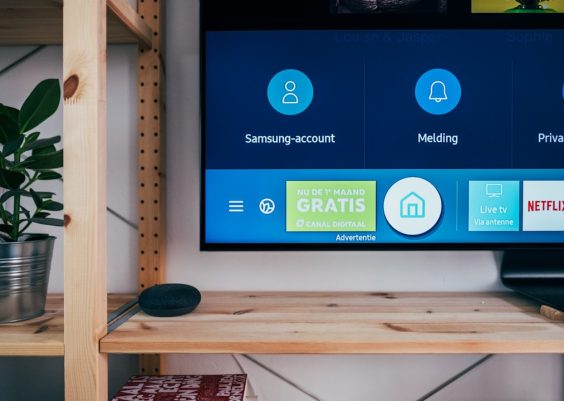
Connected thermostats, cameras, locks, speakers, lights, appliances, sensors, and industrial controllers have become part of everyday environments. To control IoT devices effectively, a person or organization needs more than an app; it requires a clear setup process, secure connectivity, reliable automation, and ongoing management. When these elements work together, IoT devices become easier to use, safer to operate, and more valuable over time.
TLDR: IoT devices are controlled through mobile apps, voice assistants, web dashboards, automation platforms, and local or cloud-based networks. The most reliable control setup combines secure Wi-Fi or wired connectivity, strong authentication, device grouping, and well-planned automations. For long-term success, device owners should keep firmware updated, monitor permissions, separate IoT devices from critical networks, and choose systems that support interoperability.
Understanding IoT Device Control
IoT, or the Internet of Things, refers to physical devices that connect to the internet or a local network to send, receive, and act on data. These devices may be controlled manually, automatically, or through programmed conditions. For example, a smart light can be turned on through an app, triggered by a motion sensor, scheduled to activate at sunset, or controlled by a voice command.
At the center of most IoT control systems is a communication path. A command must travel from a controller, such as a phone or hub, to the device. That command may move through Wi-Fi, Bluetooth, Zigbee, Z-Wave, Ethernet, cellular networks, or newer standards such as Matter and Thread. The better the communication path, the more responsive and dependable the device will be.
Main Ways IoT Devices Are Controlled
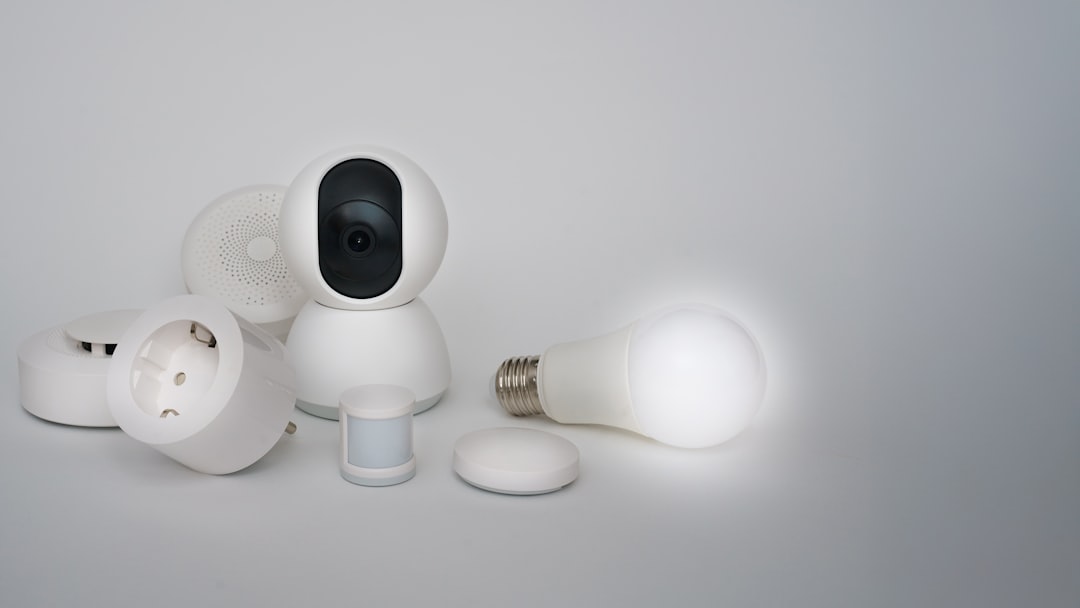
There are several common methods used to control IoT devices. Each has strengths, limitations, and ideal use cases.
- Mobile apps: Most consumer IoT devices include a mobile app for setup, monitoring, and control. Apps are convenient for individual devices or small smart home systems.
- Voice assistants: Smart speakers and assistants can control lights, locks, thermostats, plugs, and media devices using spoken commands.
- Web dashboards: Businesses and advanced users often rely on browser-based dashboards to manage many devices from one place.
- Smart hubs: Hubs connect devices that use different protocols, such as Zigbee or Z-Wave, and allow them to work together.
- Automation platforms: Platforms can trigger actions based on schedules, sensor readings, location, weather, or device status.
- APIs and scripts: Developers and technical teams may control IoT devices using application programming interfaces, custom scripts, or integrations with larger software systems.
Setting Up IoT Devices for Reliable Control
Reliable control begins during setup. The device should be placed where it has a strong signal and a stable power source. For Wi-Fi devices, weak signal strength is one of the most common causes of delayed commands, offline status, and failed automations. In larger buildings, mesh Wi-Fi, wired access points, or dedicated IoT gateways may be necessary.
A proper setup usually follows these steps:
- Install the manufacturer’s app or connect the device to a compatible control platform.
- Power on the device and place it in pairing mode.
- Connect it to the network using Wi-Fi, Ethernet, Bluetooth, Zigbee, Z-Wave, Thread, or cellular service.
- Name the device clearly, such as “Kitchen Light” or “Warehouse Temperature Sensor.”
- Assign it to a room, group, or location so it can be controlled more easily.
- Test manual commands before creating automations.
- Update firmware to ensure security patches and performance improvements are applied.
Clear naming is especially important. If a home or facility has many devices, vague names such as “Plug 1” or “Sensor 2” quickly become confusing. Descriptive names help users, administrators, and voice assistants understand what each device does.
Using Hubs and Protocols
Many IoT devices use different communication protocols. Wi-Fi works well for cameras, speakers, and appliances that need higher bandwidth. Bluetooth is useful for short-range control and initial setup. Zigbee and Z-Wave are common in smart home sensors, bulbs, locks, and switches because they use low power and can form mesh networks. Thread is a newer low-power mesh protocol designed for modern smart homes.
A smart hub or controller helps unify these technologies. Instead of switching between several apps, the user can manage many devices through one interface. Hubs may also allow local control, meaning devices can continue to function even if the internet connection fails. This can be valuable for lighting, security, climate control, and industrial monitoring.
Creating Automations and Scenes
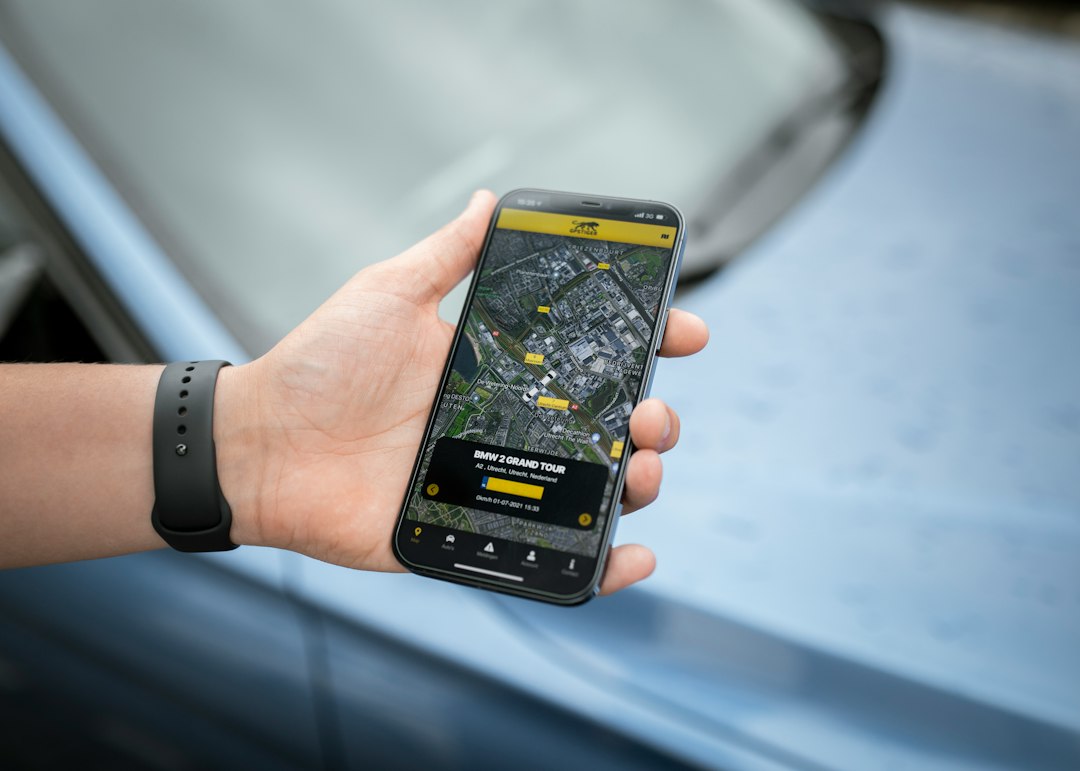
Automation is one of the strongest benefits of IoT control. Rather than controlling every device manually, a system can respond to conditions. A thermostat may lower the temperature when a building is empty. Lights may turn on when motion is detected. Irrigation systems may skip watering when rain is forecast. Factory sensors may alert maintenance teams when vibration exceeds a safe threshold.
Common automation triggers include:
- Time: Devices operate according to a schedule.
- Location: Actions occur when a person enters or leaves a defined area.
- Sensor data: Motion, temperature, humidity, light, leak, or air quality readings trigger responses.
- Device status: One device reacts when another device changes state.
- Security events: Cameras, locks, and alarms respond to detected activity.
Scenes are another useful control method. A scene activates multiple devices at once. For example, an “Evening” scene might dim lights, lock doors, lower shades, and adjust the thermostat. In a business setting, an “Opening” scene may turn on signage, adjust climate systems, and activate selected equipment.
Security Best Practices
Controlling IoT devices safely requires strong security. Each connected device can become a potential entry point into a network if it is poorly configured or left unpatched. Security should be treated as part of device control, not as an optional extra.
Important security practices include:
- Change default passwords immediately after installation.
- Use strong, unique passwords for device accounts and control platforms.
- Enable multi-factor authentication whenever it is available.
- Keep firmware updated to close known vulnerabilities.
- Disable unused features, such as remote access or open ports, if they are not needed.
- Use a separate IoT network or guest network to isolate connected devices from computers and sensitive data.
- Review permissions for mobile apps, integrations, and shared users.
Organizations should also maintain an inventory of all IoT devices, including model numbers, locations, owners, and update status. Without an inventory, forgotten devices may remain online for years without patches or oversight.
Cloud Control vs. Local Control
Many IoT devices depend on cloud services. Cloud control allows remote access from anywhere, easy integration with mobile apps, and centralized updates. However, it also means the device may stop working properly if the internet connection is down or if the manufacturer’s service is unavailable.
Local control keeps commands within the home or building network. It can be faster, more private, and more reliable during internet outages. Some platforms combine both methods: local control for everyday actions and cloud access for remote monitoring. A balanced system often provides the best experience.
Managing IoT Devices Over Time
IoT control does not end after installation. Devices need ongoing maintenance. Batteries must be replaced, firmware must be updated, automations must be reviewed, and old devices must be removed from accounts when they are sold, discarded, or replaced.
As systems grow, simplicity becomes important. Too many apps, overlapping automations, or unclear device names can make control frustrating. A well-managed IoT environment uses consistent naming, logical groups, limited administrator access, and careful documentation. The best systems are not always the most complex; they are the ones that continue to work predictably.

Choosing the Right Control Platform
The right platform depends on the environment. A small apartment may only need a mobile app and voice assistant. A large home may benefit from a hub that supports multiple protocols. A business may require dashboards, alerts, reporting, role-based access, and integration with existing IT systems.
Before choosing devices or platforms, buyers should consider compatibility, update history, privacy policies, local control options, and support for standards such as Matter. Selecting interoperable devices reduces dependence on a single brand and makes future expansion easier.
FAQ
What is the easiest way to control IoT devices?
The easiest method is usually a mobile app provided by the device manufacturer. For multiple devices, a smart home platform or hub can make control simpler.
Can IoT devices work without the internet?
Some can work without the internet if they support local control. Devices that depend entirely on cloud services may lose major functions during an outage.
Are IoT devices safe to use?
They can be safe when properly configured. Strong passwords, firmware updates, network separation, and multi-factor authentication greatly reduce risk.
What is a smart hub used for?
A smart hub connects and manages devices that use different communication protocols. It can also enable automations and local control.
Why do IoT devices go offline?
Common causes include weak Wi-Fi, low batteries, router problems, outdated firmware, cloud service outages, or distance from the hub.
How many IoT devices can one network handle?
It depends on the router, bandwidth, device type, and network design. Large systems often need stronger routers, mesh networks, or dedicated IoT infrastructure.