For small design teams and solo creators, wireframing is where ideas begin to take shape. It is the stage where concepts are tested, layouts are explored, and user journeys are refined—long before expensive development resources are involved. Yet many designers operate on tight budgets and cannot justify the subscription fees of high-end enterprise tools. Fortunately, a range of low-cost and even free wireframing solutions now provide powerful features without stretching limited resources.
TLDR: Small designers do not need expensive software to create professional wireframes. Several low-cost tools offer intuitive interfaces, collaboration features, and export options that rival premium platforms. This article explores five affordable wireframing tools that deliver strong functionality for freelancers and small teams. Each option balances usability, design flexibility, and budget-conscious pricing.
Why Low-Cost Wireframing Tools Matter
Wireframing is more than sketching boxes and buttons—it is about structuring information and designing experiences. For independent designers and small agencies, cost efficiency is crucial. When overhead is low, profit margins improve and experimentation becomes easier.
Affordable tools often provide:
- Quick onboarding with minimal learning curve
- Cloud collaboration for remote teams
- Reusable components to save time
- Export flexibility for client presentations
- Scalable plans that grow with your business
The right choice depends on project scale, collaboration needs, and personal workflow preferences. Below are five tools small designers consistently prefer due to their balance of cost and capability.
1. Figma (Free Plan)
Best for collaborative wireframing and interface design
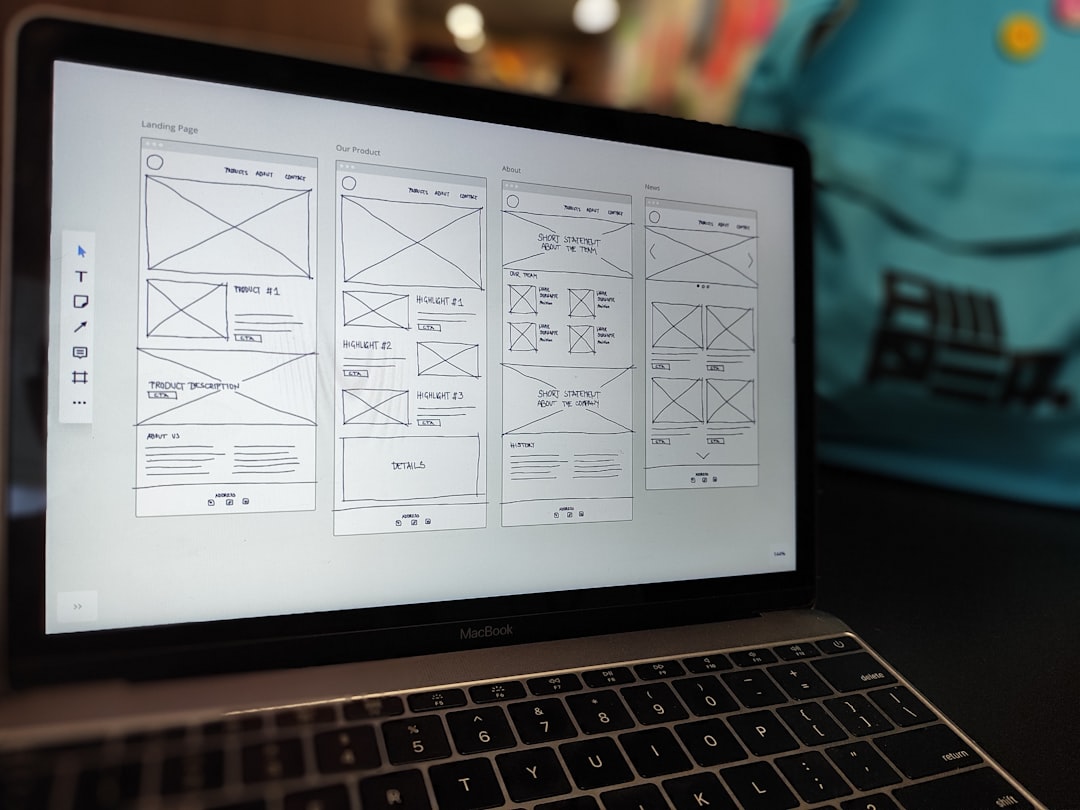
Figma has become one of the most popular design platforms worldwide—and for good reason. Its generous free plan offers enough functionality for small teams to create wireframes, prototypes, and even polished interface designs without immediate cost.
Why small designers love it:
- Browser-based access with no installation required
- Real-time collaboration similar to shared documents
- Extensive plugin library for expanded functionality
- Reusable components and design systems
Figma’s collaborative environment makes it especially attractive for freelance designers working with remote clients. Comments and live edits reduce back-and-forth emails, and prototypes can be shared through simple links. While larger teams may need paid plans for advanced project management, the free version is more than sufficient for many small-scale projects.
Cost: Free plan available; paid plans are competitively priced.
2. Balsamiq
Best for low-fidelity wireframing
Balsamiq stands out for its intentionally simple, sketch-like style. It mimics the look of hand-drawn wireframes, helping teams focus on structure and content rather than visual polish. For early-stage concept work, this can be incredibly valuable.
Unlike fully featured design platforms, Balsamiq keeps things minimal. That simplicity is exactly why many small designers prefer it—it eliminates distractions and speeds up brainstorming sessions.
Key features include:
- Drag-and-drop UI components
- Pre-built interface element library
- Quick layout adjustments
- Easy PDF exports for client review
Balsamiq offers both cloud and desktop versions, giving designers flexibility based on workflow preferences. It is particularly effective during stakeholder presentations, where rough wireframes encourage feedback on usability rather than aesthetics.
Cost: Low monthly subscription; single-project pricing available.
3. Wireframe.cc
Best for ultra-minimalist wireframing
Wireframe.cc is a stripped-down tool designed for speed and simplicity. When you open it, you are greeted with a clean canvas and very few options. This minimalist approach allows designers to focus completely on layout decisions.
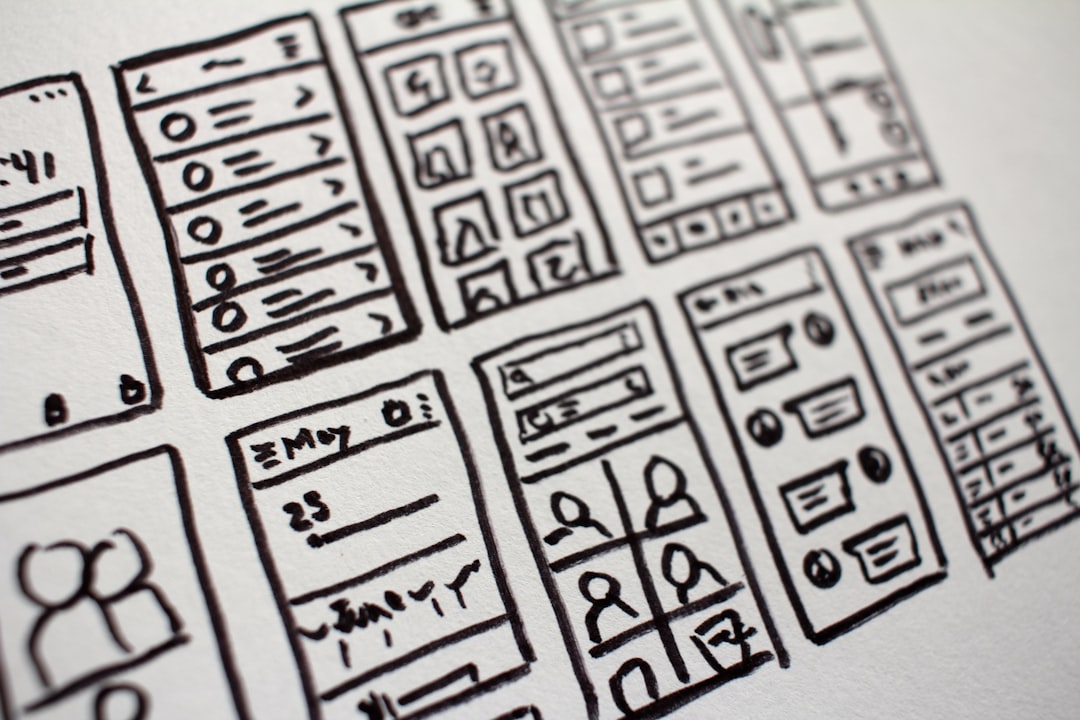
Unlike more complex programs, Wireframe.cc limits formatting options intentionally. That constraint reduces decision fatigue and keeps wireframes purposeful.
Advantages for small designers:
- No complex interface to learn
- Fast creation of low-fidelity drafts
- Affordable premium plans
- Browser-based convenience
This tool works particularly well for quick concept validation sessions or rapid prototyping during client calls. Because it avoids heavy styling tools, designers can produce multiple layout variations in a short period of time.
Cost: Free basic version; affordable paid upgrades.
4. Moqups
Best all-in-one lightweight design solution
Moqups combines wireframing, diagramming, and lightweight prototyping into one cloud-based platform. For small teams that want more robust functionality without paying enterprise-level prices, it offers a strong middle ground.
Moqups includes a broad template library, making it easy to start projects quickly. Whether you are designing a landing page, dashboard, or mobile application, ready-made assets simplify the process.
Highlights include:
- Drag-and-drop canvas editor
- Real-time collaboration tools
- Basic interactive prototyping features
- Cloud storage and version history
Unlike heavier professional tools, Moqups maintains an intuitive interface that beginners can grasp easily. It is particularly appealing to designers who need wireframes and simple prototypes without committing to larger ecosystems.
Cost: Free limited plan; reasonably priced subscriptions for expanded projects.
5. Canva (Wireframe Templates)
Best for beginners and non-technical designers
Although Canva is widely known for social graphics and presentations, it now includes wireframe templates suitable for early-stage planning. For designers transitioning from visual branding into UX design—or entrepreneurs developing their own projects—Canva provides an accessible entry point.
Canva’s strength lies in its intuitive drag-and-drop interface. Even users without formal design training can produce organized layout drafts quickly.
Why small designers appreciate Canva:
- Extremely low learning curve
- Free tier with generous capabilities
- Built-in collaboration and sharing tools
- Rich template marketplace
While Canva may not replace specialized UX tools for complex interaction design, it works remarkably well for simple web structures, mobile mockups, and early pitch presentations. It is especially useful when stakeholders prefer visually clear documents over technical layouts.
Cost: Free plan available; low-cost Pro option for expanded features.
How to Choose the Right Tool
With so many affordable options available, selecting the right one depends on your workflow and project requirements. Consider the following factors before making a decision:
- Collaboration needs: Do you work with remote clients or teams?
- Fidelity level: Are you creating rough sketches or interactive prototypes?
- Integration requirements: Do you need compatibility with development tools?
- Learning curve: How quickly do you need to get started?
- Scalability: Will your projects grow in complexity?
For example, if collaboration is essential, Figma or Moqups may be ideal. If speed and simplicity matter most, Wireframe.cc or Balsamiq could be better matches. Beginners exploring UX design might find Canva more approachable.
The Benefits of Staying Lean
Choosing low-cost tools is not just about saving money—it can also encourage creativity. When tools are simple and accessible, designers often focus more on usability fundamentals rather than visual perfection. Rapid iteration becomes easier, and experimentation feels less risky.
Small teams also benefit from lower financial pressure. Instead of committing to expensive annual contracts, they can test tools gradually and adapt as business needs evolve.
Moreover, many low-cost platforms now offer professional-level features once available only in premium enterprise software. Cloud storage, live commenting, interactive prototypes, and export options have become standard offerings, even on free plans.
Final Thoughts
Wireframing remains one of the most crucial steps in digital product development. Fortunately, small designers no longer need expensive software suites to produce effective layouts and prototypes. Tools like Figma, Balsamiq, Wireframe.cc, Moqups, and Canva offer accessible, affordable solutions tailored to different workflows and design styles.
By selecting the right platform, independent creators and small teams can maintain agility, improve collaboration, and deliver professional-quality results without exceeding their budgets. In today’s evolving design landscape, smart tool selection can be just as important as creative talent—and the best solutions are not always the most expensive.
With the right low-cost wireframing tool in your toolkit, great design truly begins with a simple sketch.